Tiger Touch
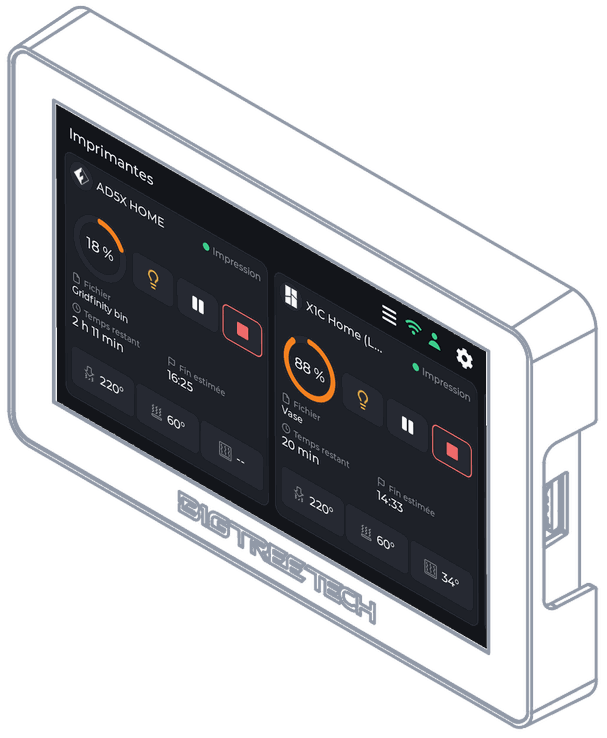
Every printer you own, on your Panda Touch or K‑Touch
Install Tiger Touch on a BIGTREETECH Panda Touch or K-Touch, from this page.
Install Tiger Touch
Firmware
- Plug the screen into this computer with its USB-C cable.
- Press Install and pick the serial port (a "USB-SERIAL CH340" entry).
- In the window that opens, which is in English, choose Install Tiger Touch. Leave Erase device unticked, then press Next.
- Wait for it to finish. The board restarts by itself.
Before you start: your printers
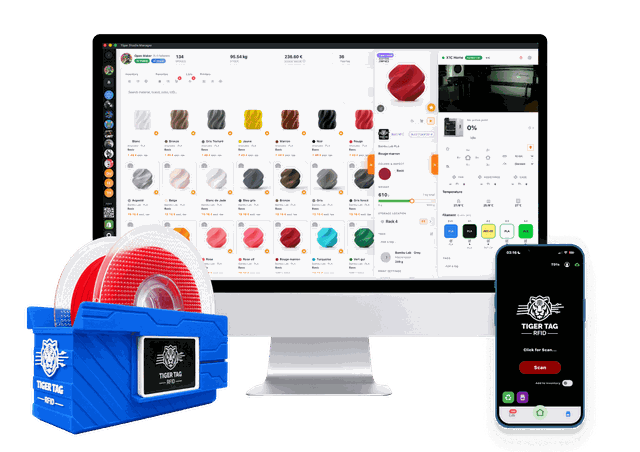
Tiger Touch shows the printers of your TigerTag account. Create the free account and add your printers with the desktop app Tiger Studio Manager (Windows, macOS, Linux) first: it finds them on your network, and the screen then reads them from your account, with nothing to type. The web version cannot add printers.
One screen, every brand
Tiger Touch speaks each maker's own protocol - Bambu Lab, Creality, Elegoo, Anycubic, Snapmaker, FlashForge, Prusa - plus Klipper and OctoPrint. The stock firmwares each know one family.
| Tiger Touch | Panda Touch firmware | K-Touch firmware | |
|---|---|---|---|
| Printer families on one screen | 9 | 1 | 1 |
| Printers live at once | up to 10 | slows down from about 3 | 1 at a time |
| Bambu Lab, LAN and cloud | ✓ | ✓ | ✕ |
| Anycubic, LAN and cloud | ✓ | ✕ | ✕ |
| Creality, Elegoo, Snapmaker, FlashForge, Prusa, OctoPrint | ✓ | ✕ | ✕ |
| Klipper | ✓ | ✕ | ✓ |
| Printers from your account, nothing to type | ✓ | ✕ | ✕ |
| Updates over Wi-Fi, checked, undone if they fail | ✓ | ✕ | ✕ |
| Free and open source | ✓ | - | - |
You dreamed of it. The TigerSquad built it.
Tiger Touch, Tiger Studio, TigerScale, TigerSpool, TigerPOD: free tools made by a community of makers, for every brand of printer.