Tiger Touch media kit
Everything to write about Tiger Touch or show it: the facts, ready-to-use descriptions, pictures of the screen and every capture, free to use.
Fact sheet
- What it is
- Free, open-source firmware for the BIGTREETECH Panda Touch and K-Touch, a 5-inch touchscreen.
- Price
- Free, MIT licence, no subscription.
- Hardware
- BIGTREETECH Panda Touch or K-Touch (ESP32-S3, 800 x 480 screen), sold separately.
- Printers
- Bambu Lab, Creality, Elegoo, Anycubic, Snapmaker, FlashForge, Prusa, Klipper and OctoPrint, up to ten printers live at once.
- Languages
- Eleven, on the screen and on this site.
- Installation
- From the browser (Chrome or Edge) in a few minutes, then updates over Wi-Fi.
- Made by
- The TigerSquad community, as part of TigerSystem.
- Version
- Source code
- github.com/TigerTag-Project/Tiger-Touch
In one sentence
Tiger Touch is a free, open-source firmware that turns a BIGTREETECH Panda Touch or K-Touch into one live screen for every 3D printer you own, whatever the brand.
In a paragraph
Tiger Touch is a free, open-source firmware for the BIGTREETECH Panda Touch and K-Touch, a 5-inch touchscreen first made for Bambu Lab printers. It turns the screen into one live dashboard for up to ten 3D printers at once, from Bambu Lab, Creality, Elegoo, Anycubic, Snapmaker, FlashForge and Prusa to any Klipper or OctoPrint machine. It signs in to a free TigerSystem account, reads the printers from it and talks to each one directly: no computer left on, no bridge. It installs from the browser in a few minutes and is made by the TigerSquad community.



Animations, three-quarter view
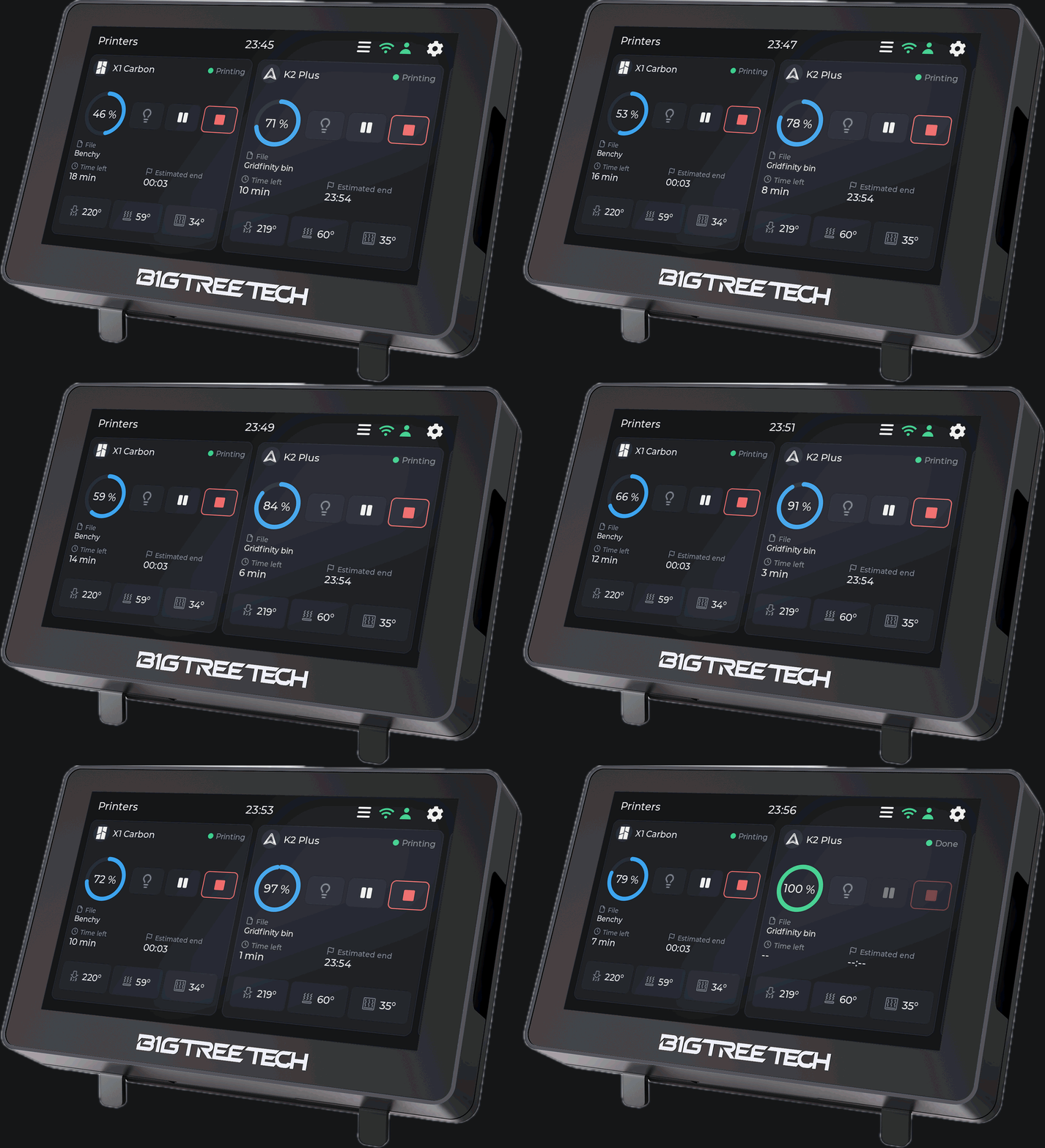
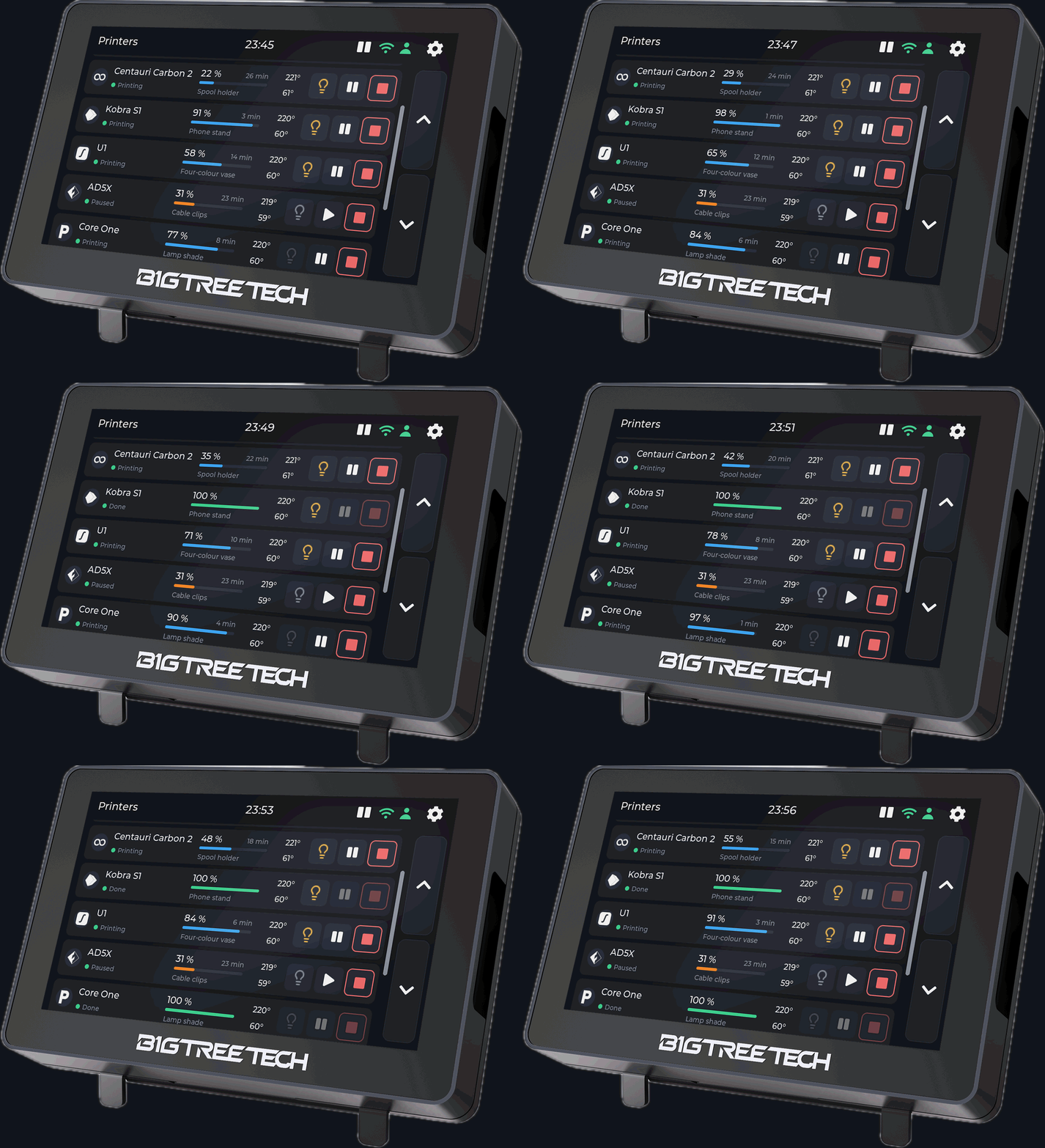
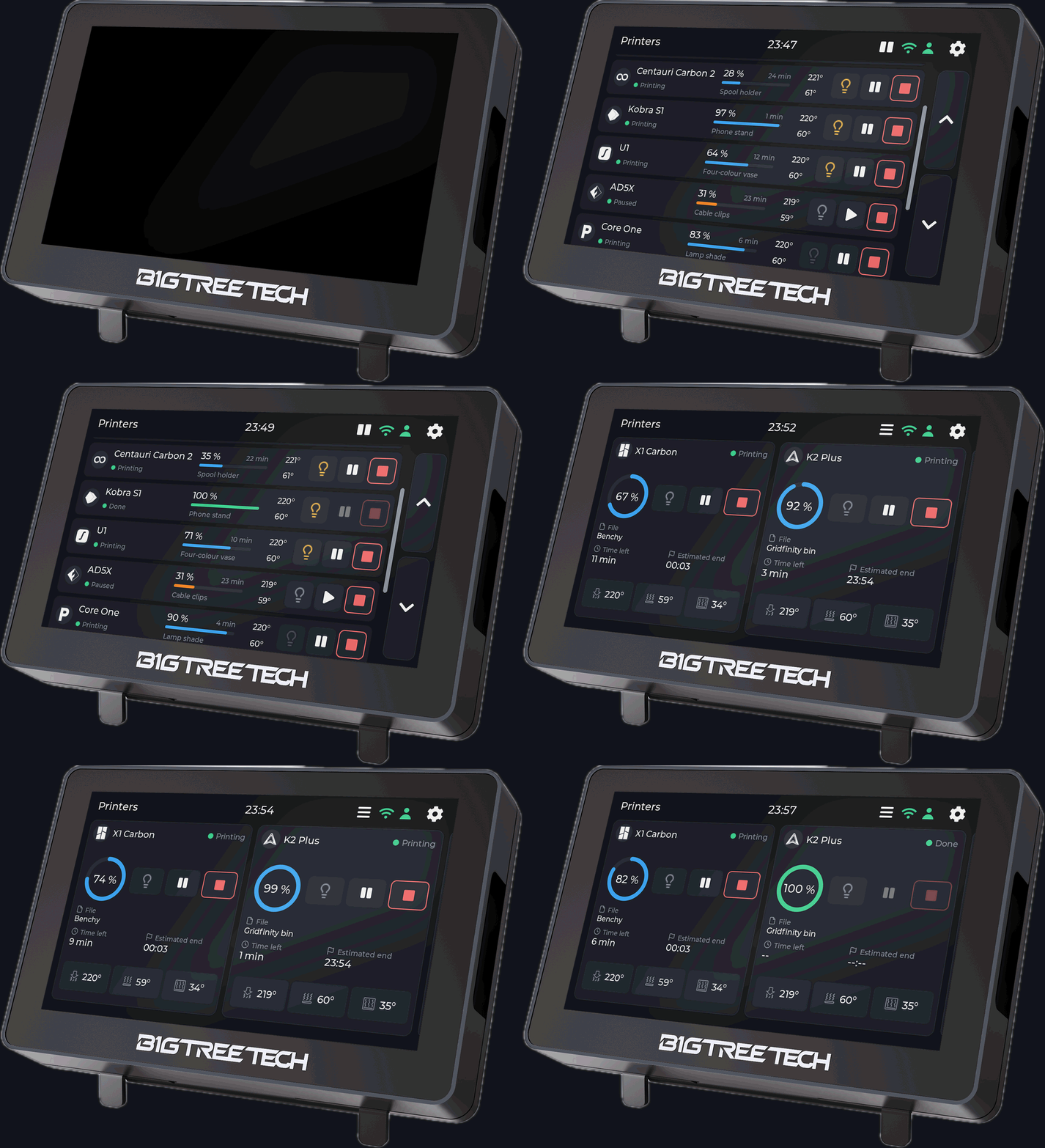
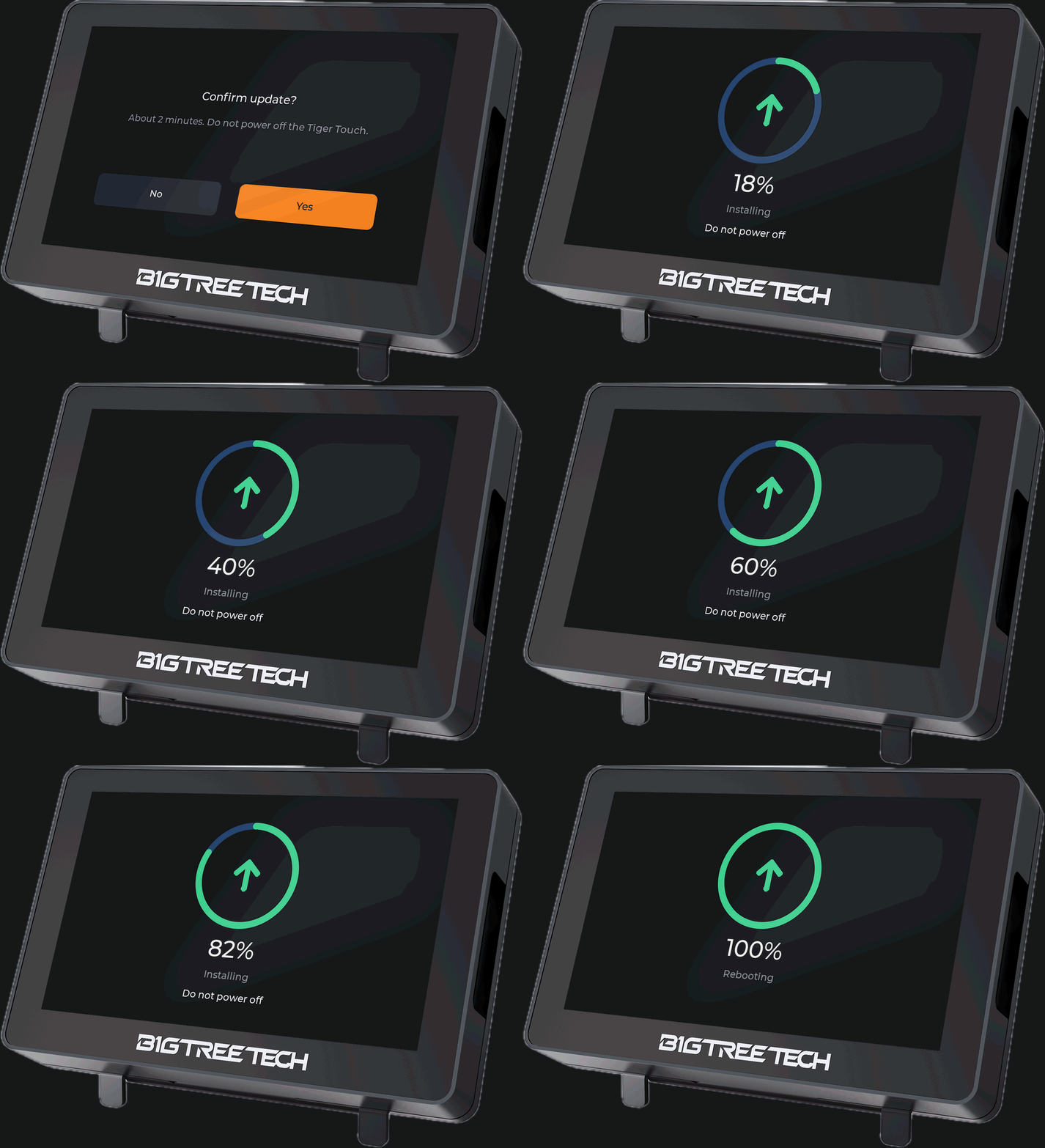
Animations, front view
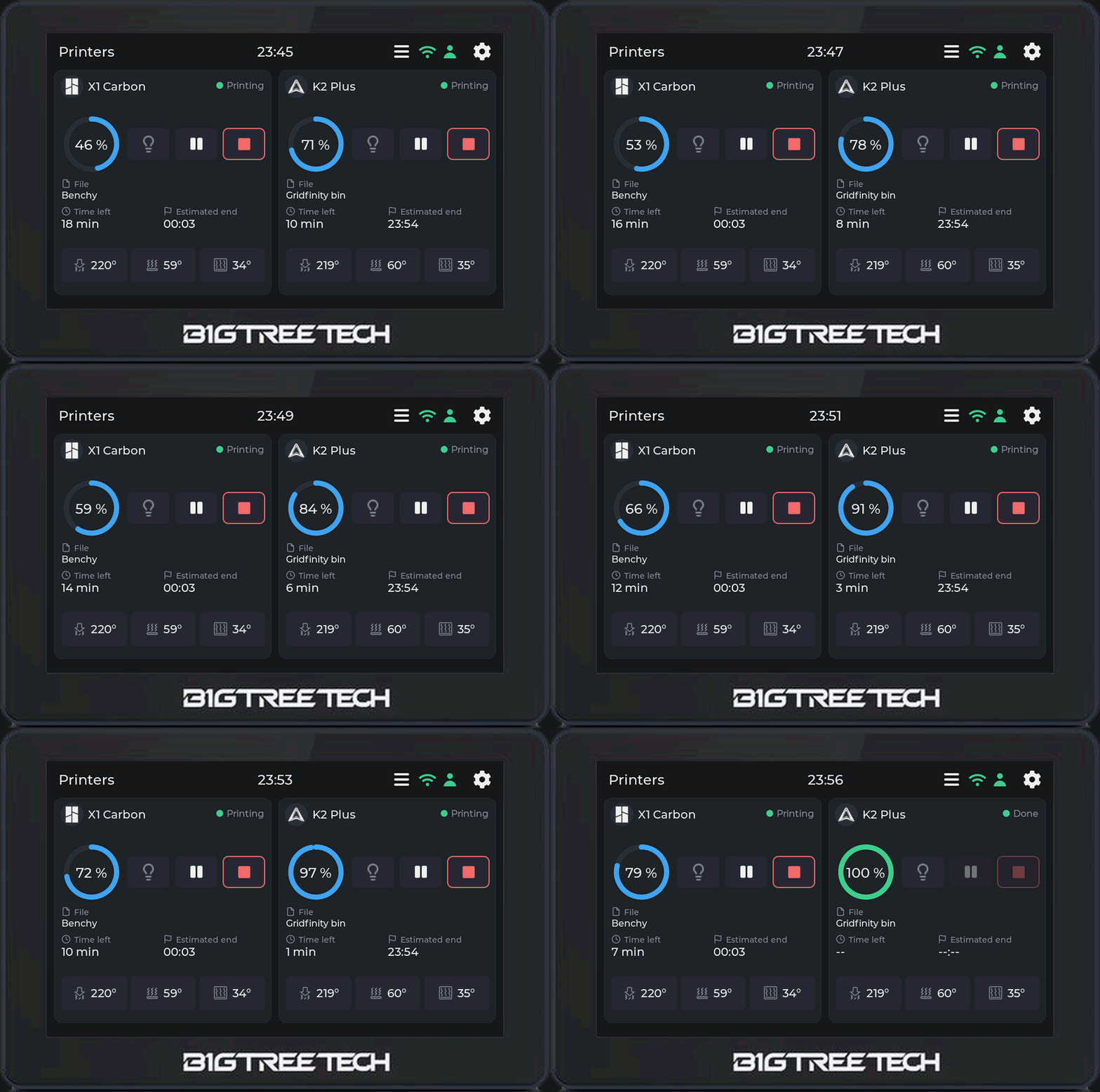
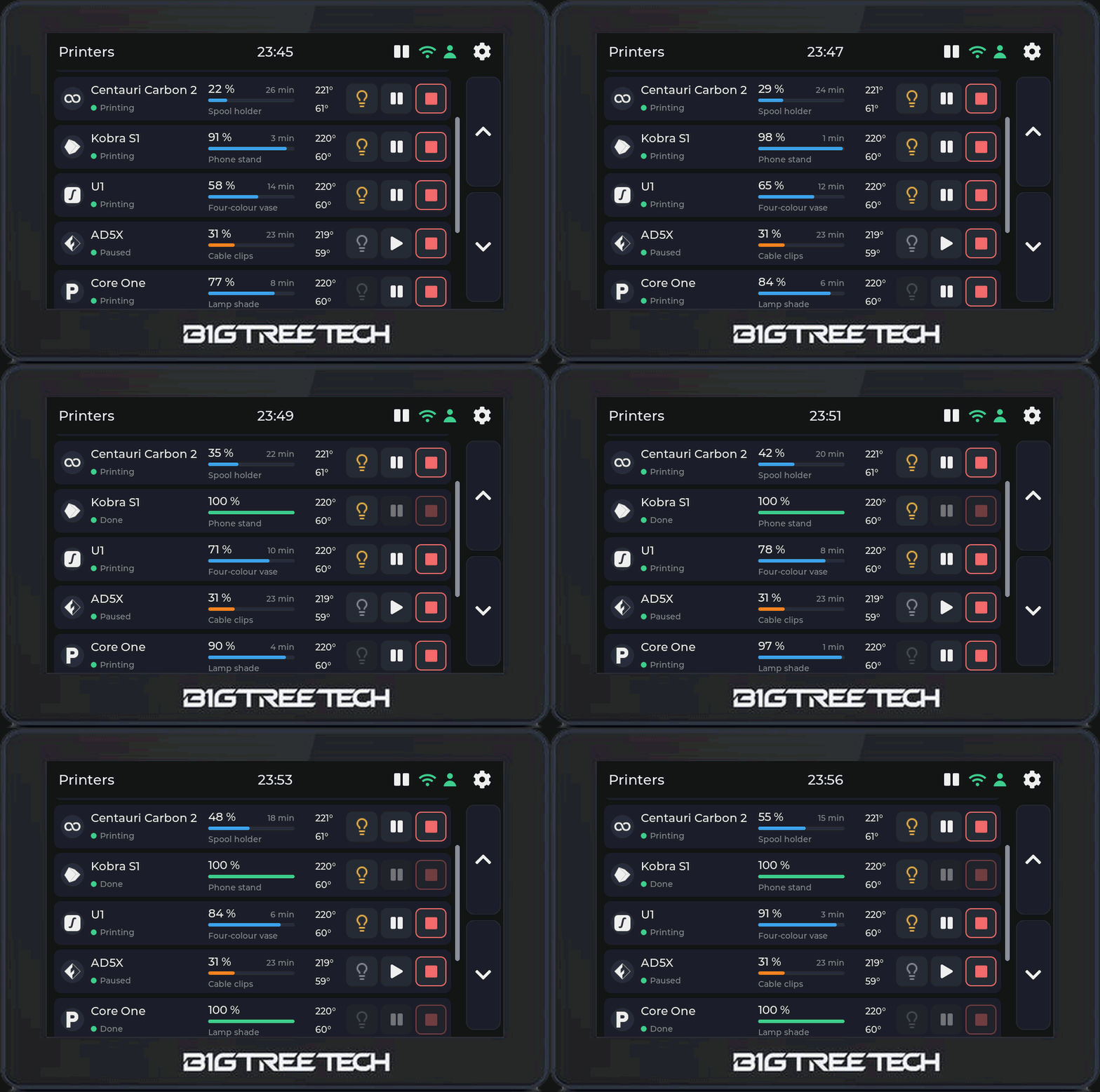



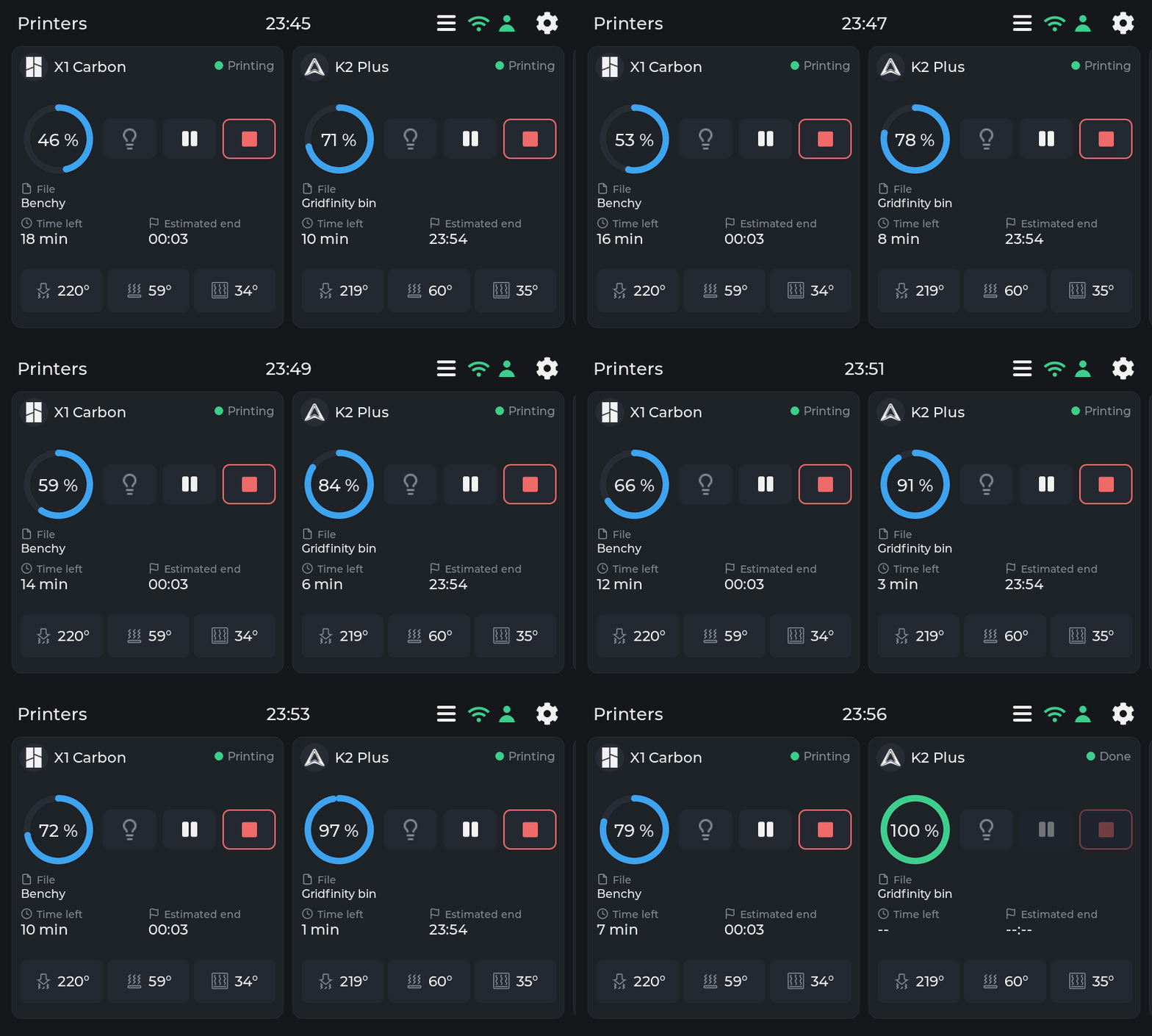
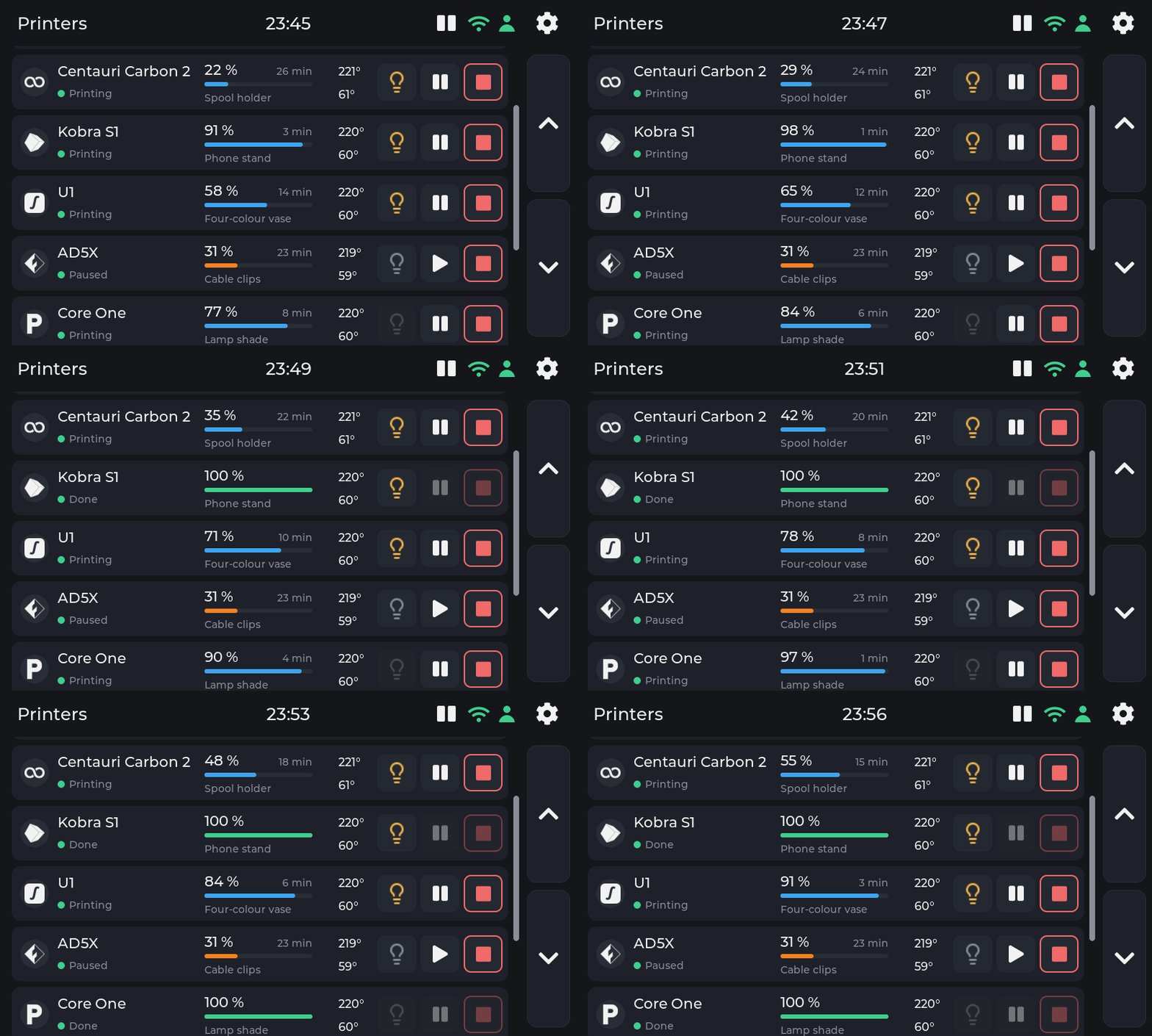
Animations, the screen alone (GIF and WebP)






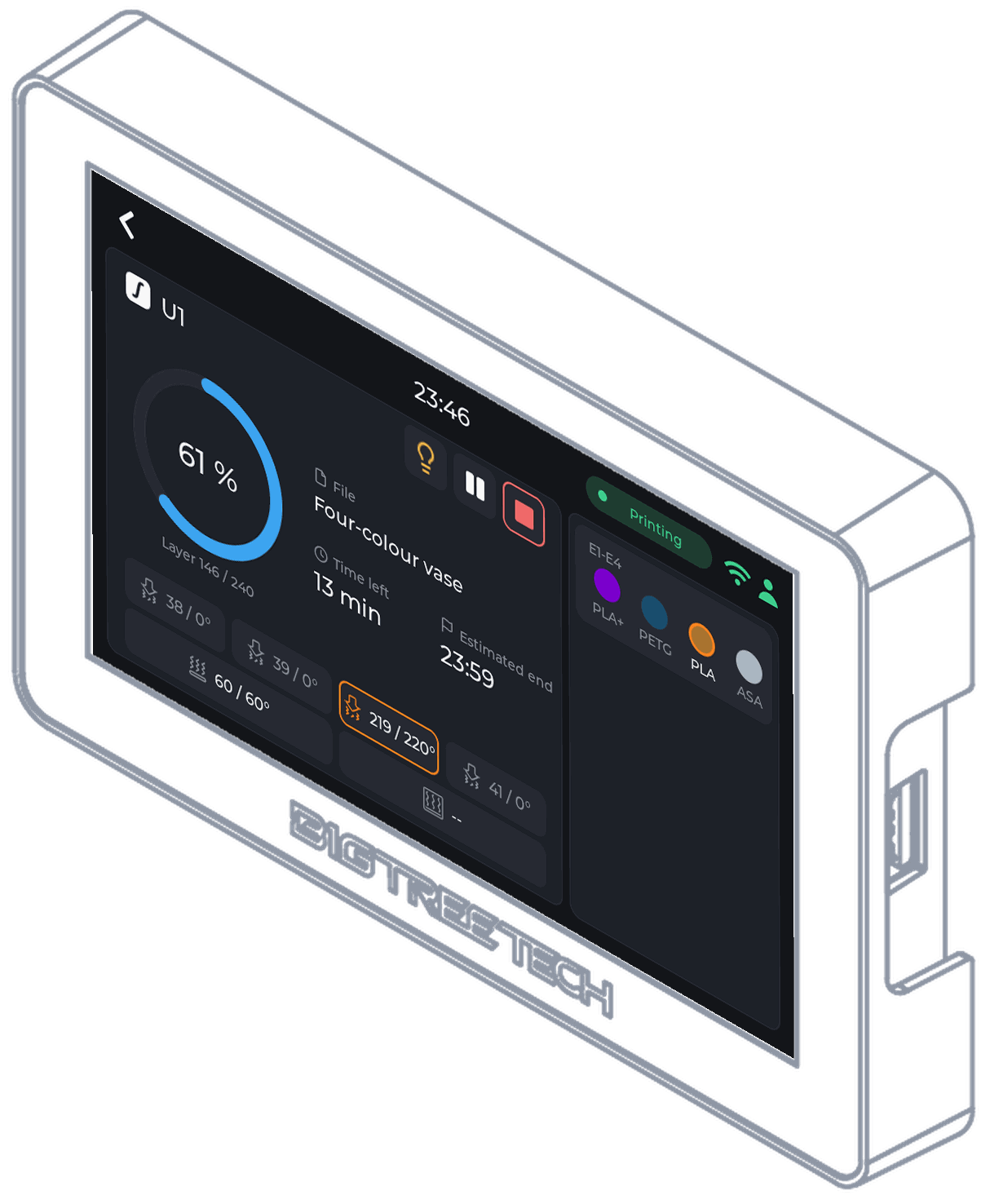
The screen, three-quarter view
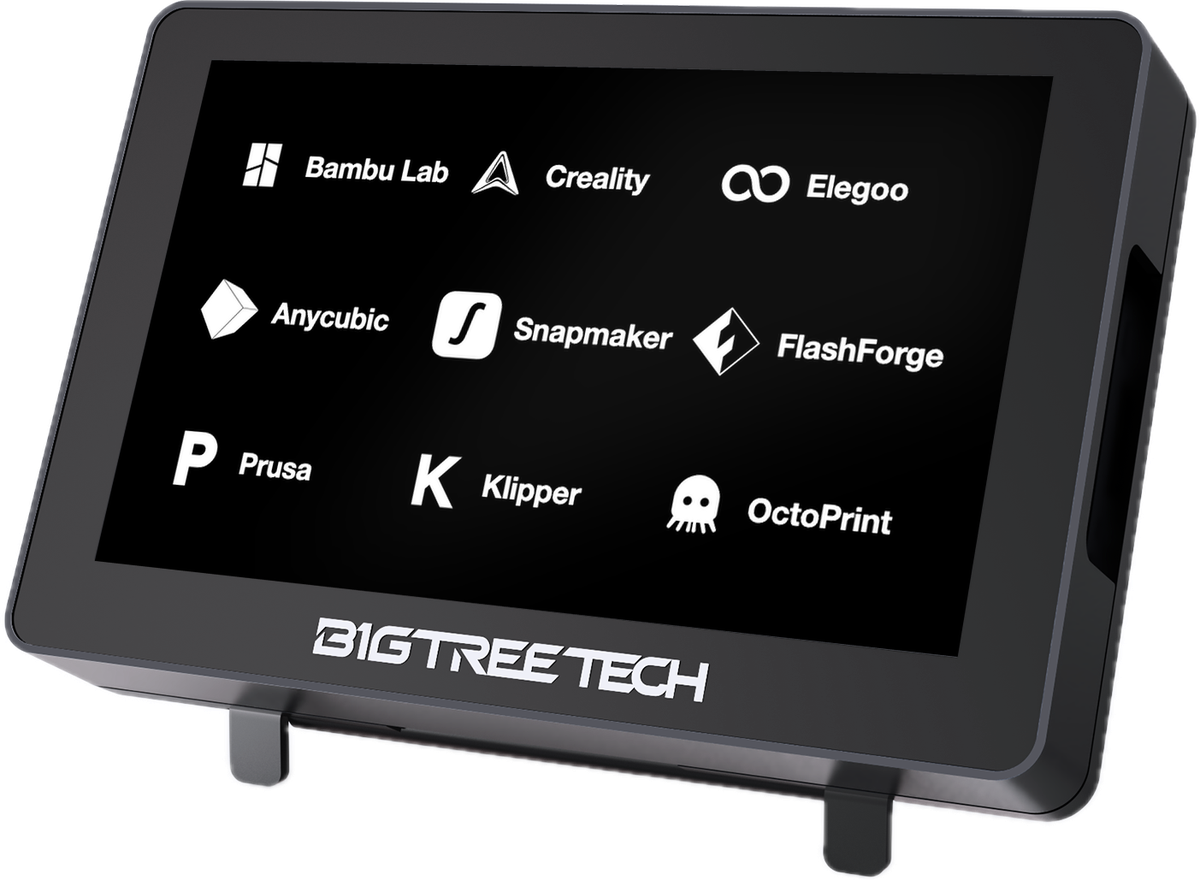 panda-touch-angle-brands-grid.png
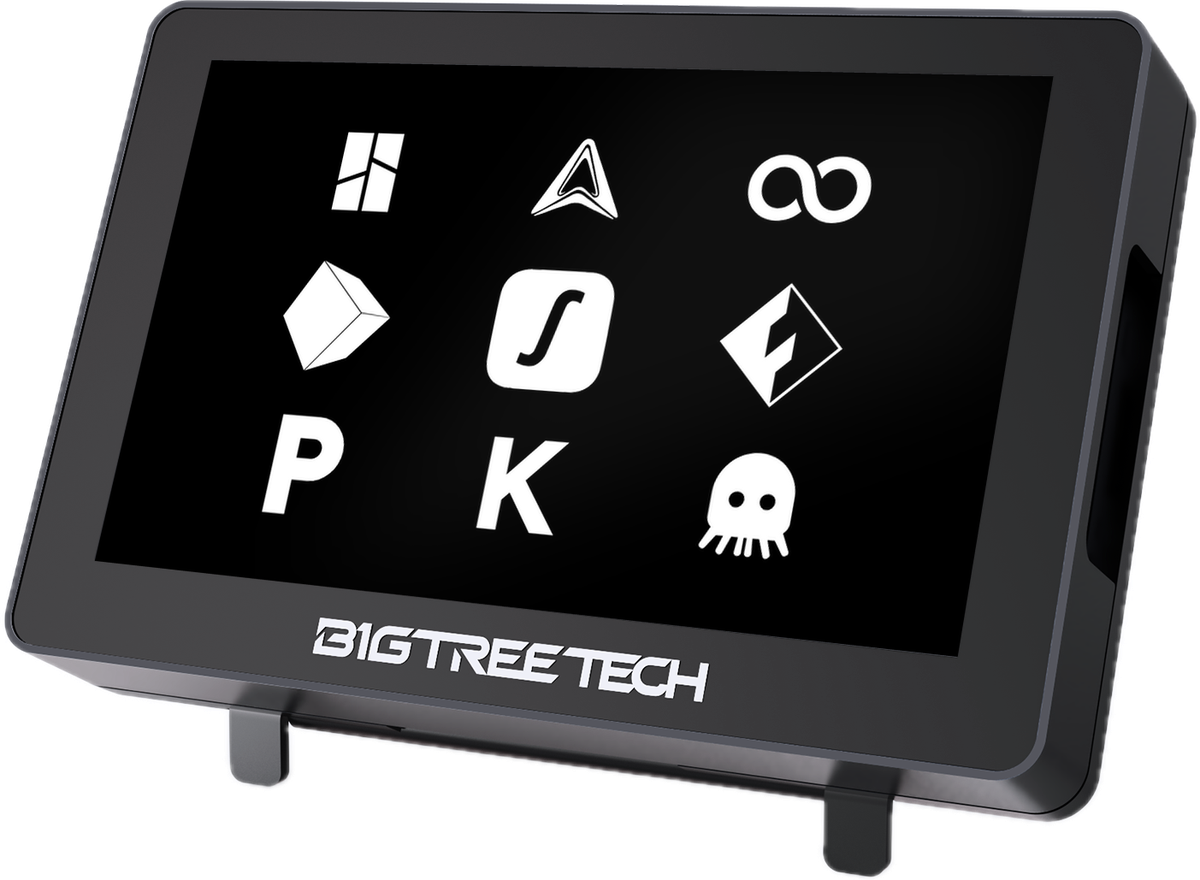 panda-touch-angle-brands-logos.png
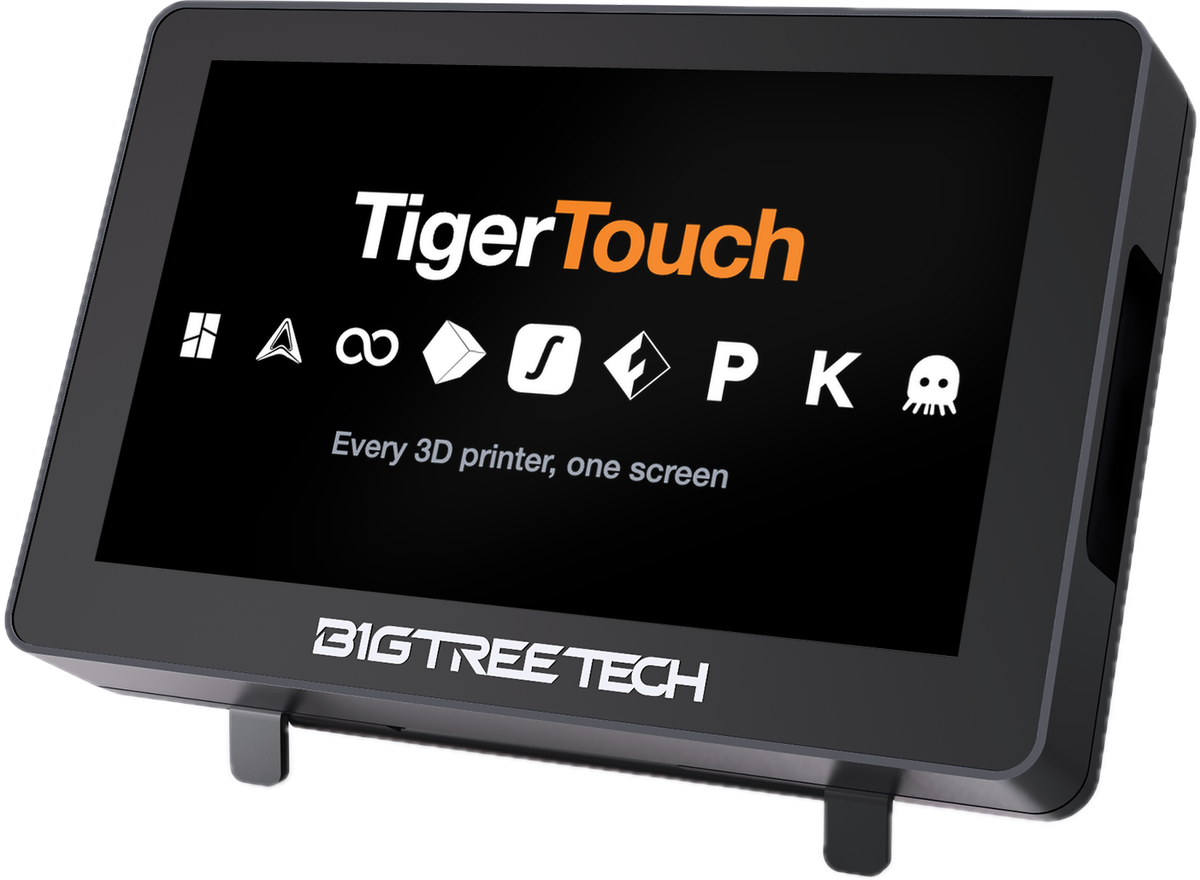 panda-touch-angle-brands-title-row.png

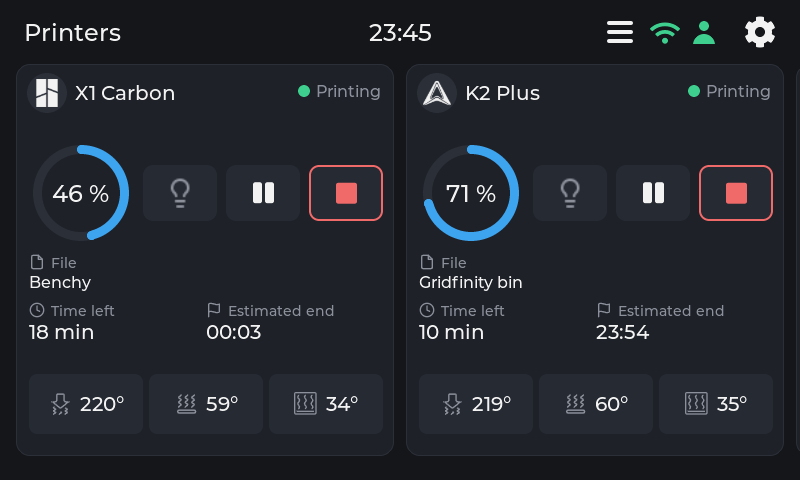
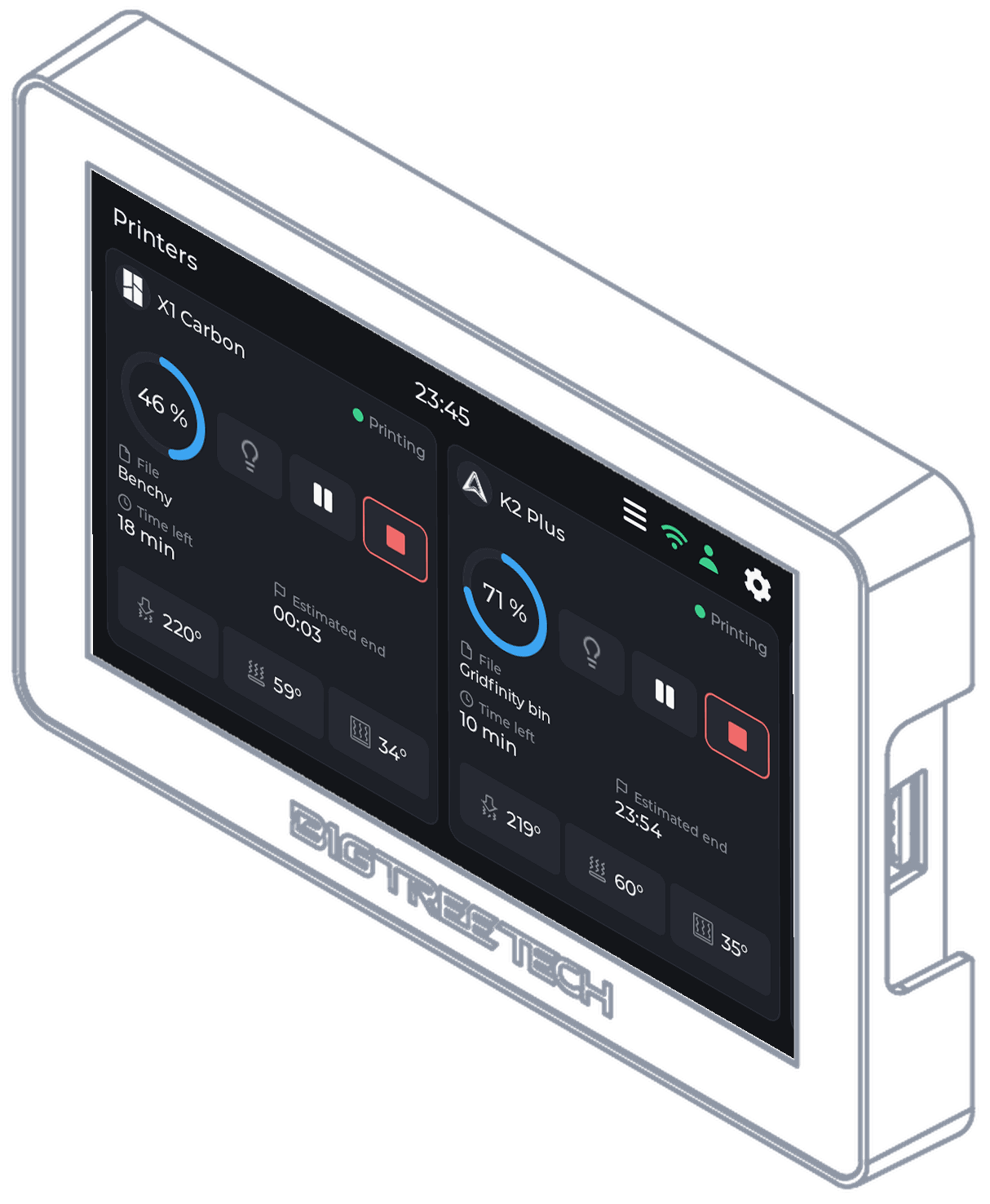
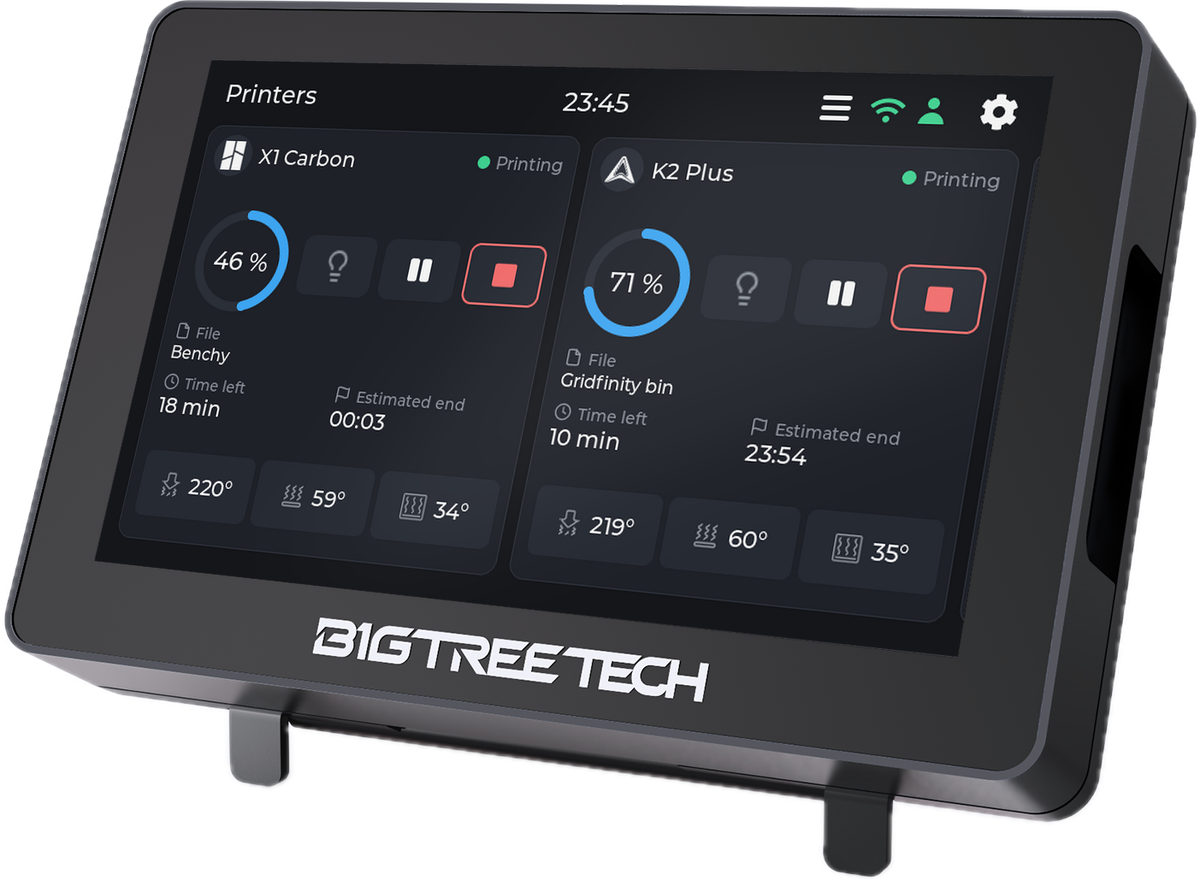 panda-touch-angle-home-cards.png

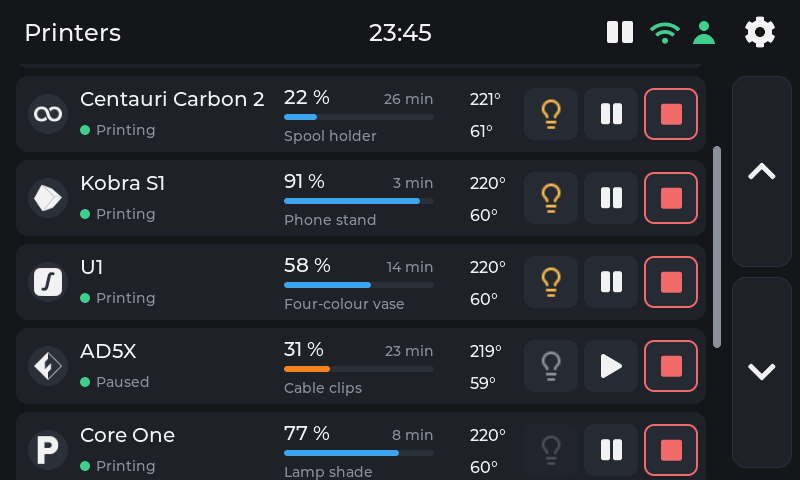
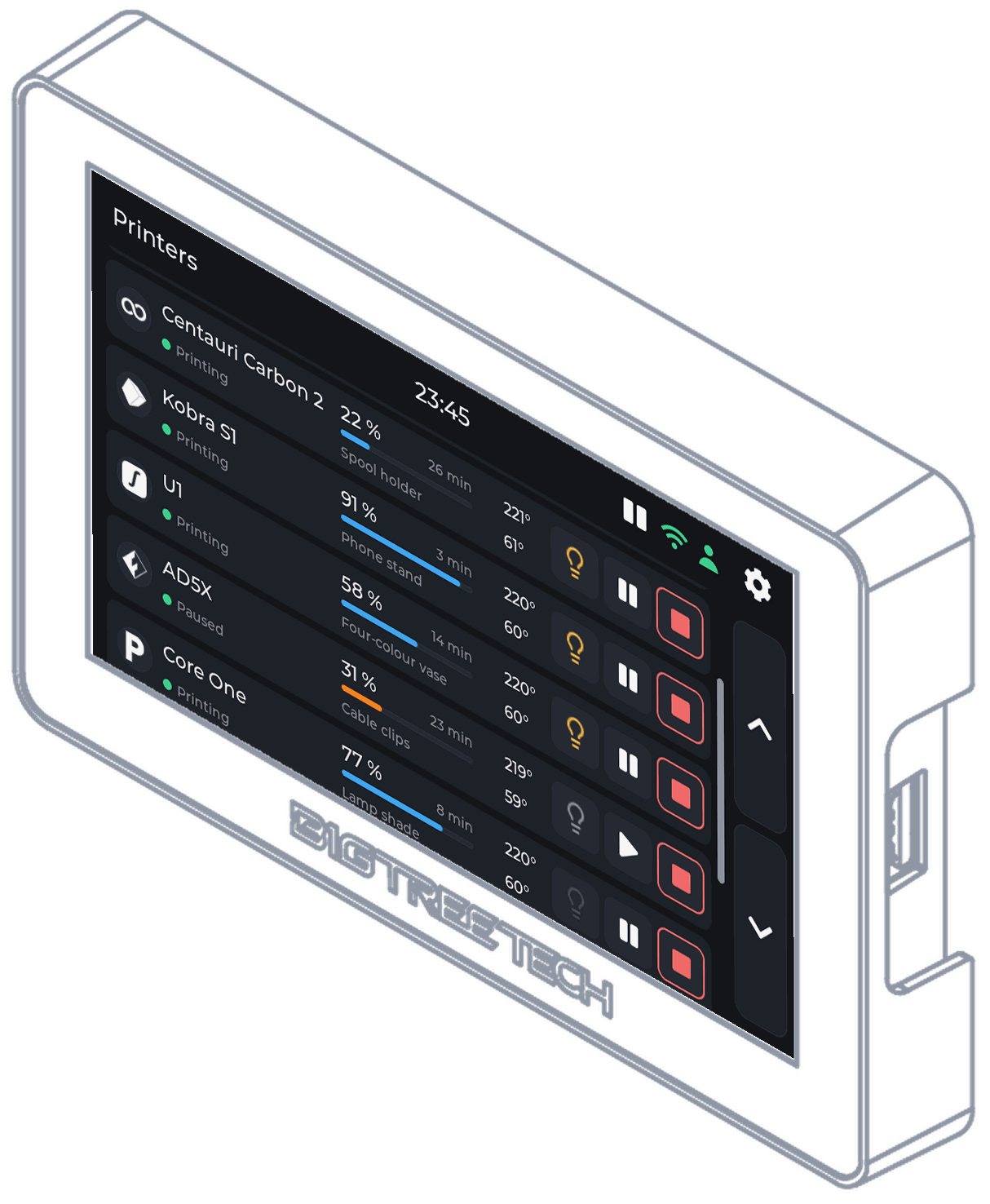
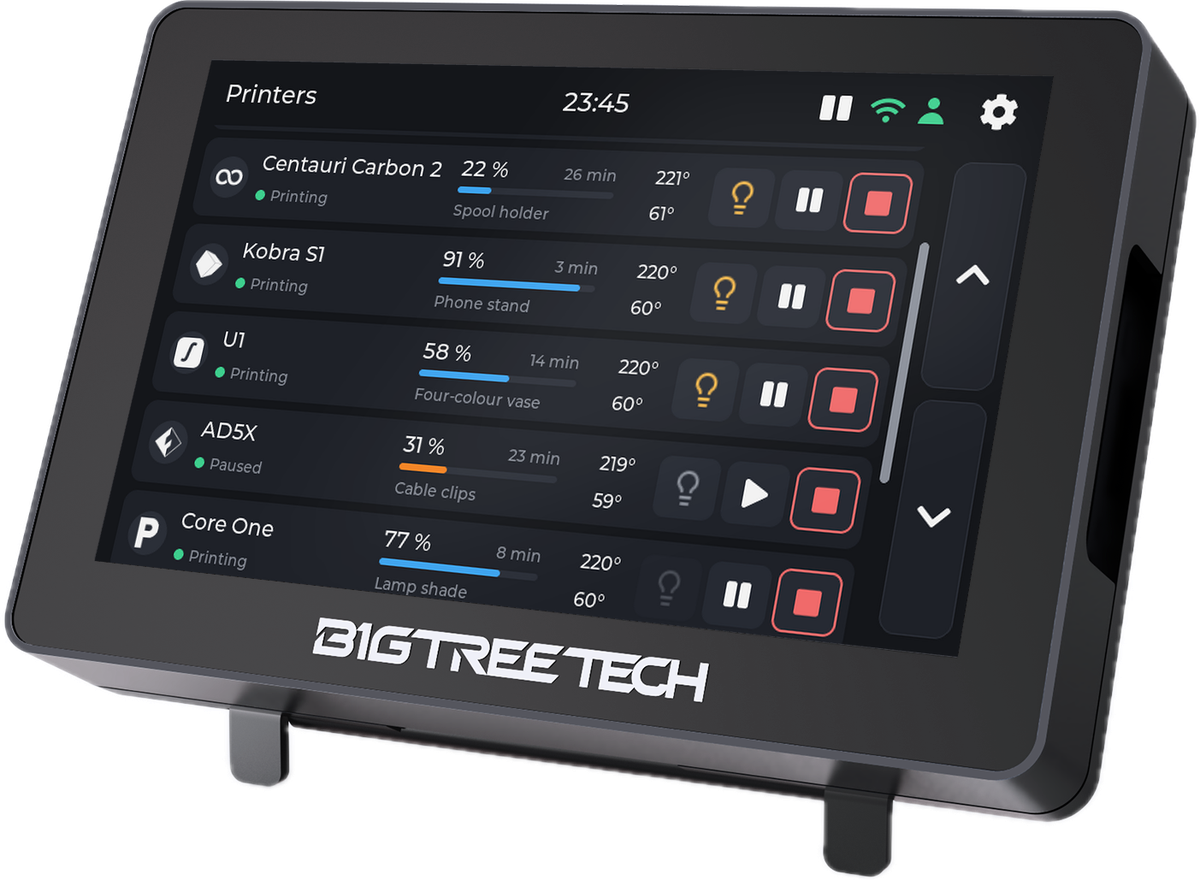 panda-touch-angle-home-list.png
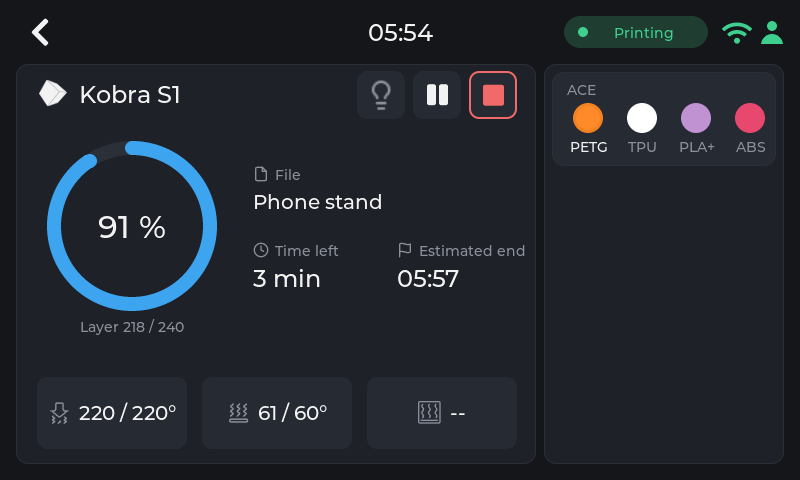
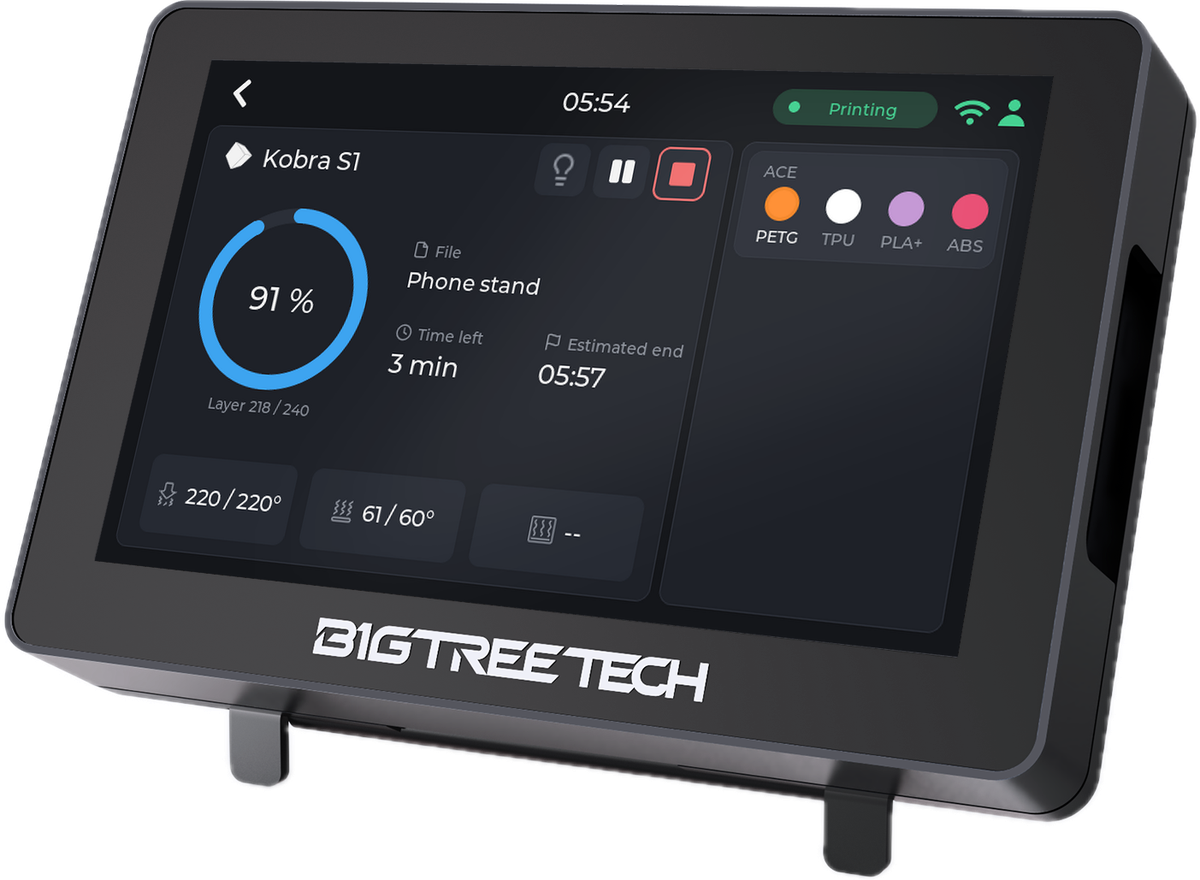 panda-touch-angle-printer-anycubic-kobra-s1.png
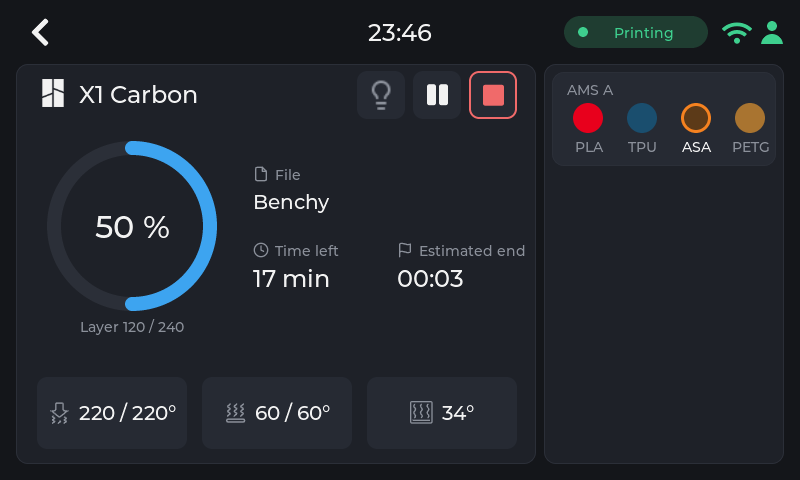
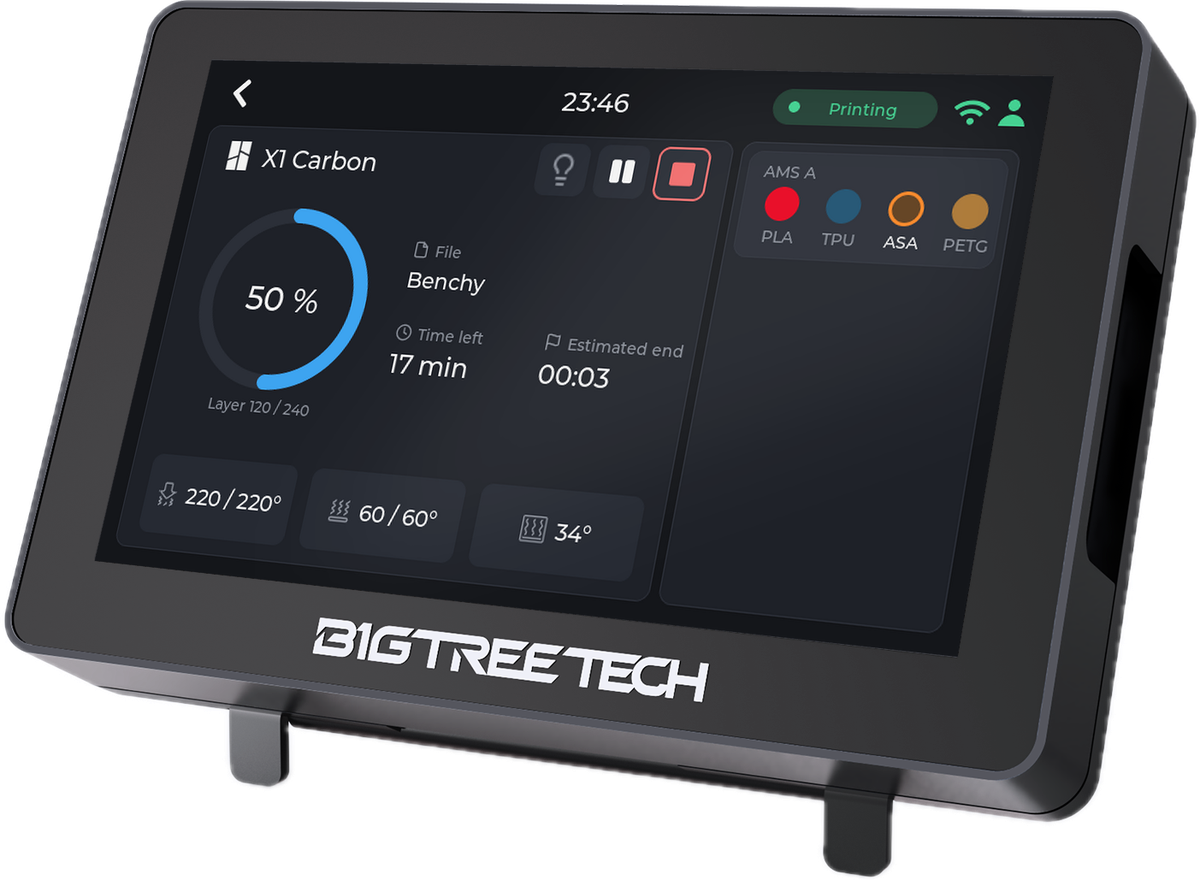 panda-touch-angle-printer-bambu-x1c.png
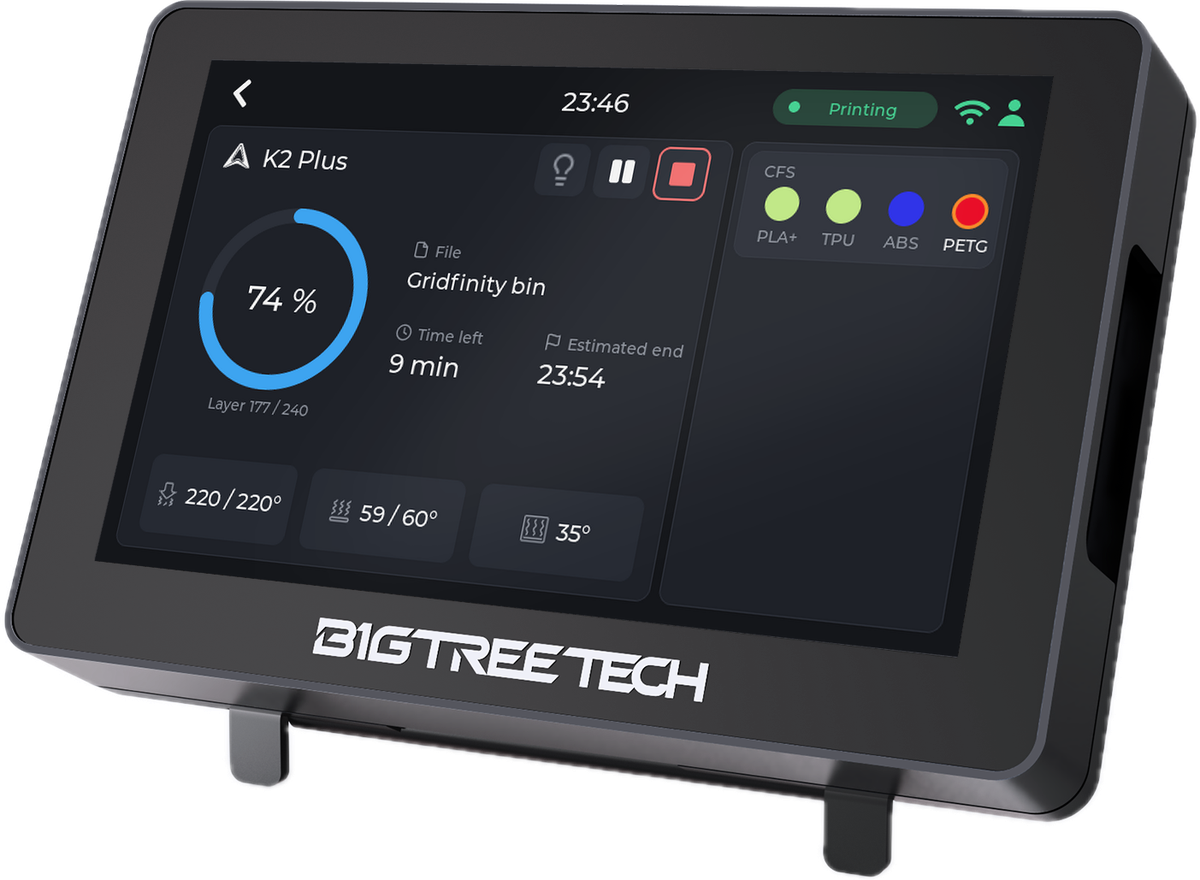 panda-touch-angle-printer-creality-k2.png
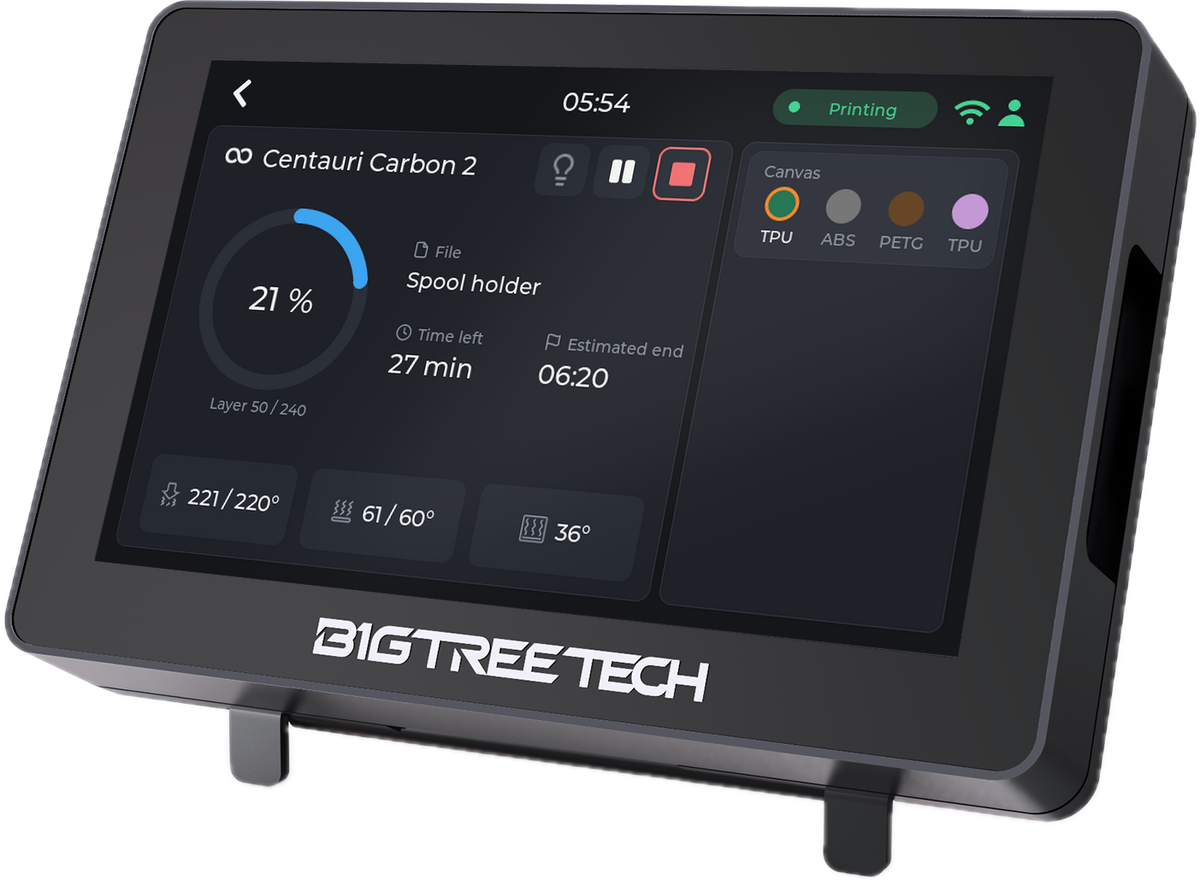 panda-touch-angle-printer-elegoo-cc2.png
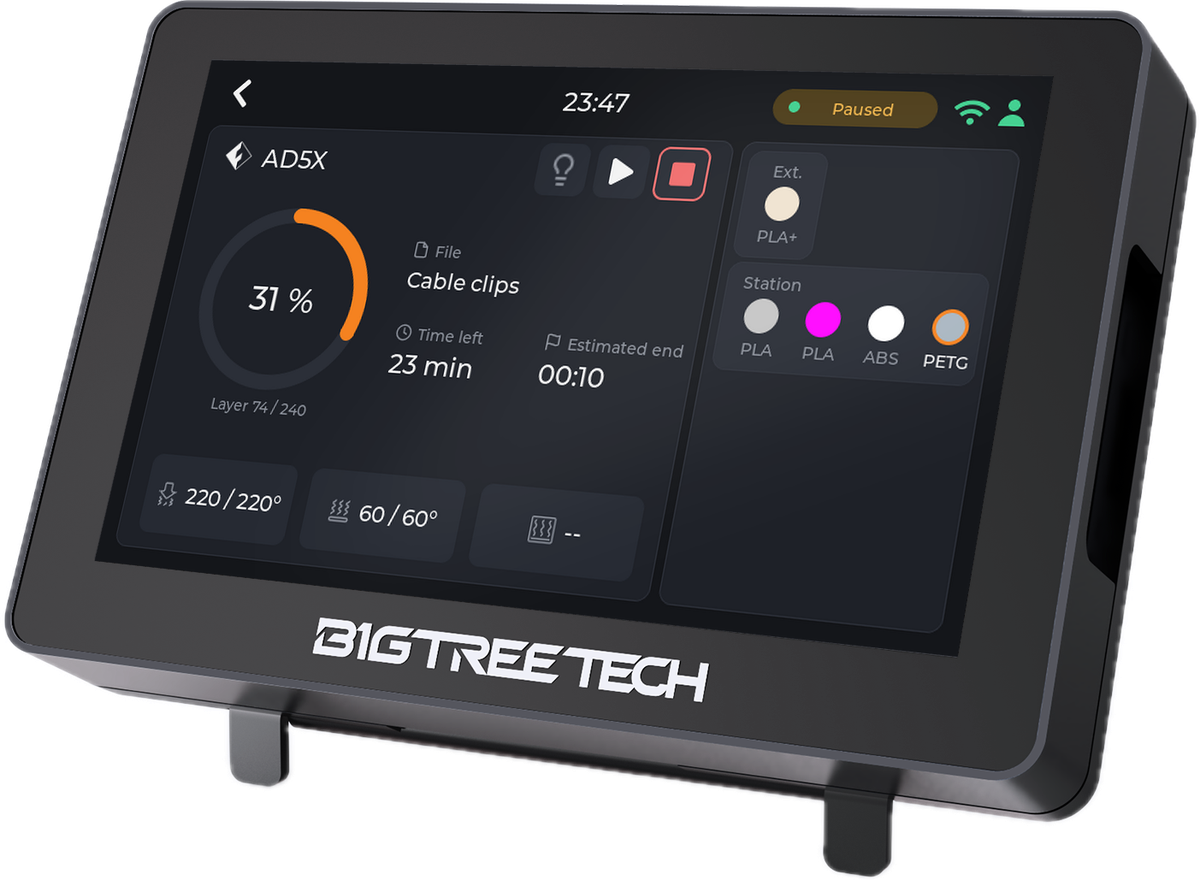 panda-touch-angle-printer-flashforge-ad5x.png
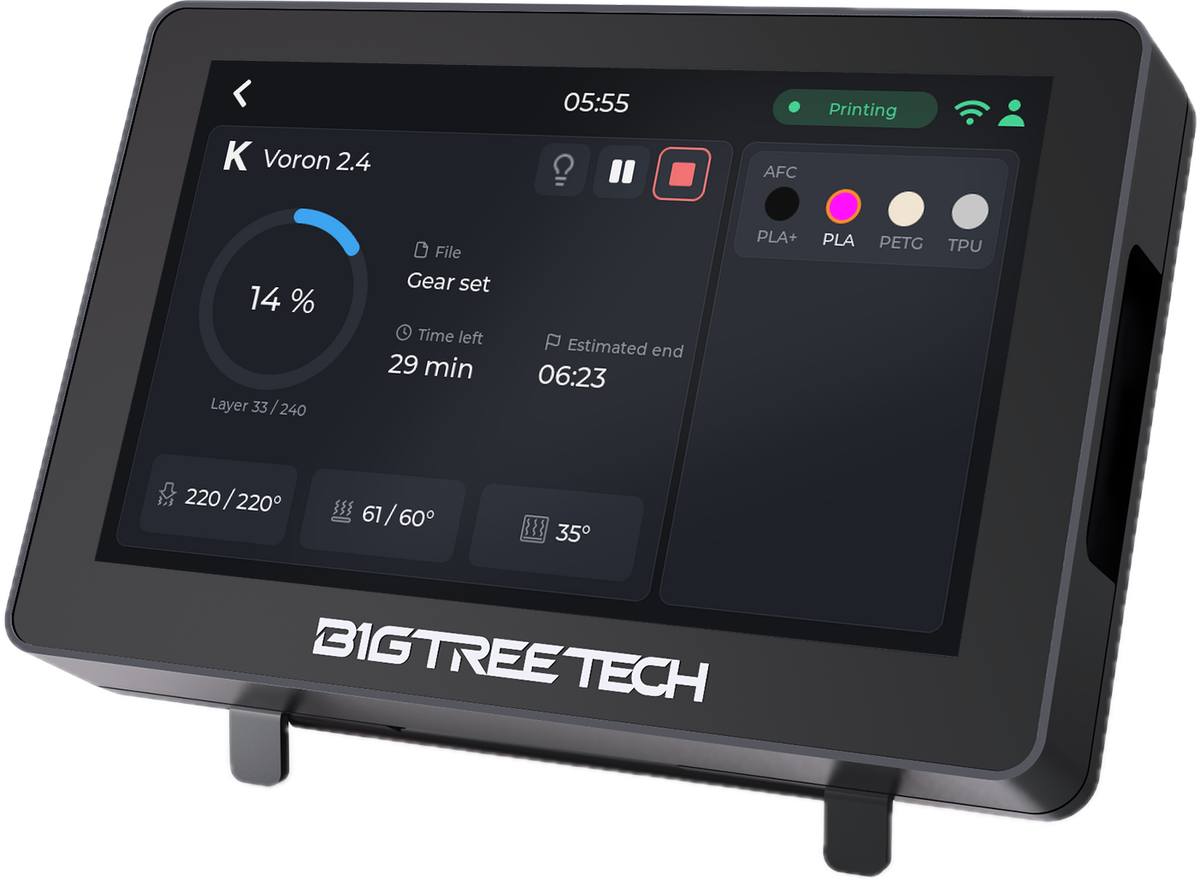 panda-touch-angle-printer-klipper-voron.png
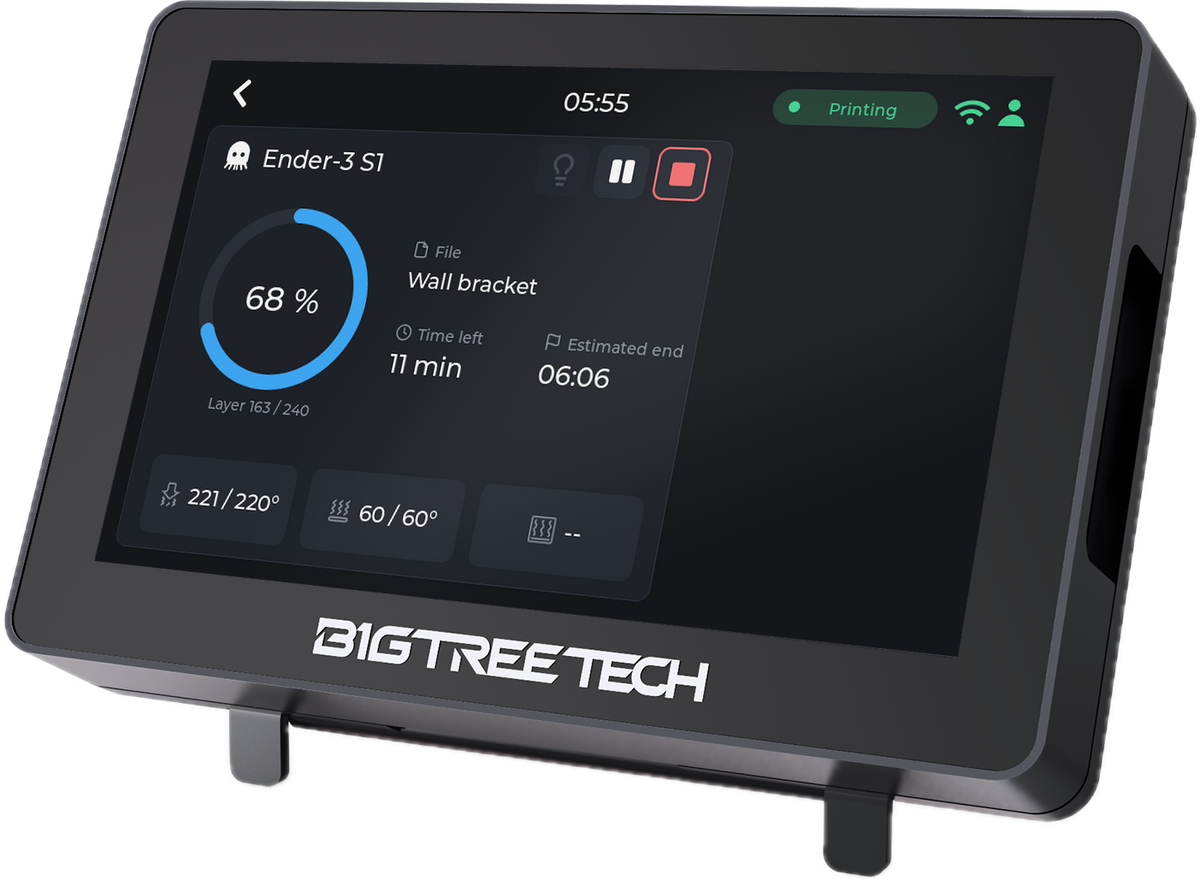 panda-touch-angle-printer-octoprint-ender3.png
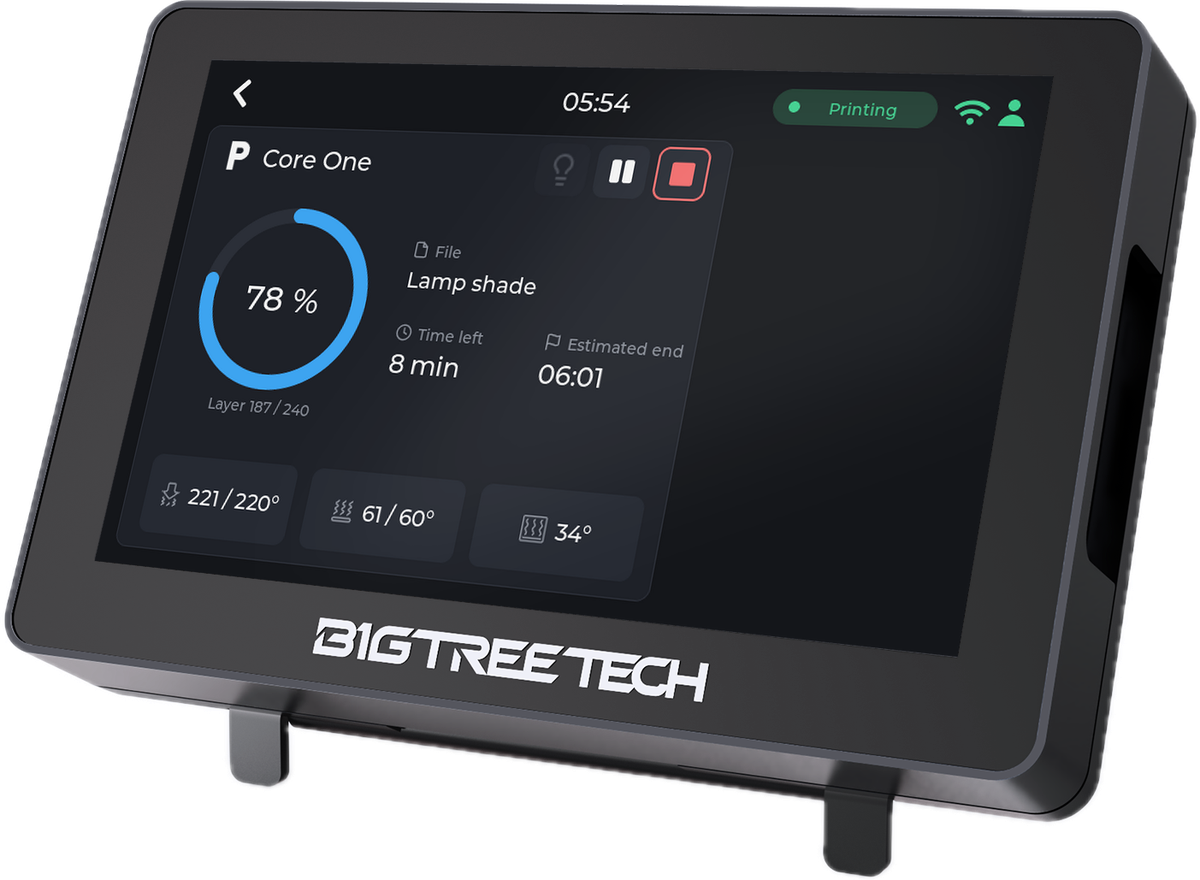 panda-touch-angle-printer-prusa-core-one.png
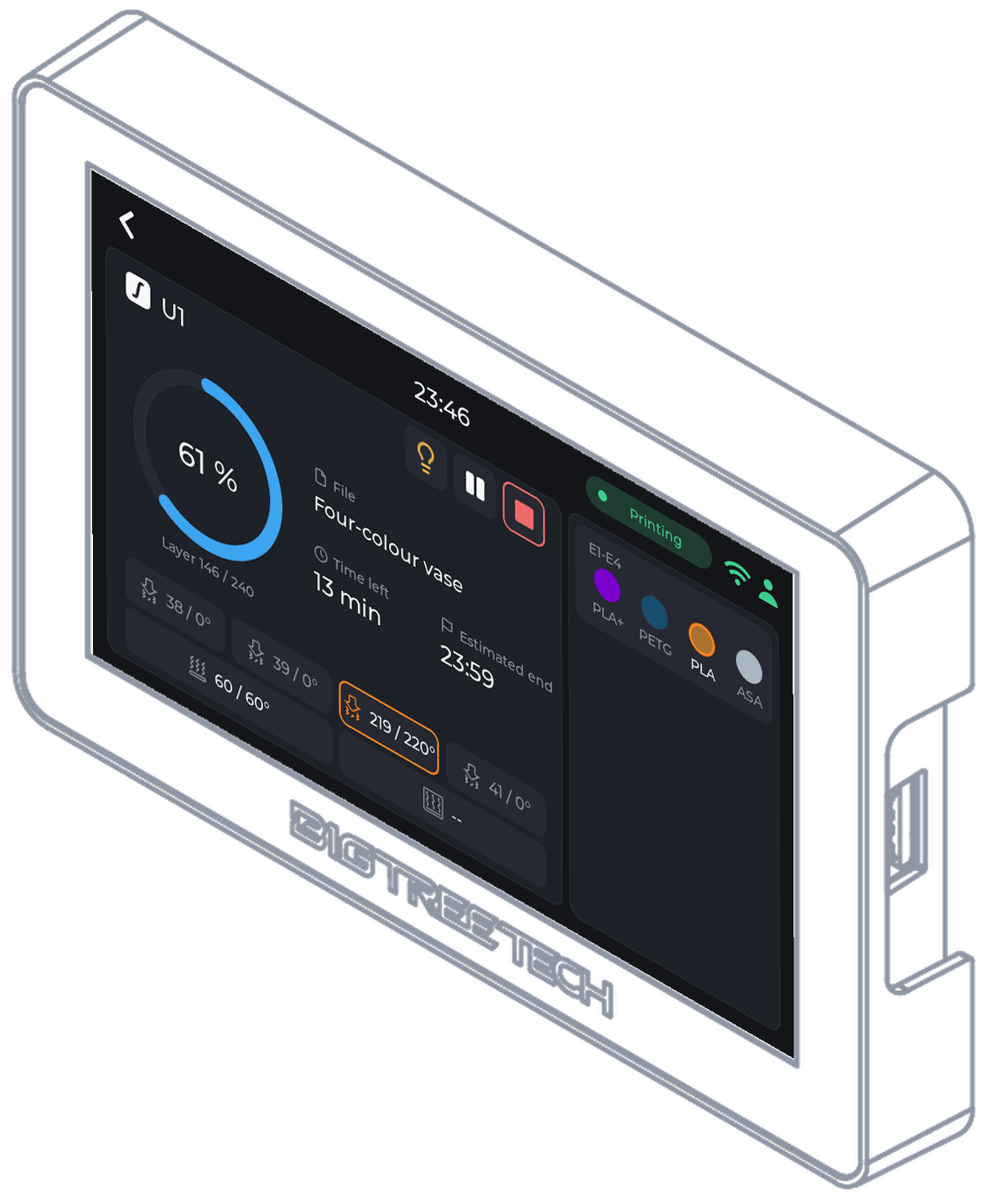
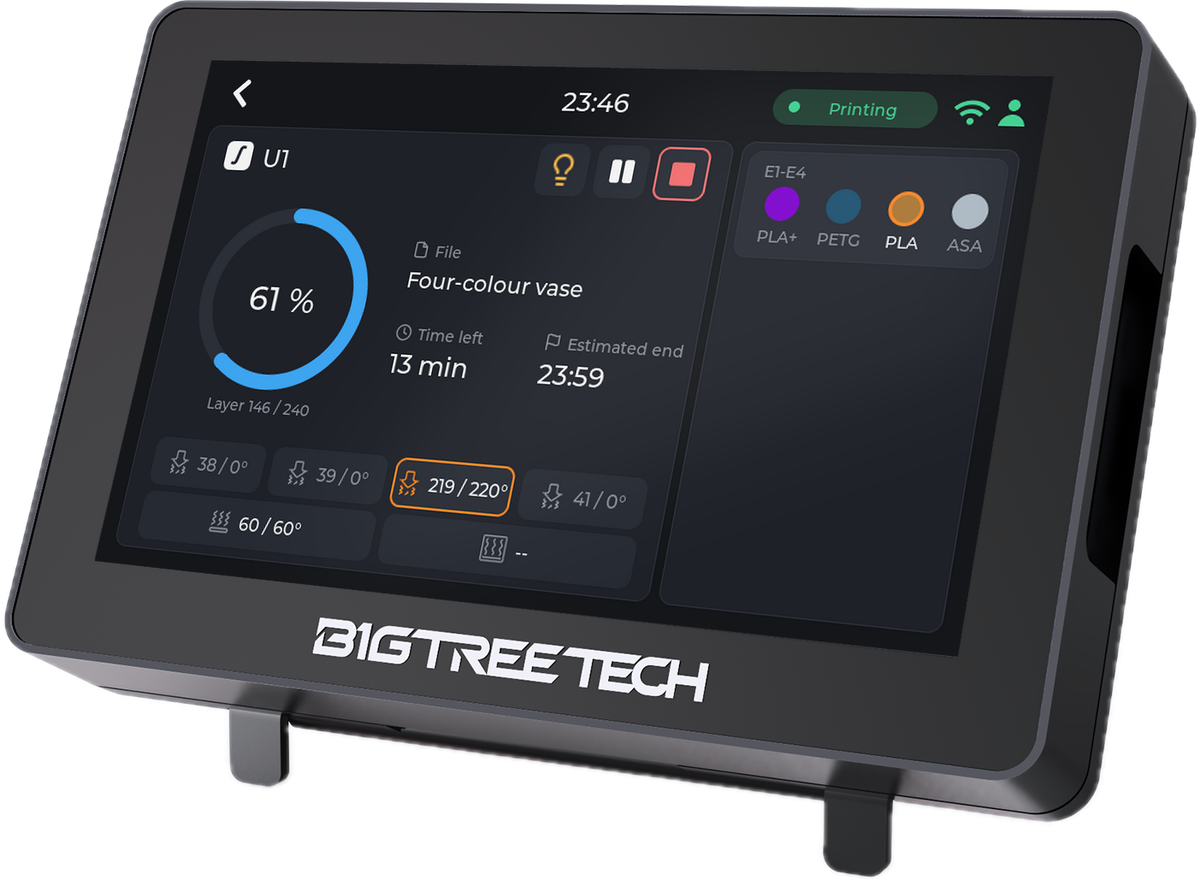 panda-touch-angle-printer-snapmaker-u1.png
 panda-touch-angle-splash.png
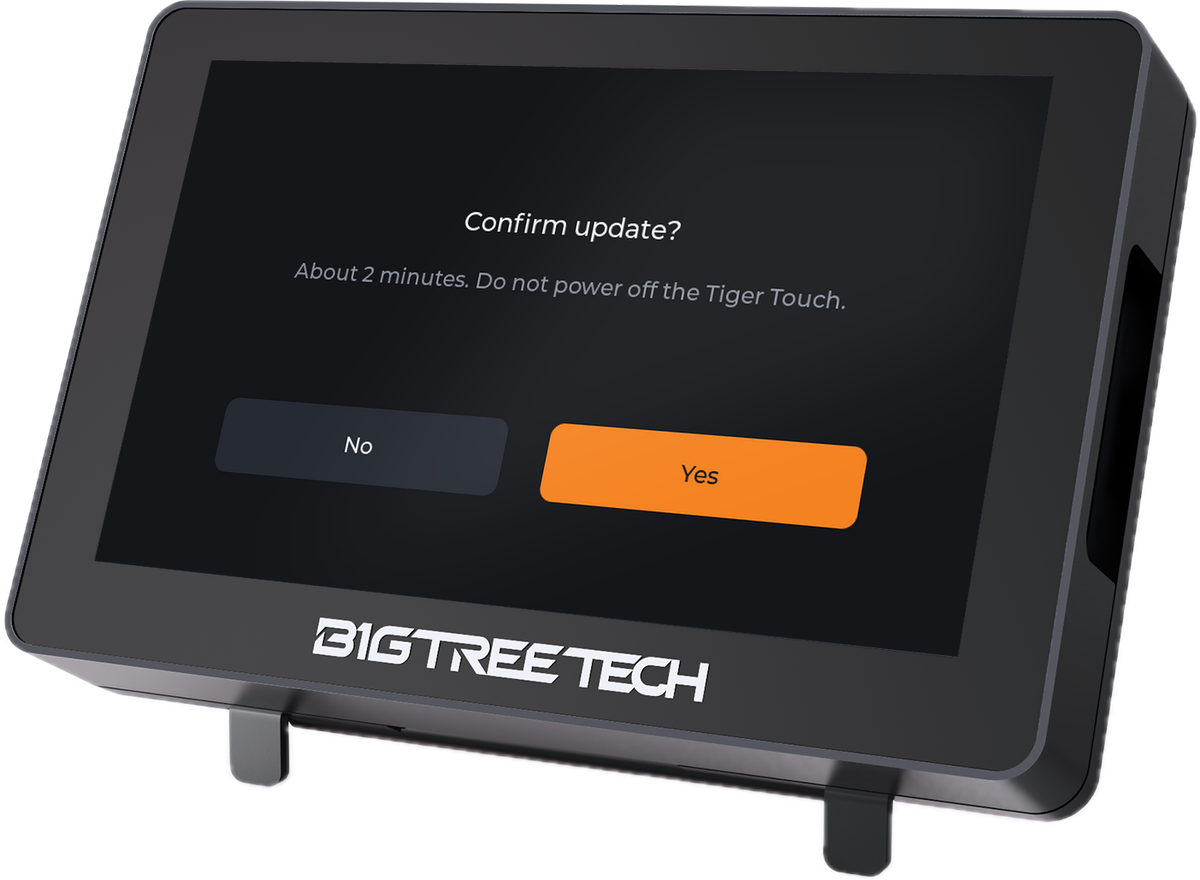 panda-touch-angle-update-confirm.png
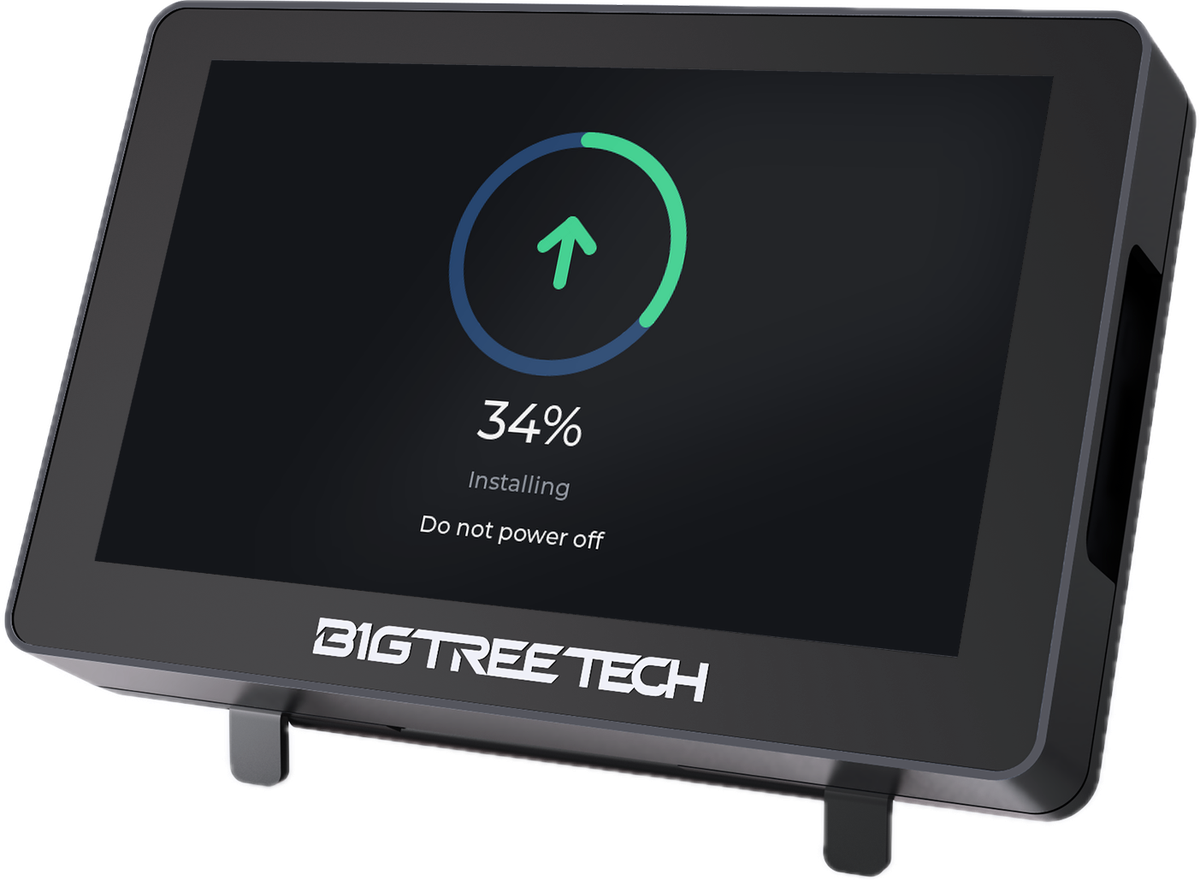 panda-touch-angle-update-ring.png
The screen, front view
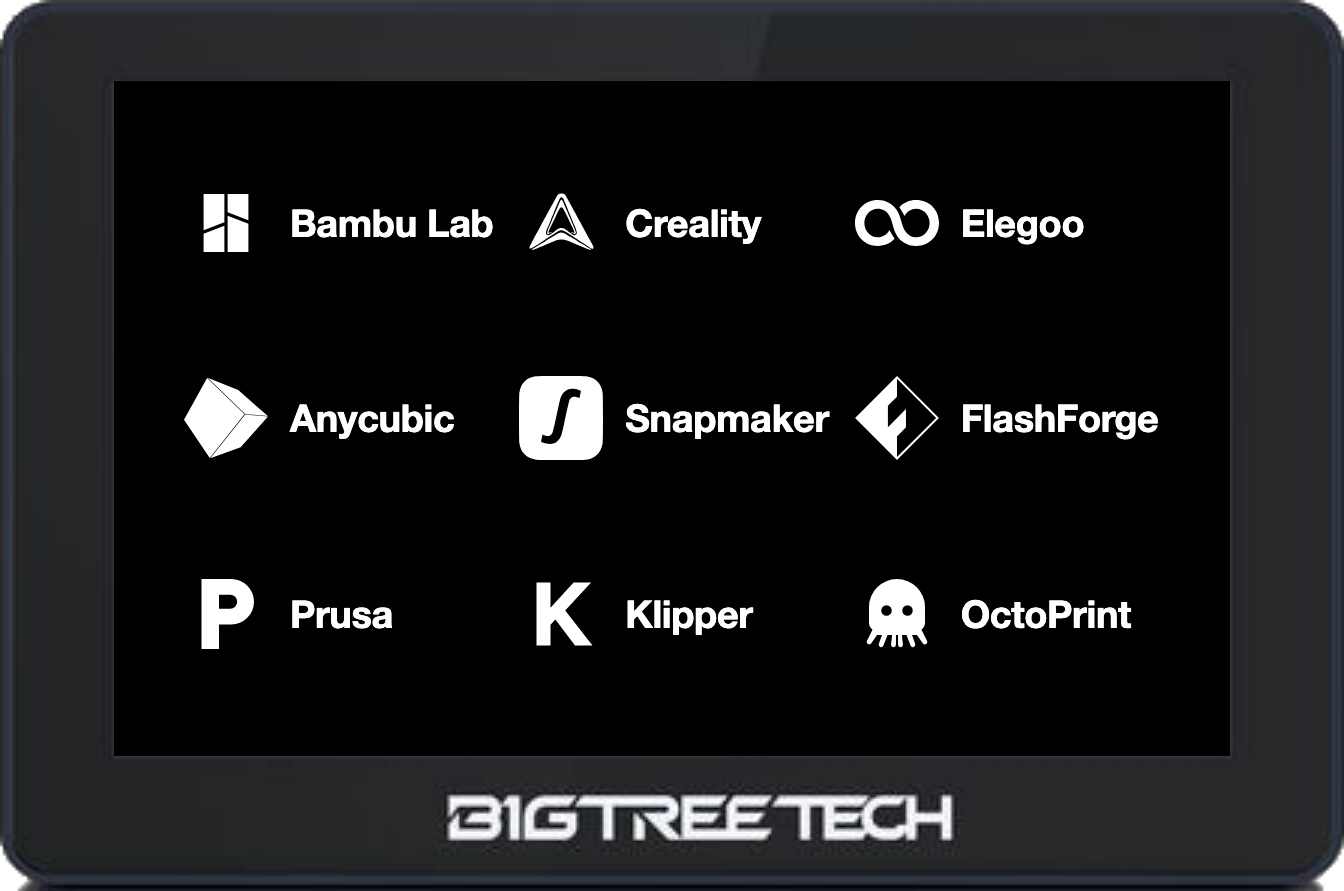 panda-touch-front-brands-grid.png
 panda-touch-front-brands-logos.png
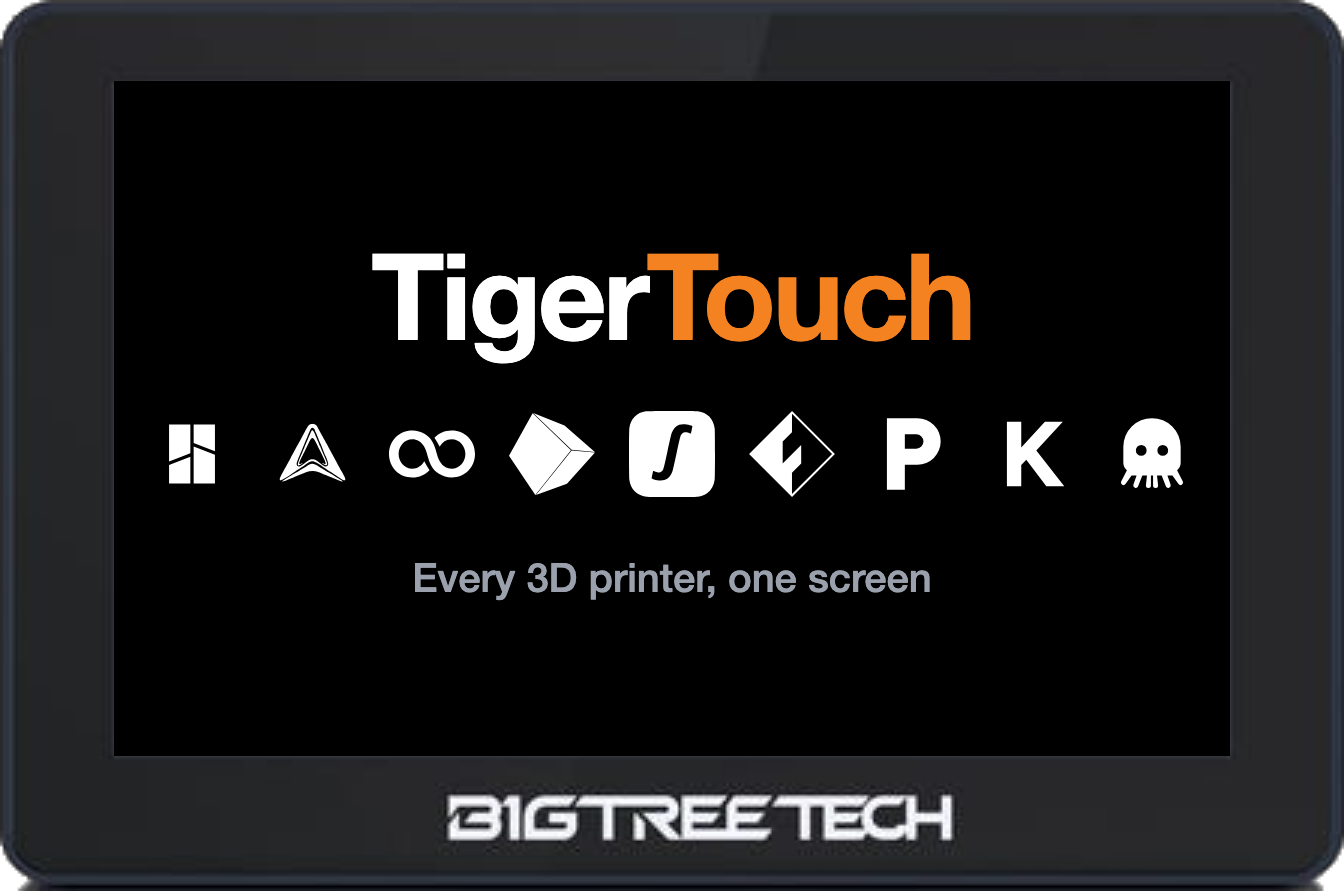 panda-touch-front-brands-title-row.png
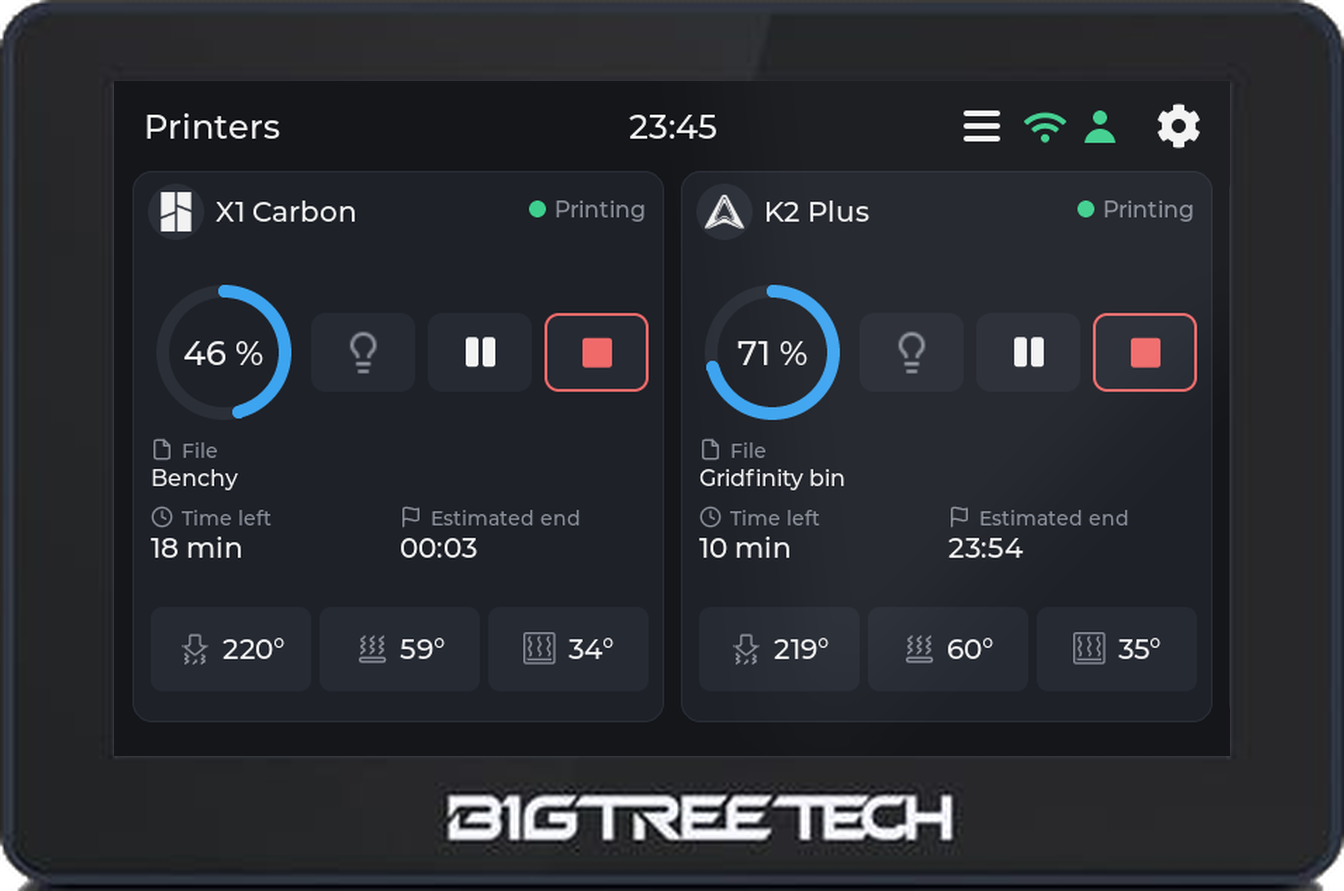 panda-touch-front-home-cards.png
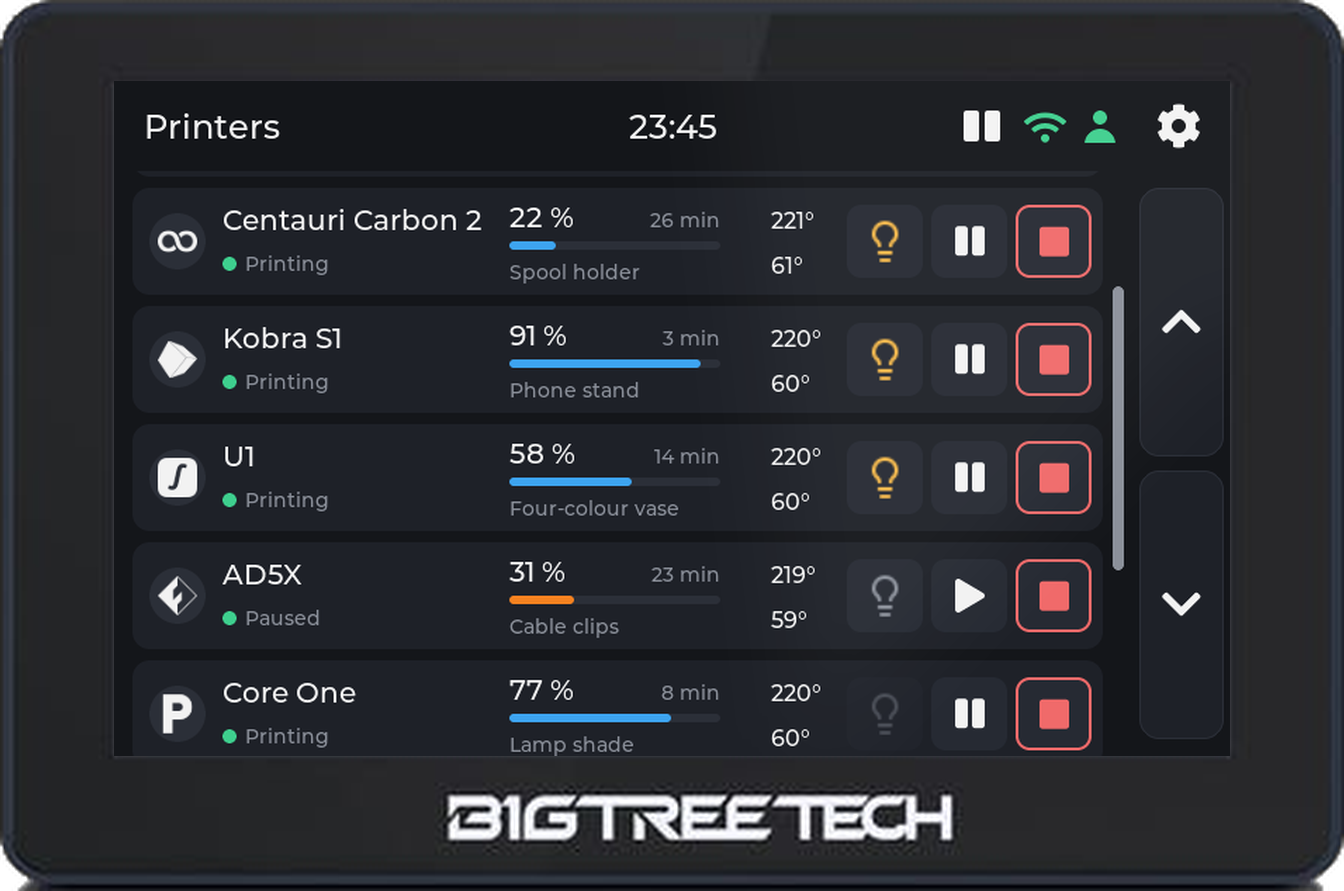 panda-touch-front-home-list.png
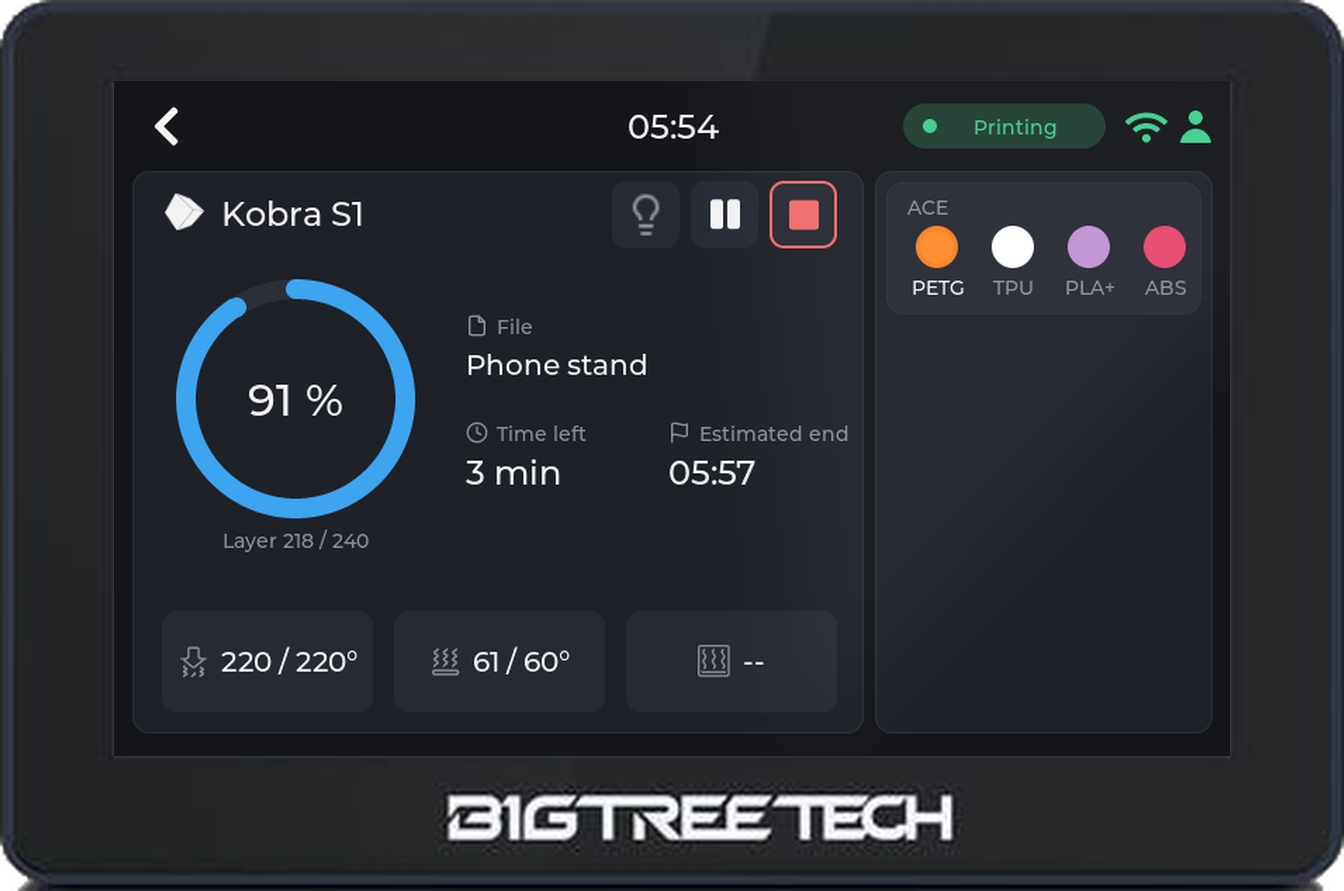 panda-touch-front-printer-anycubic-kobra-s1.png
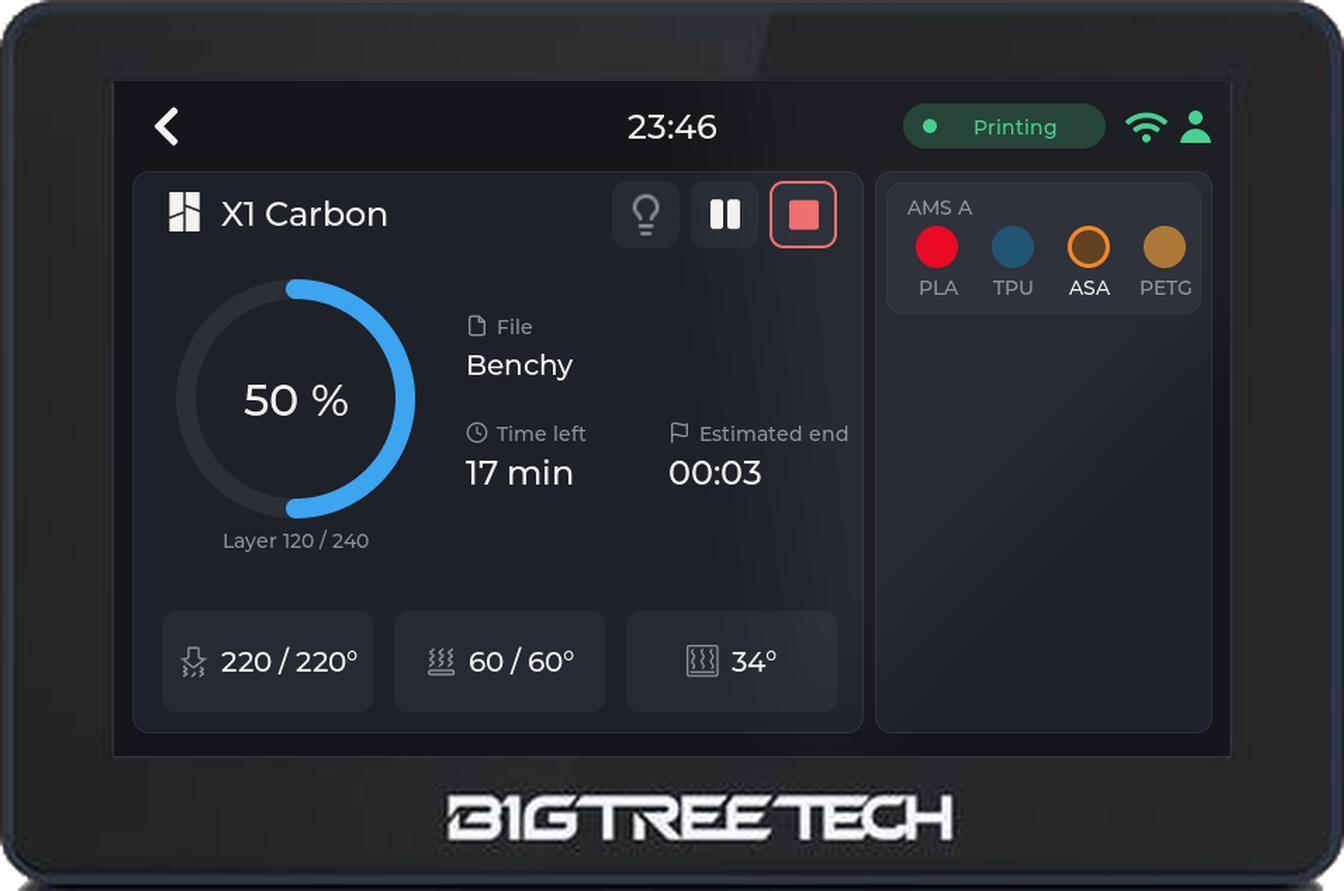 panda-touch-front-printer-bambu-x1c.png
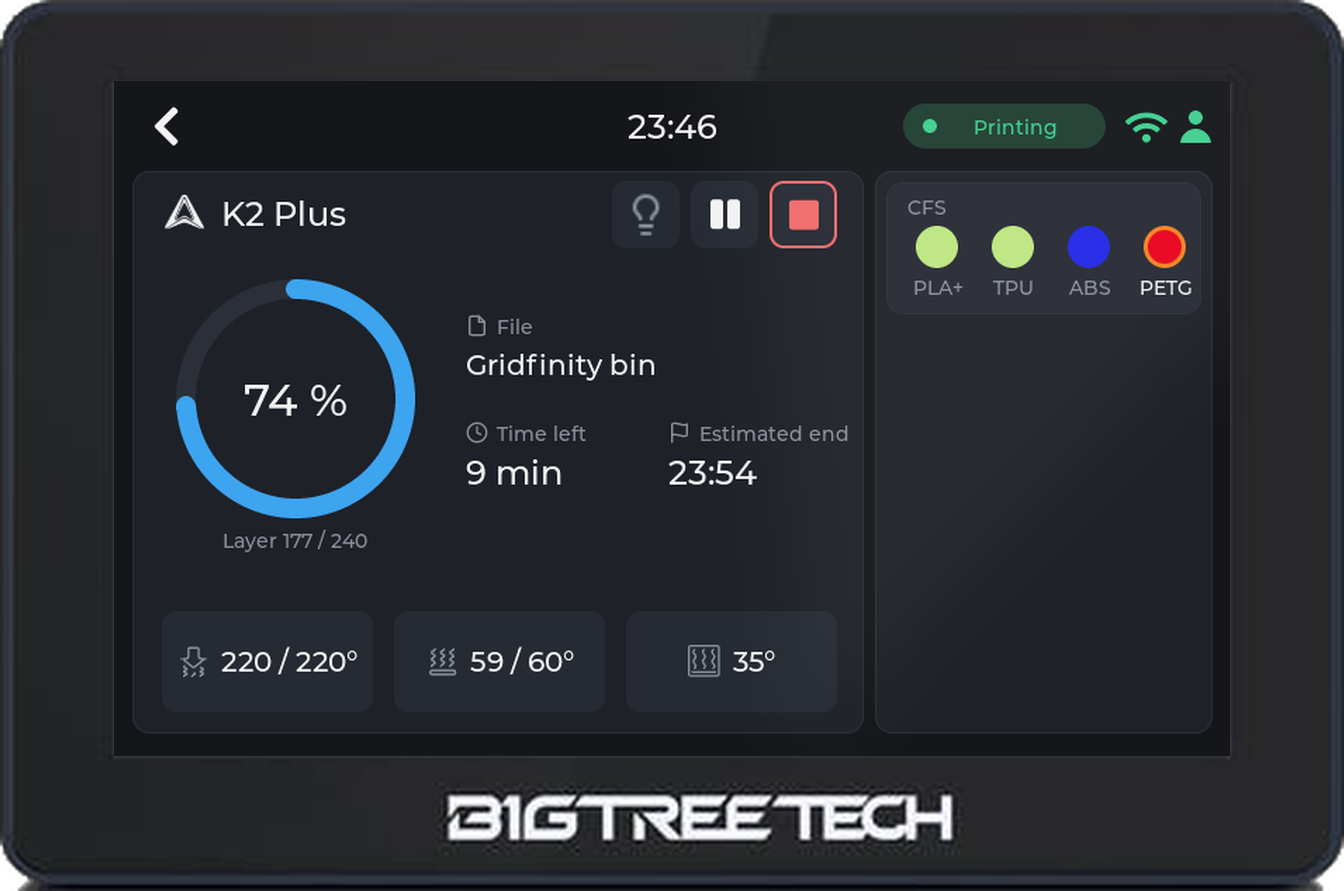 panda-touch-front-printer-creality-k2.png
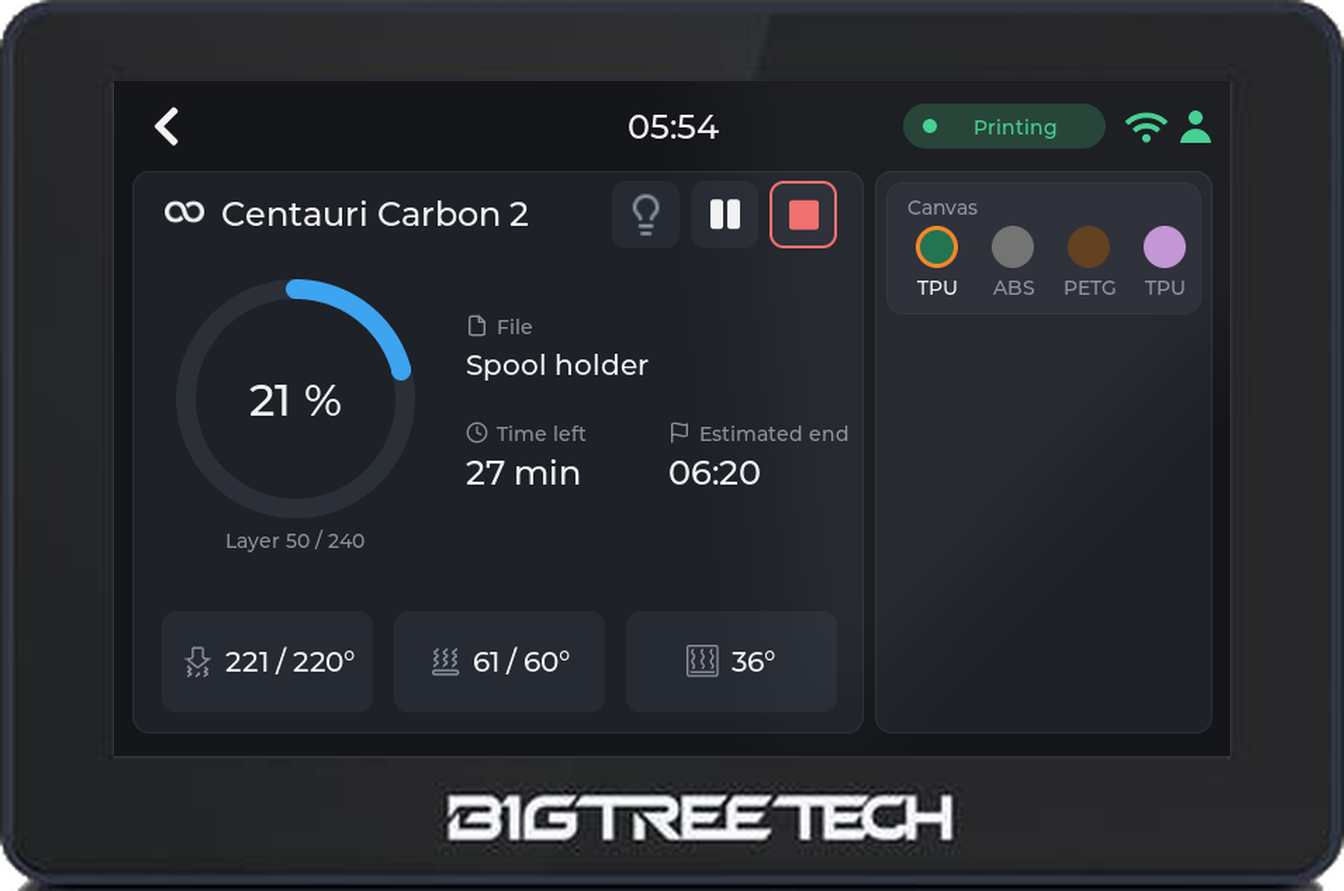 panda-touch-front-printer-elegoo-cc2.png
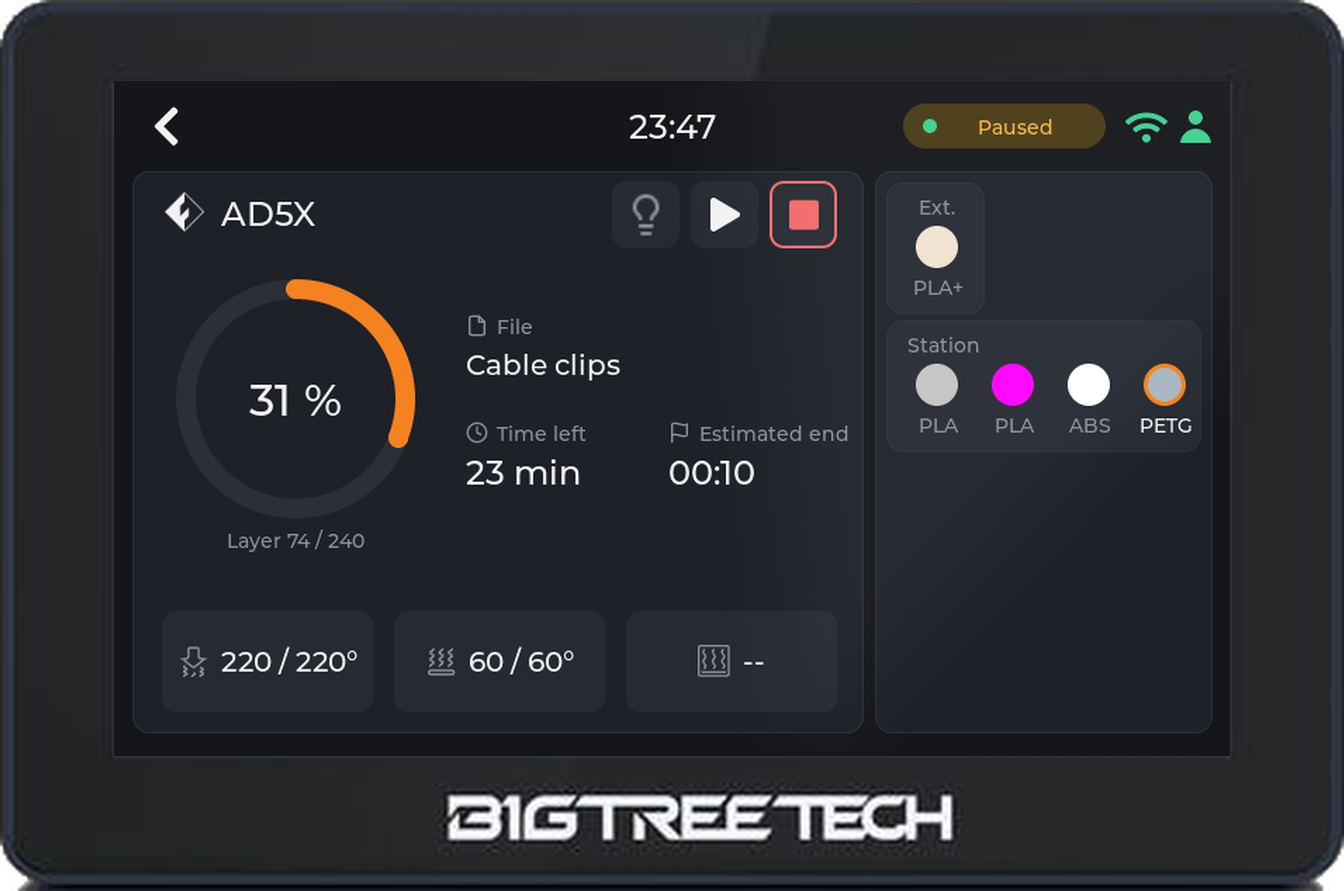 panda-touch-front-printer-flashforge-ad5x.png
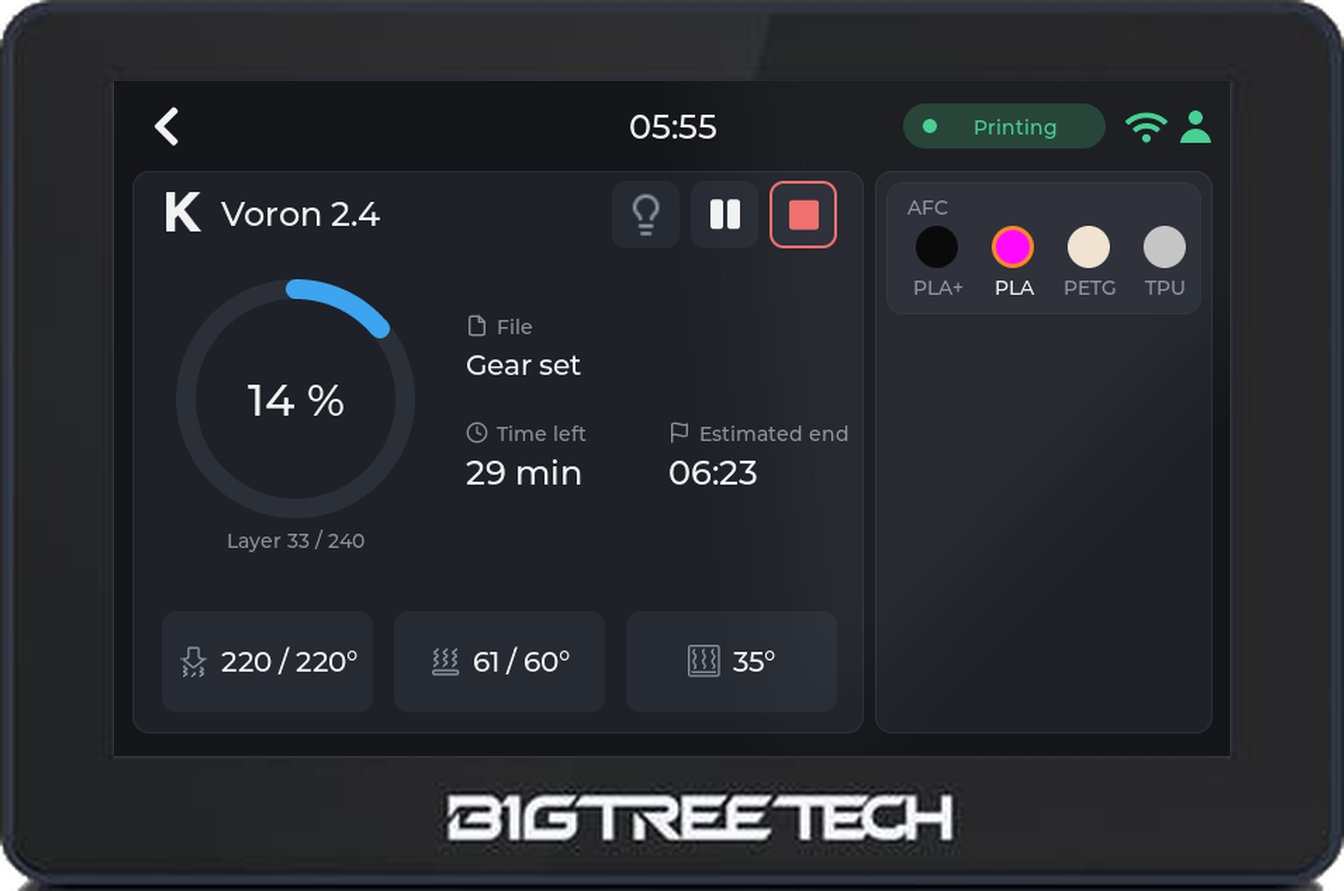 panda-touch-front-printer-klipper-voron.png
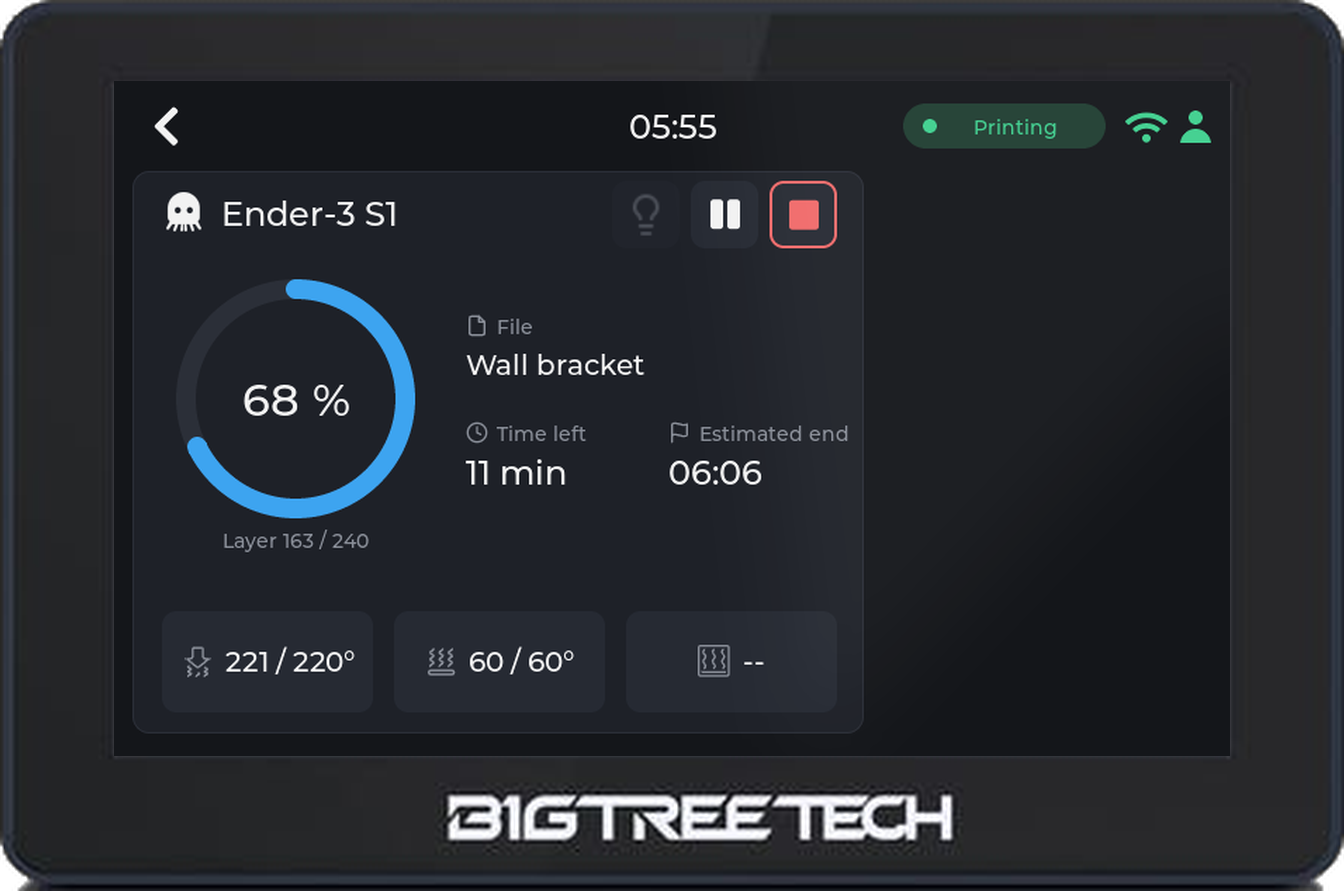 panda-touch-front-printer-octoprint-ender3.png
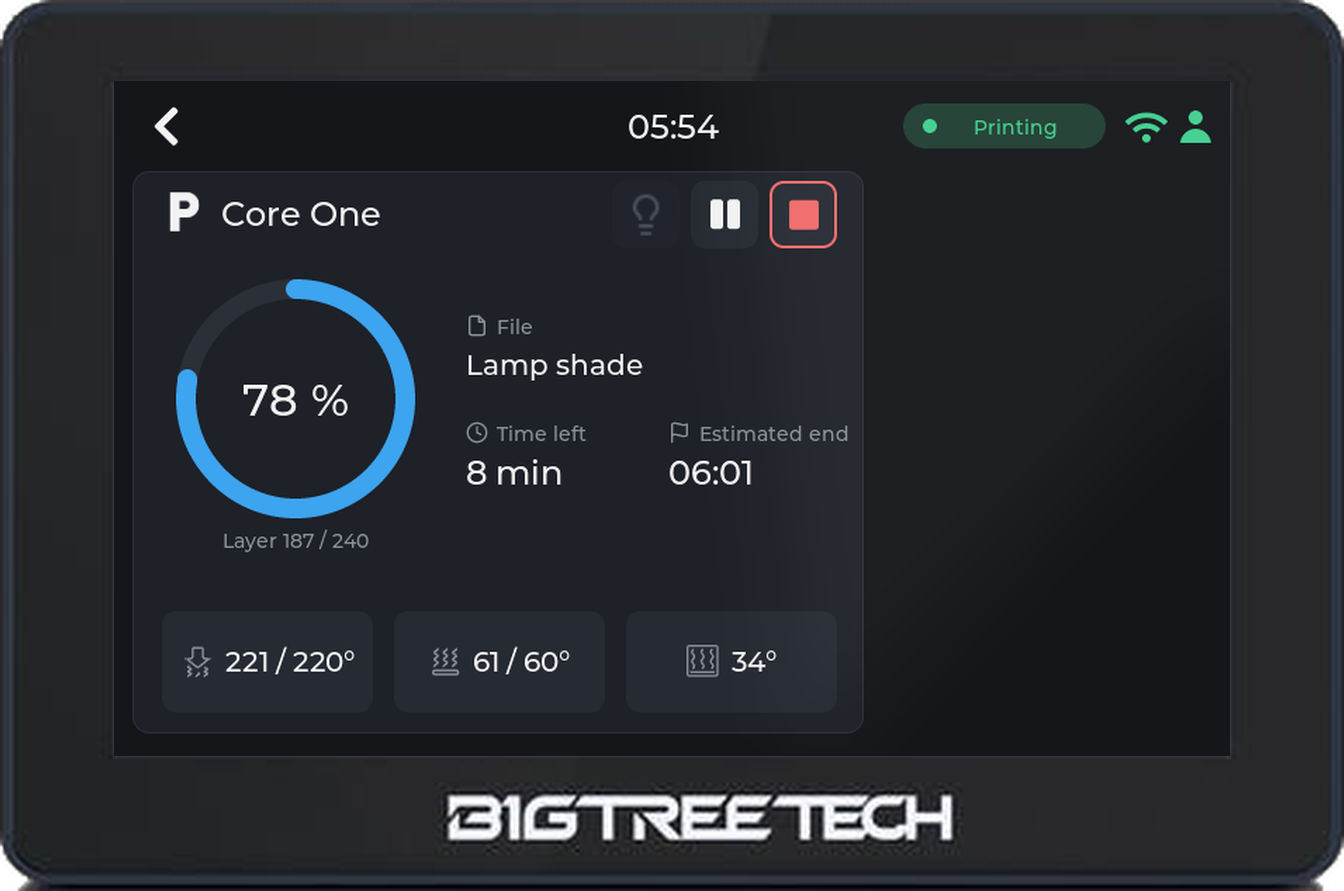 panda-touch-front-printer-prusa-core-one.png
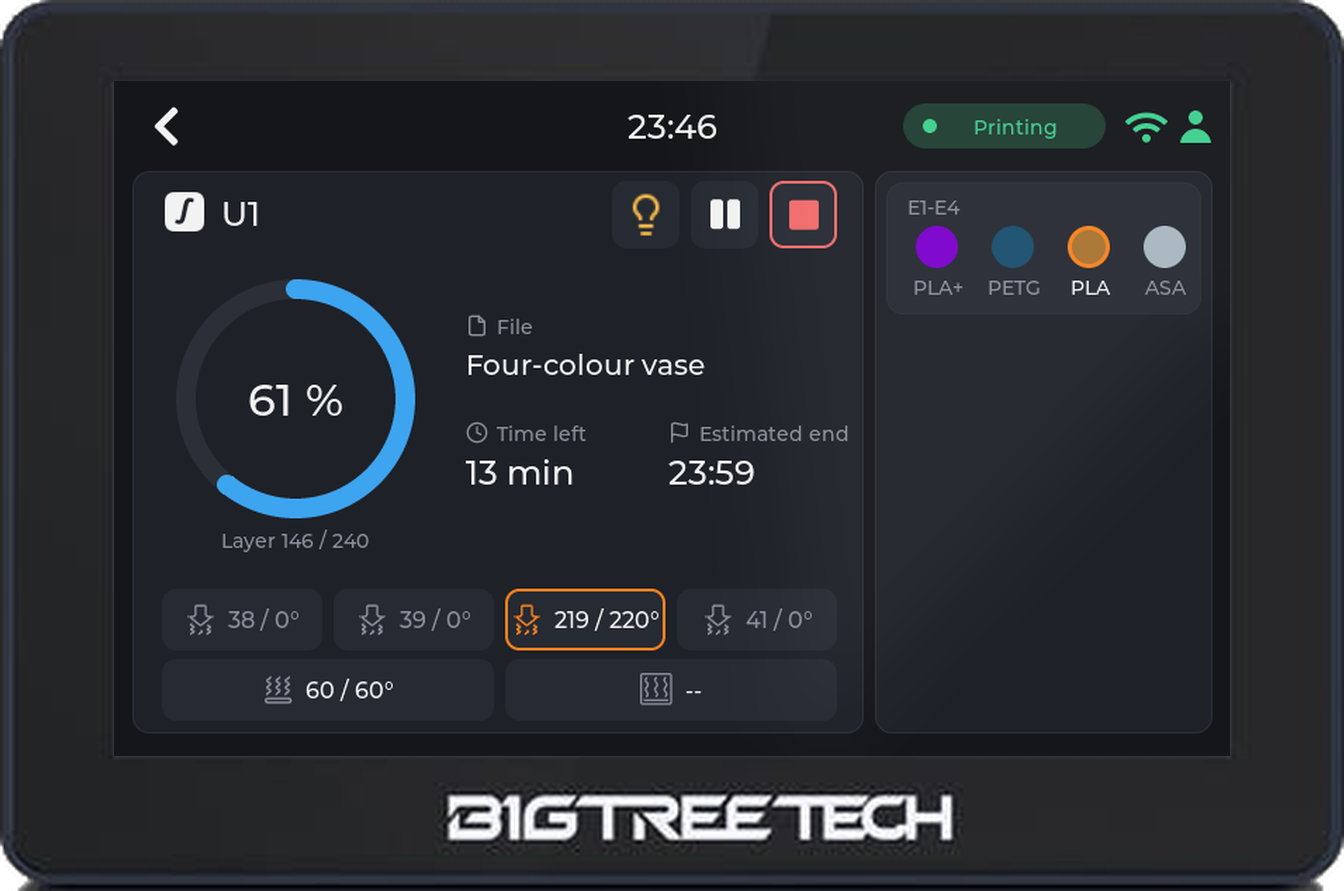 panda-touch-front-printer-snapmaker-u1.png
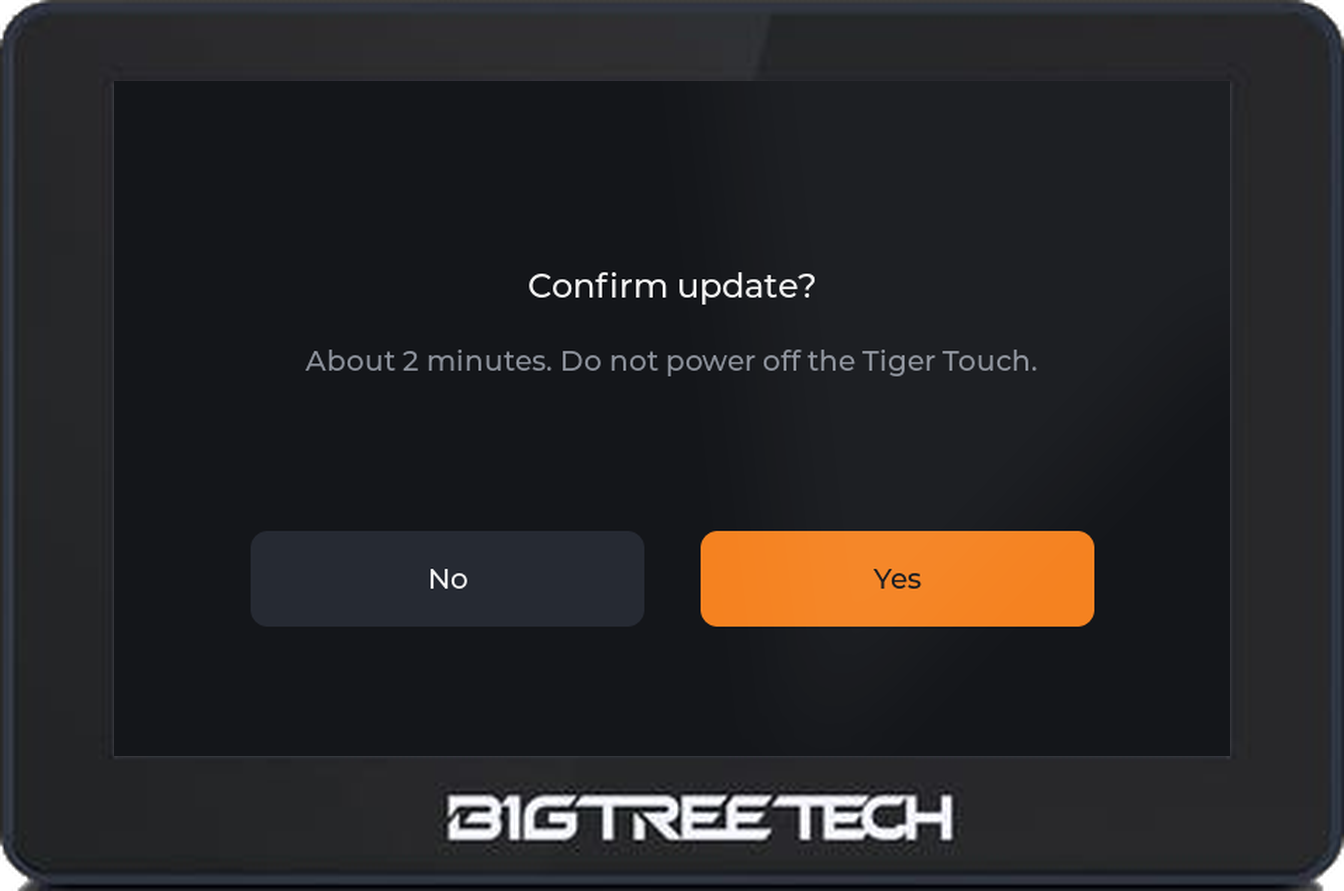 panda-touch-front-update-confirm.png
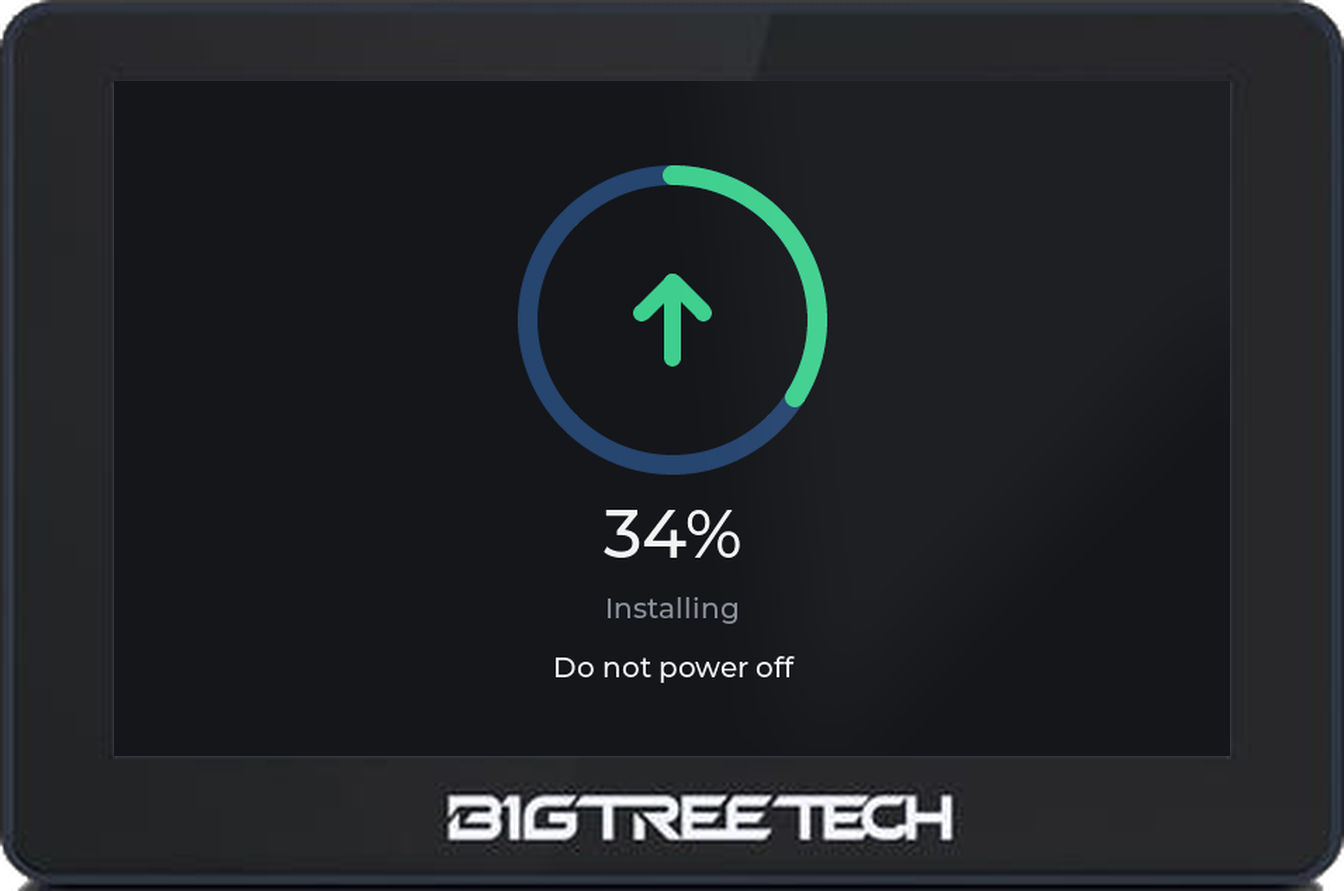 panda-touch-front-update-ring.png
Screen captures (800 x 480)
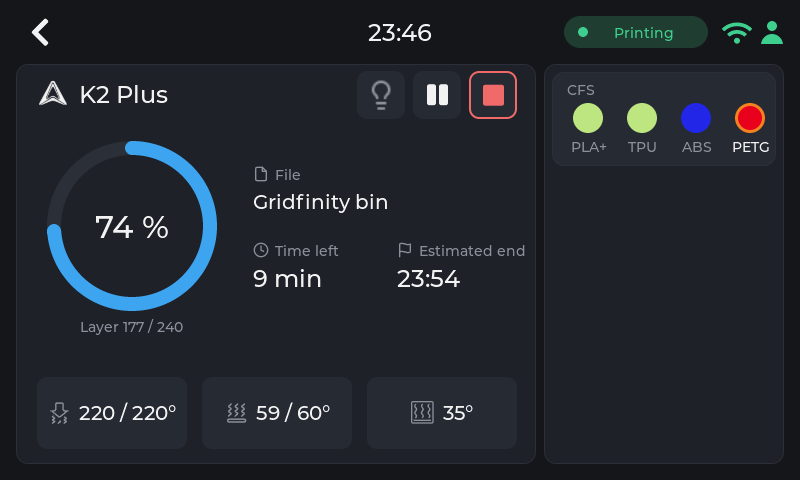
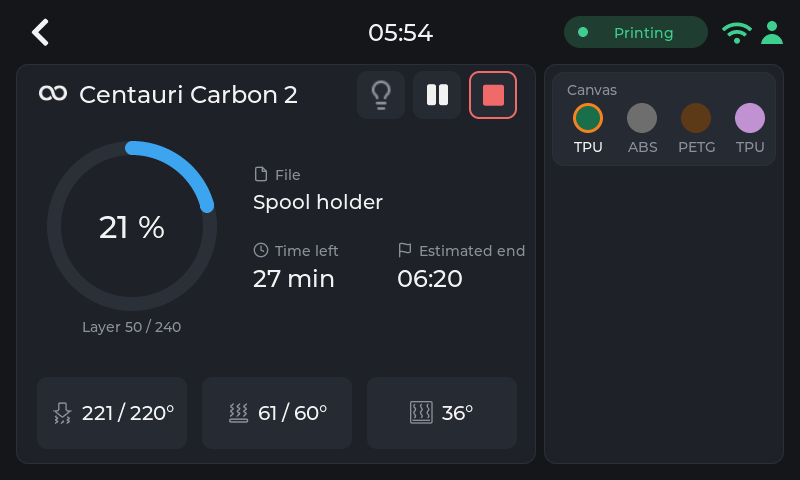
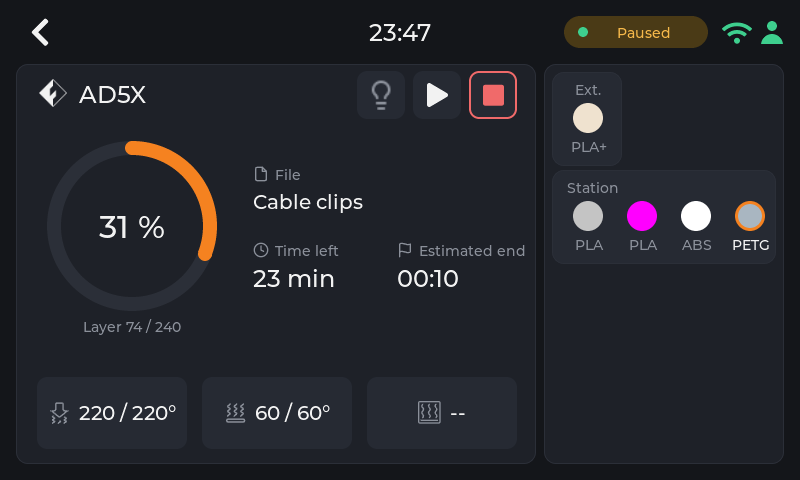
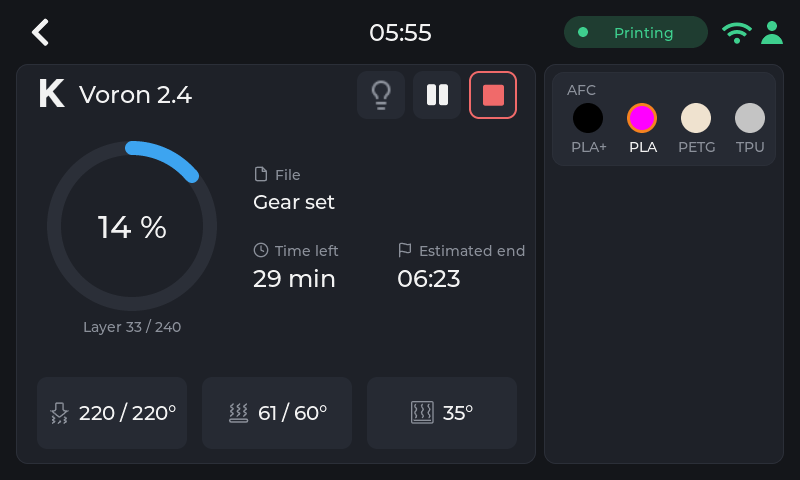
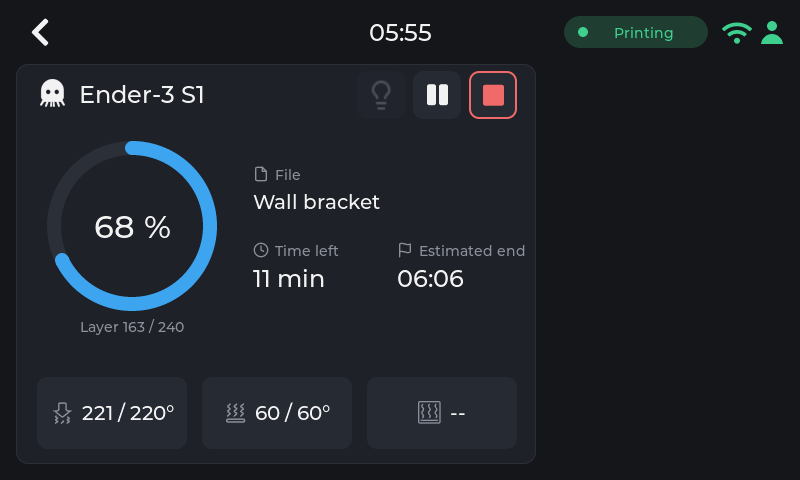
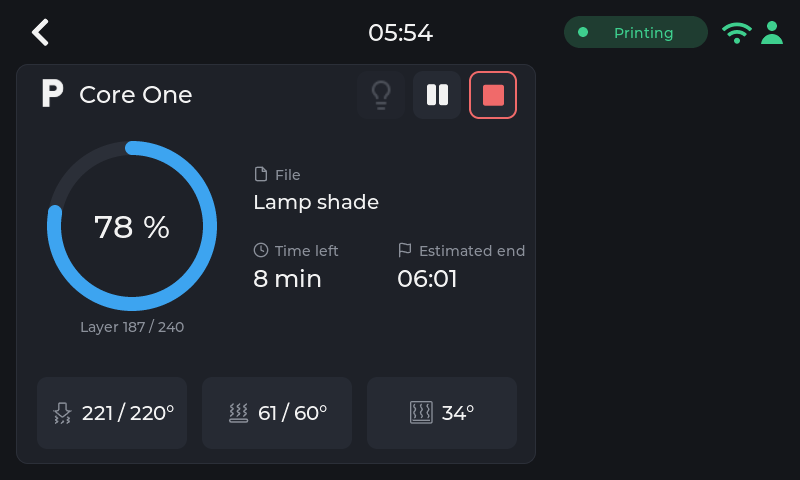
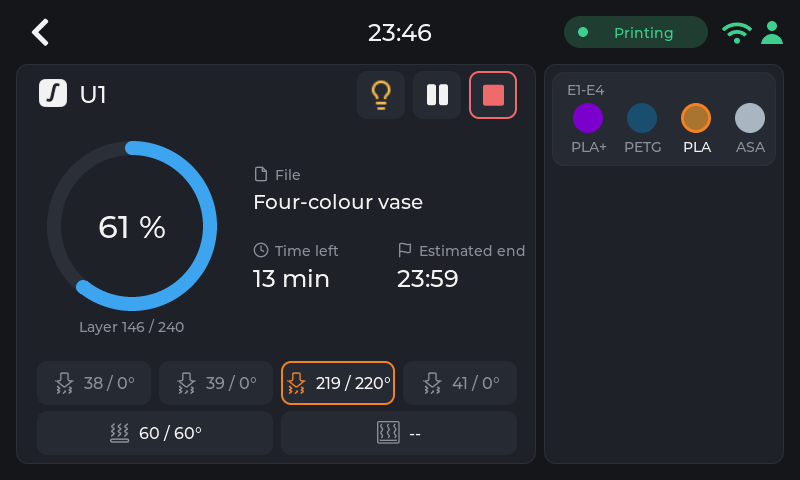

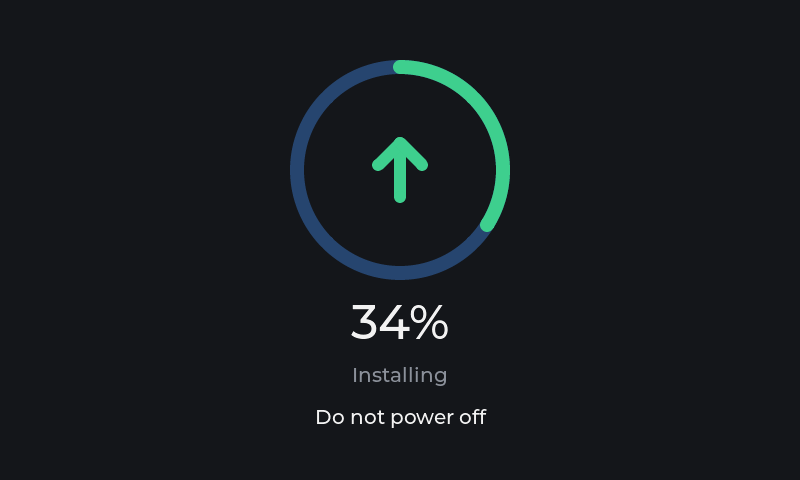
Illustrations
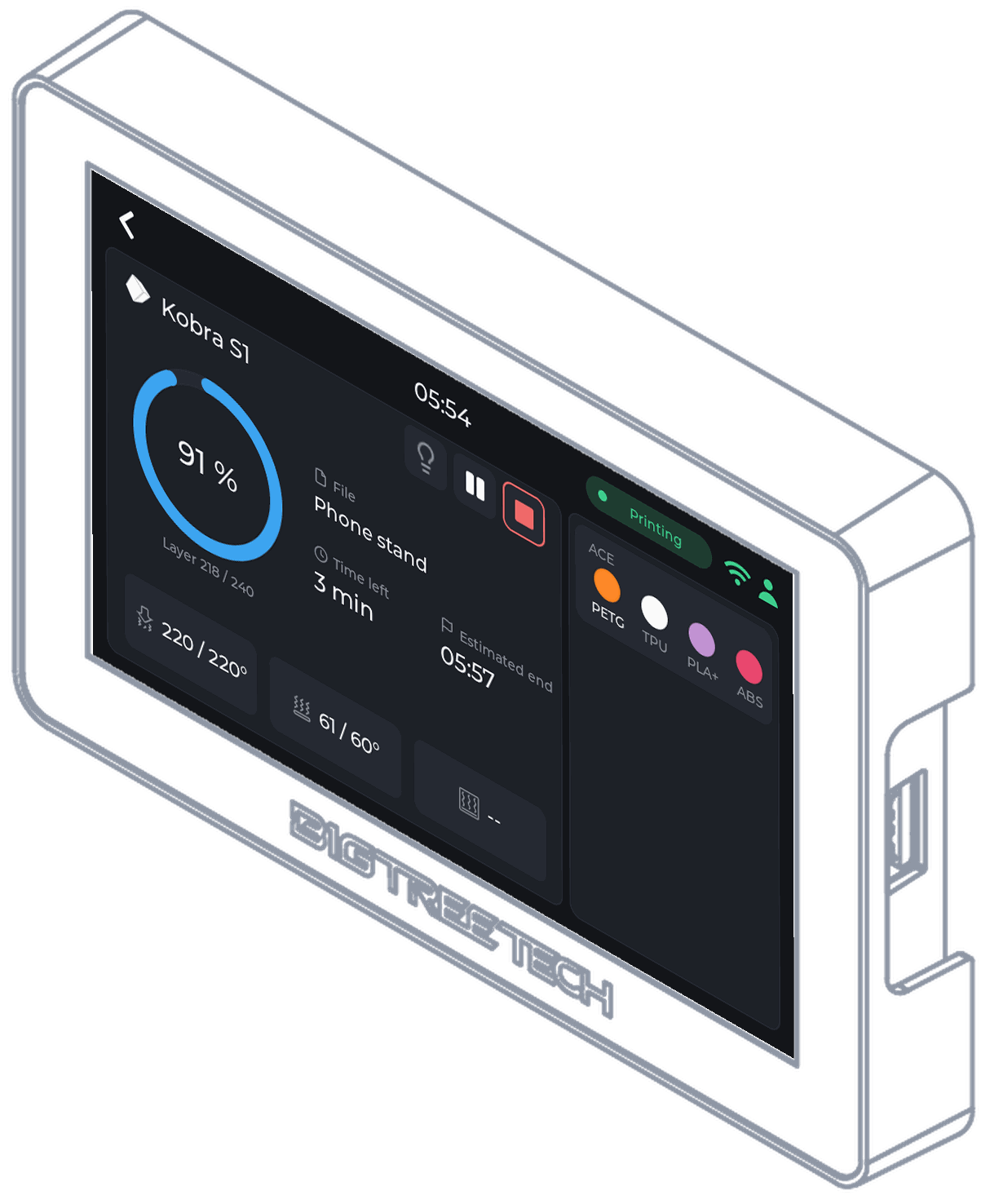
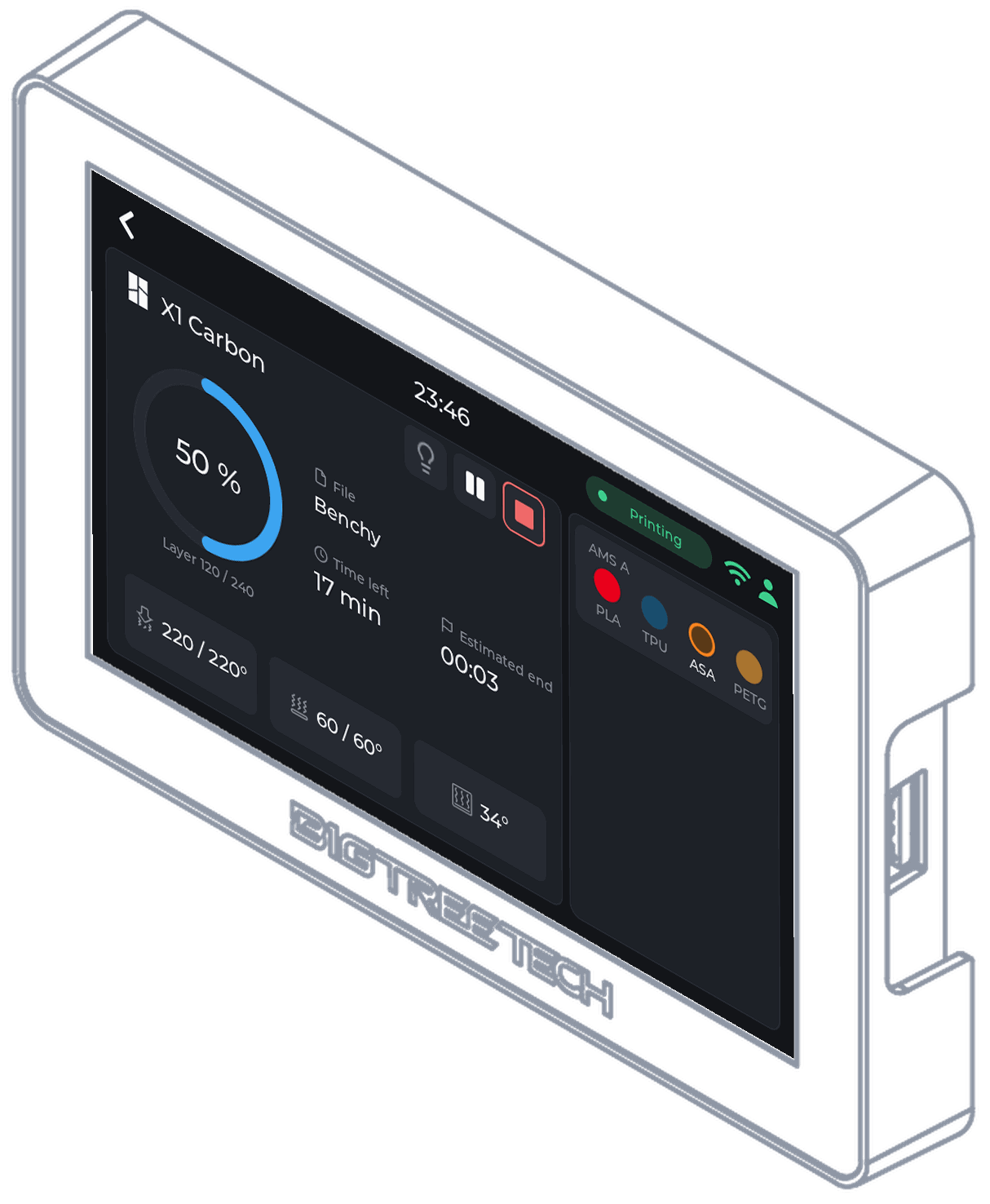
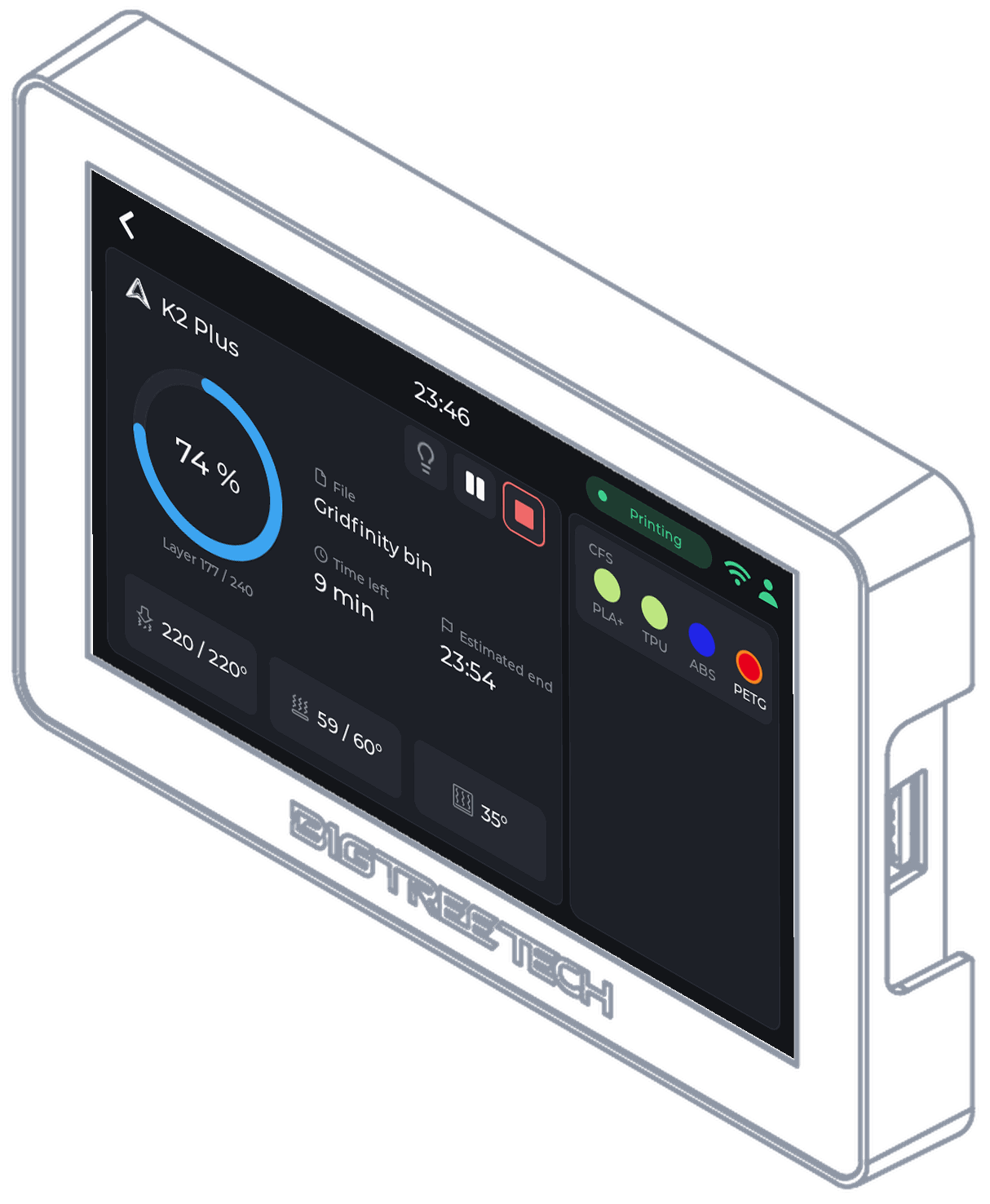
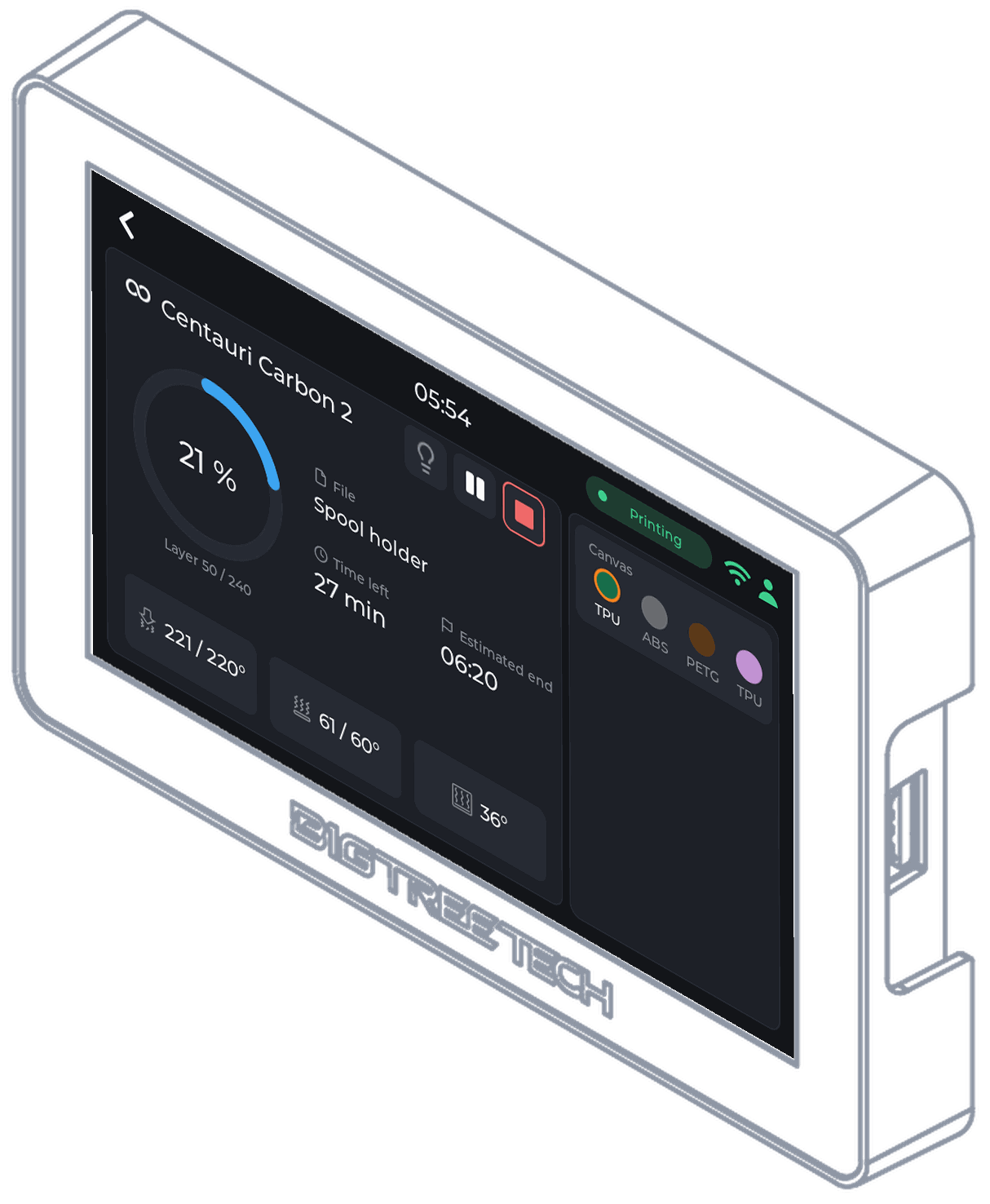
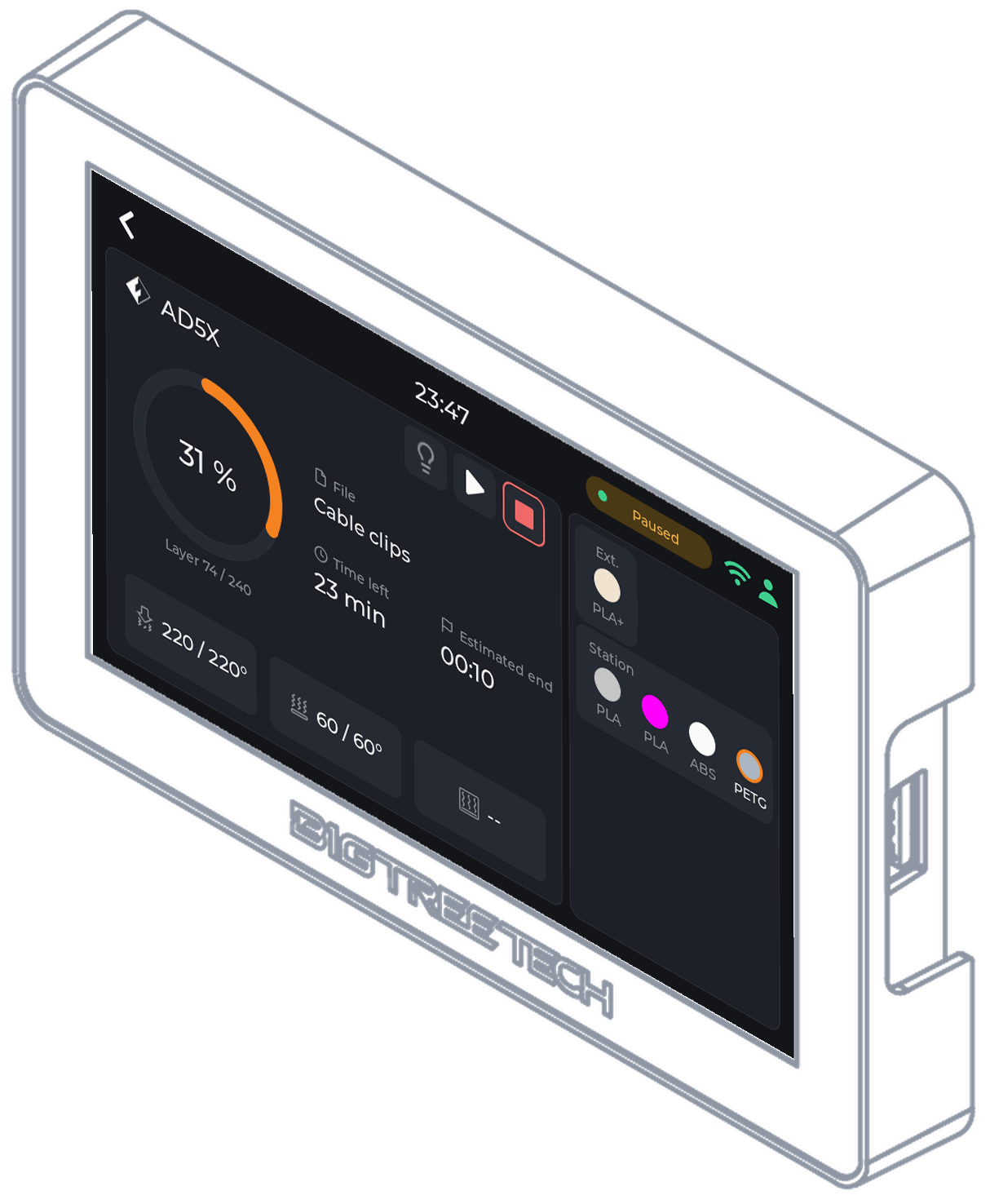
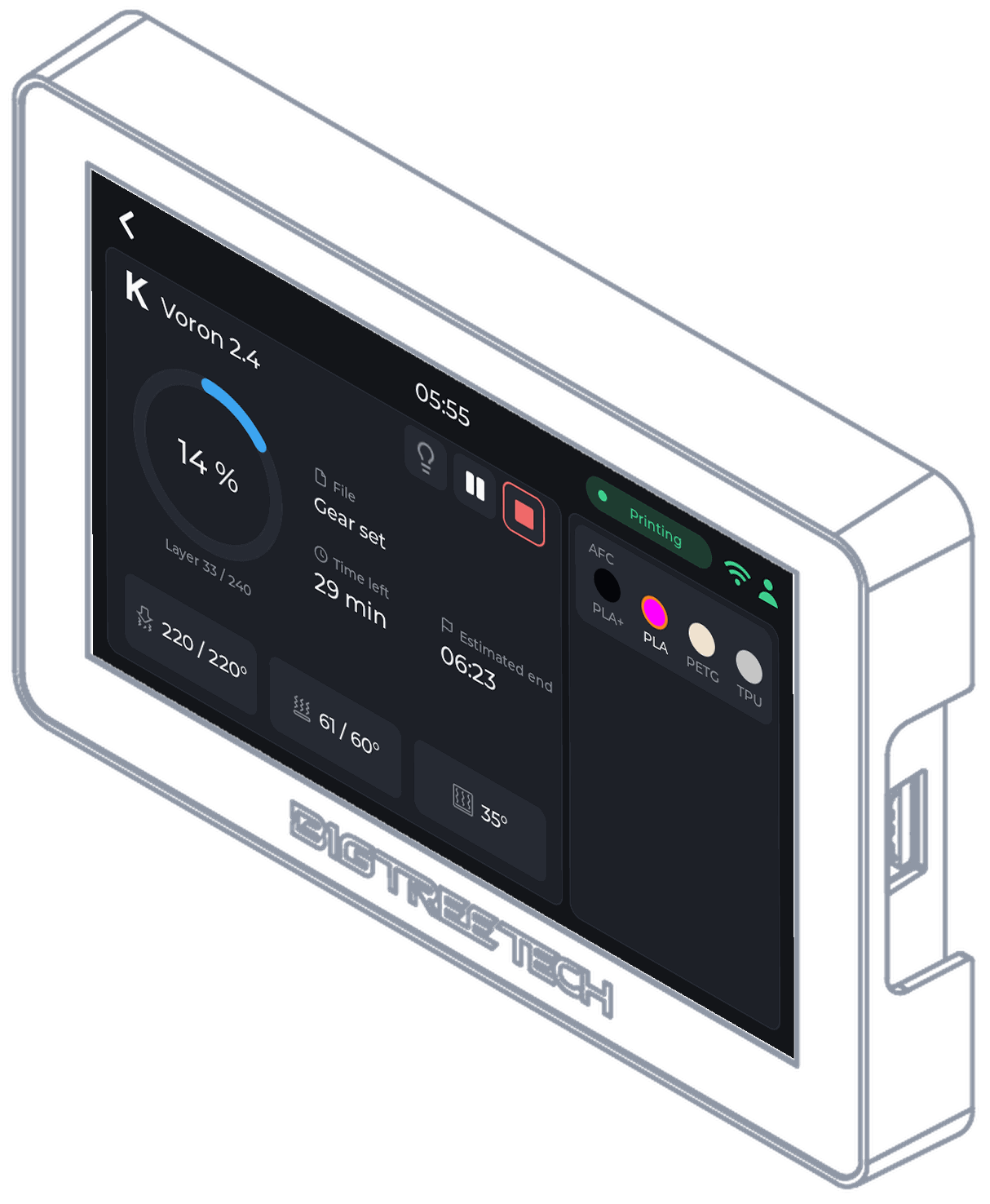
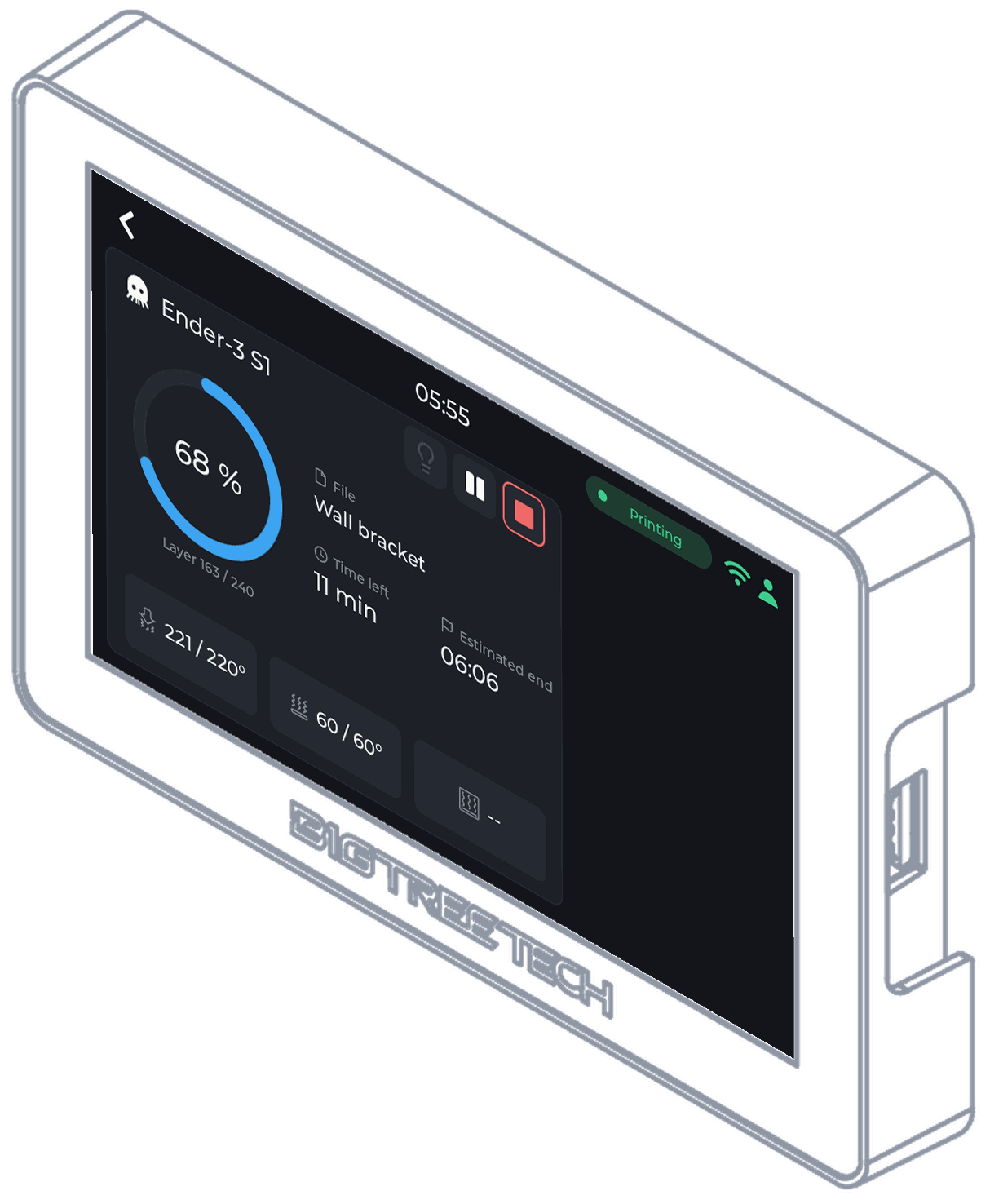
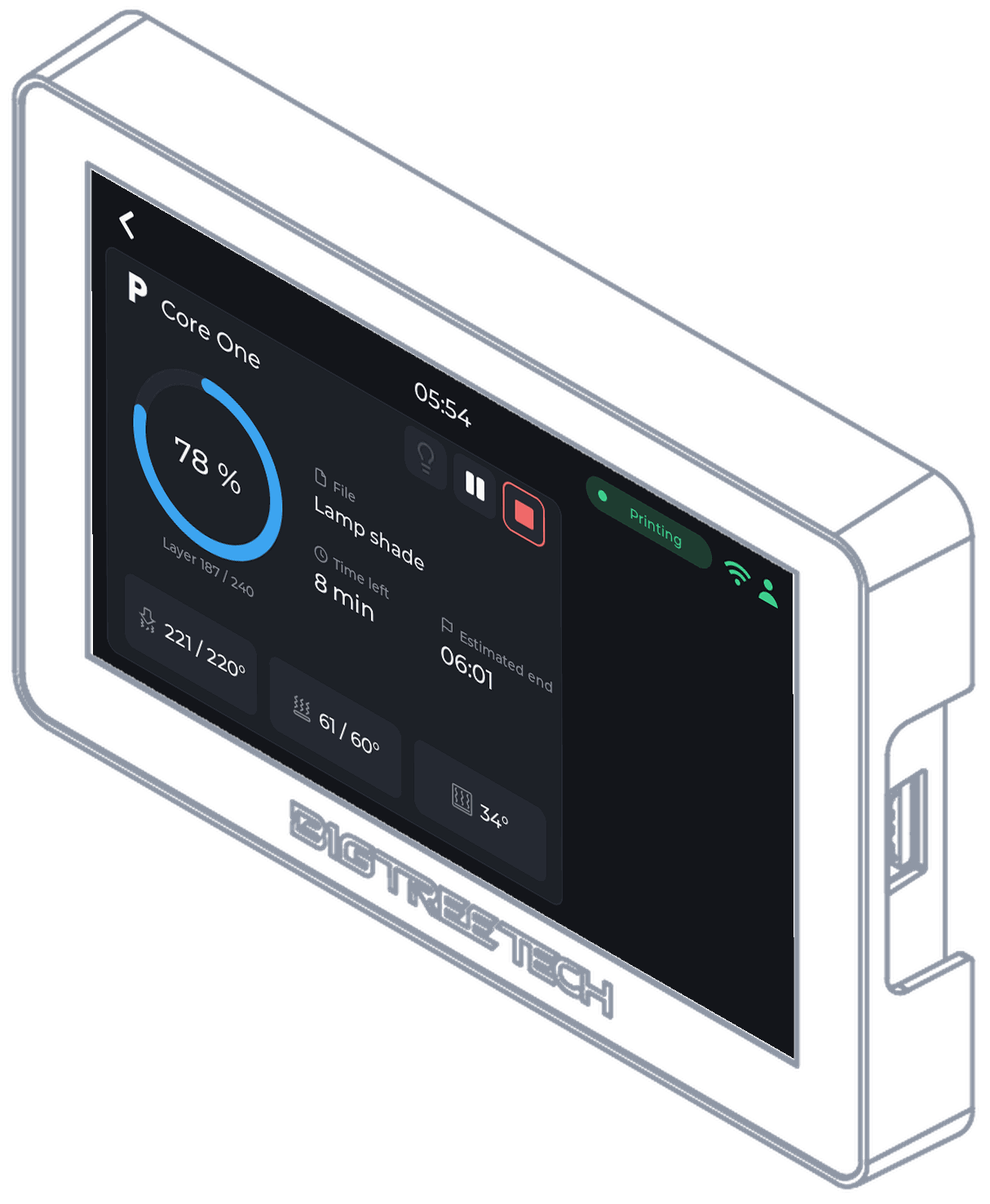
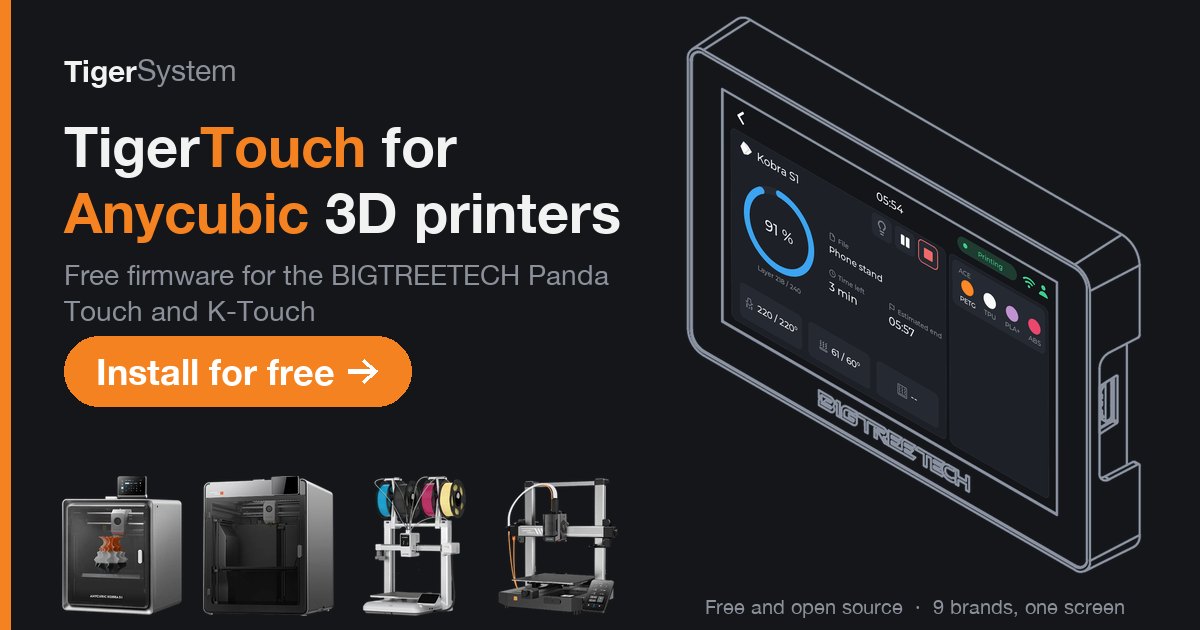
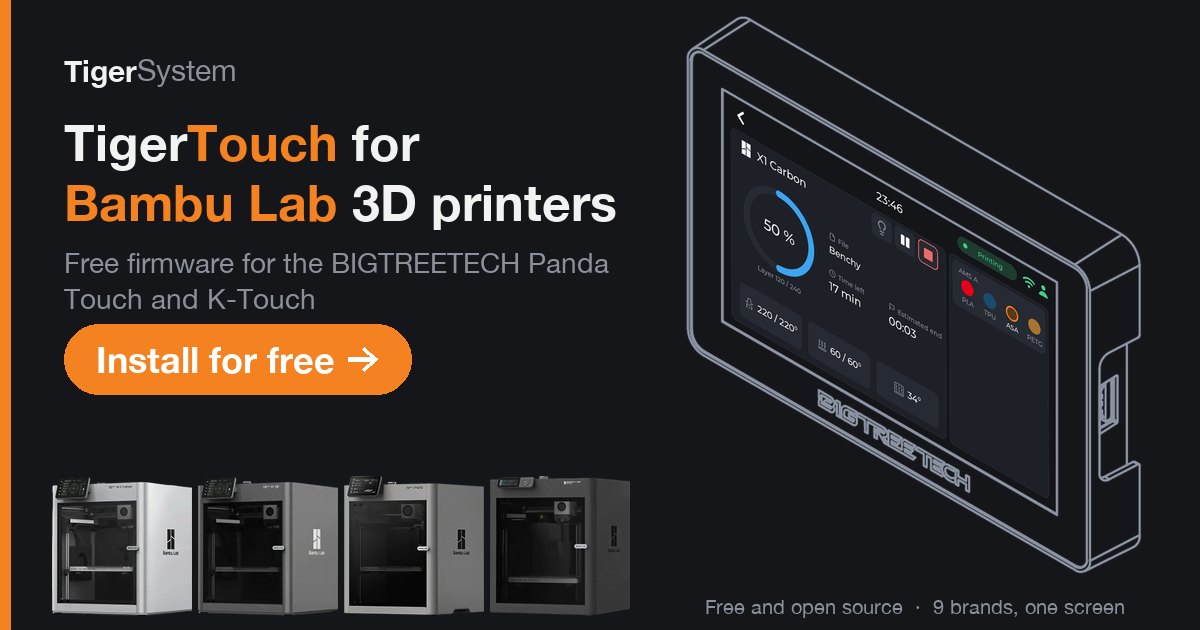
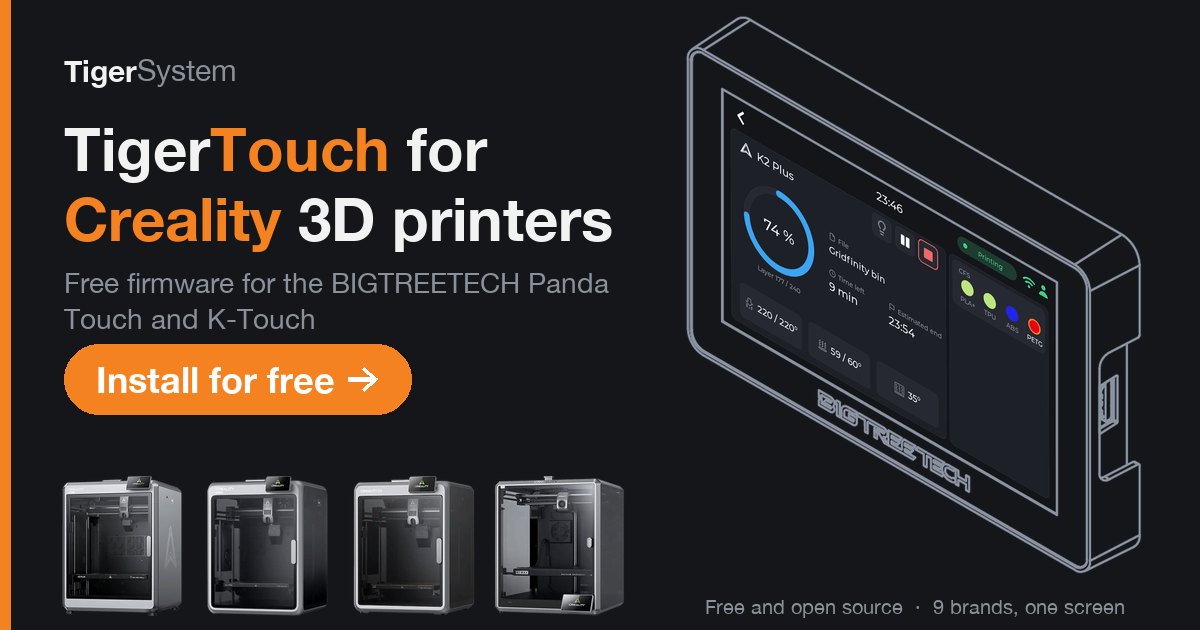
Share pictures (1200 x 630)
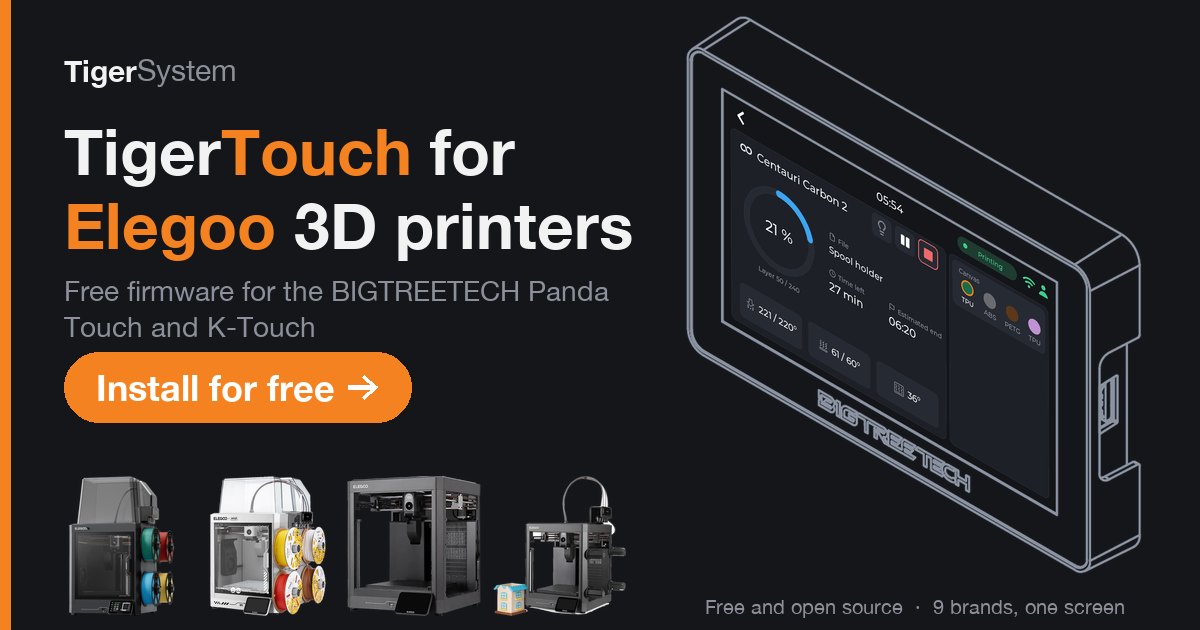
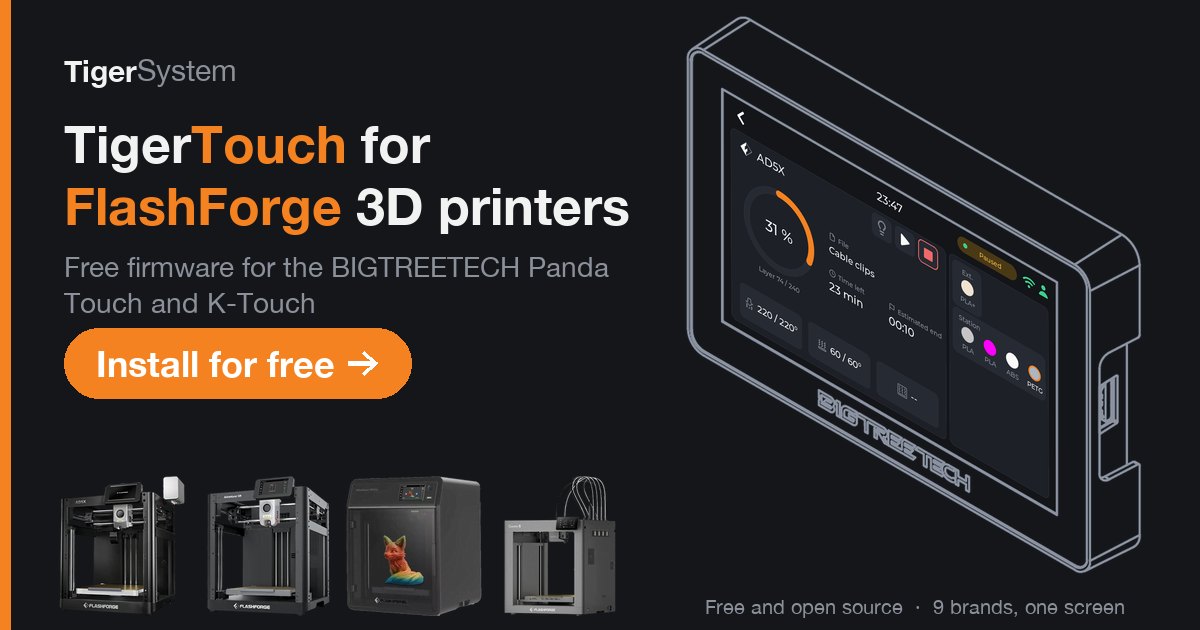
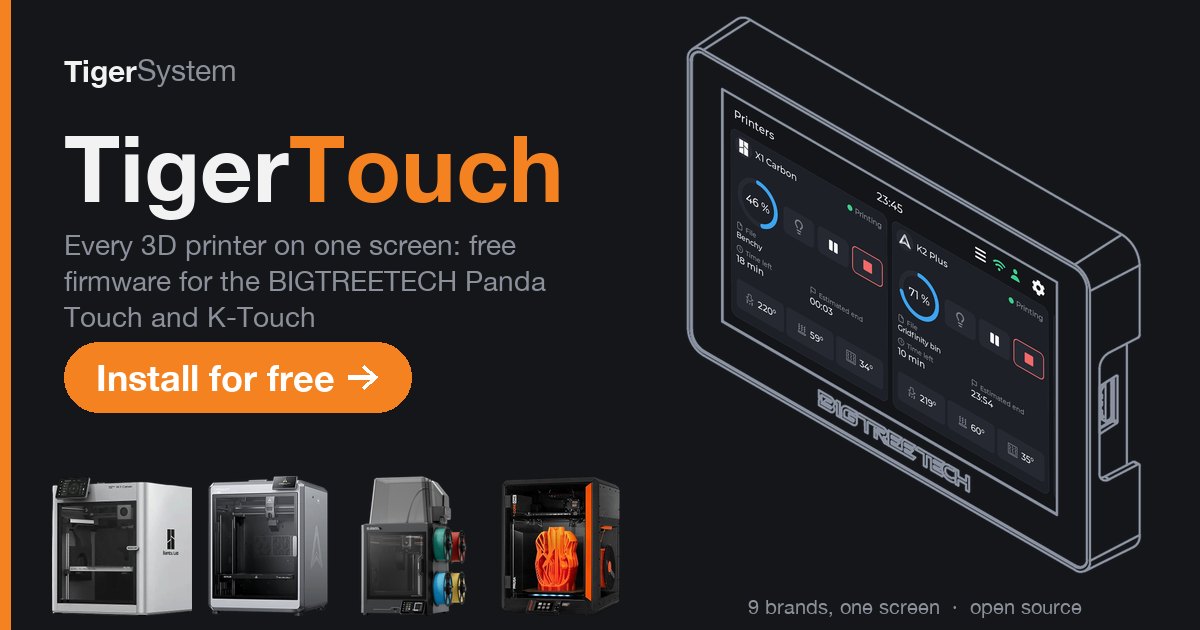
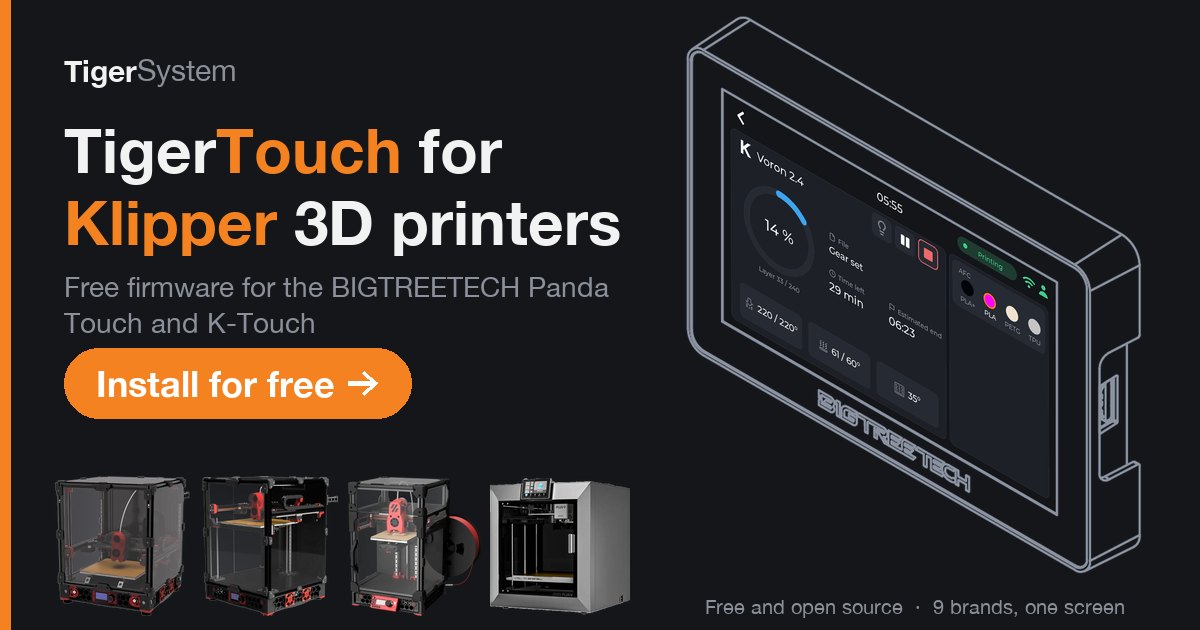
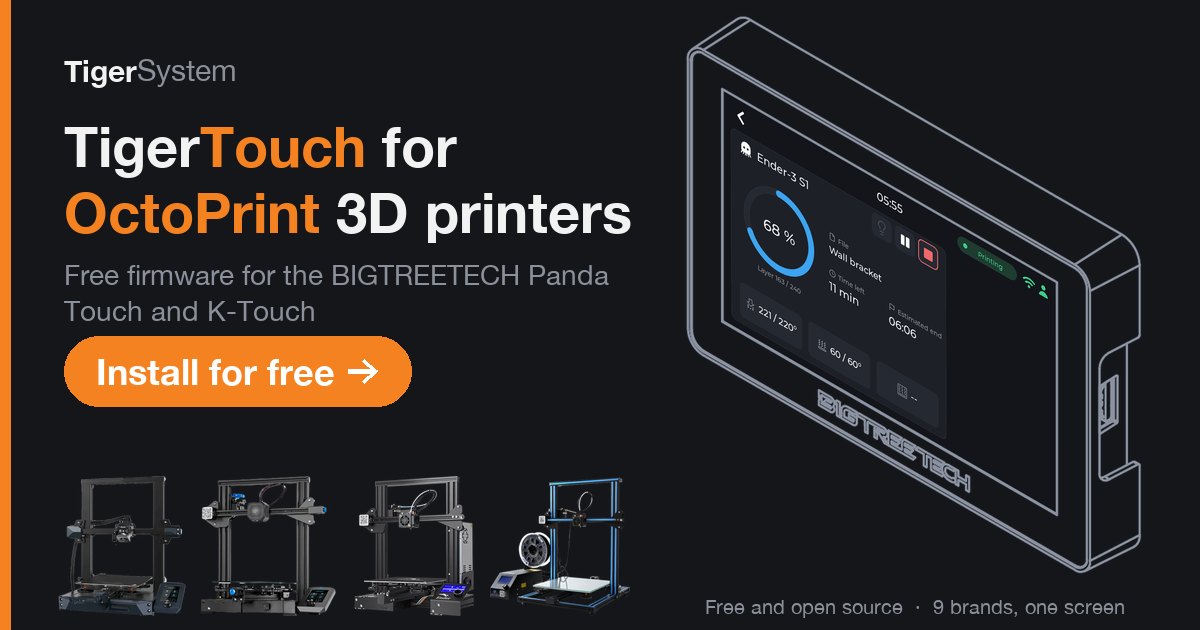
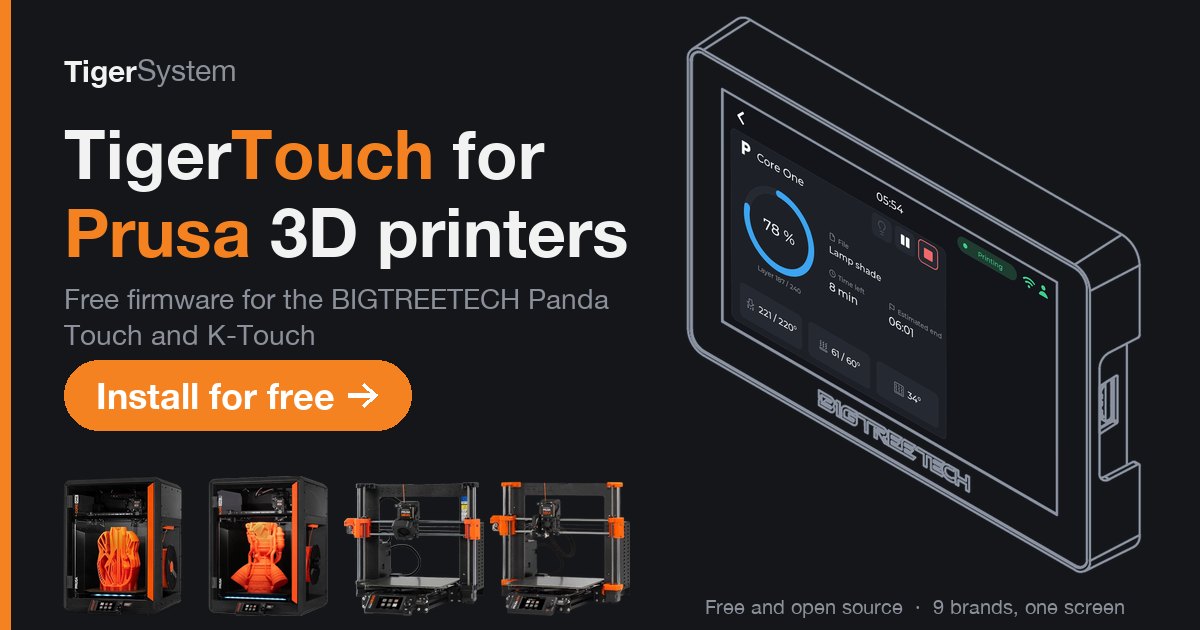
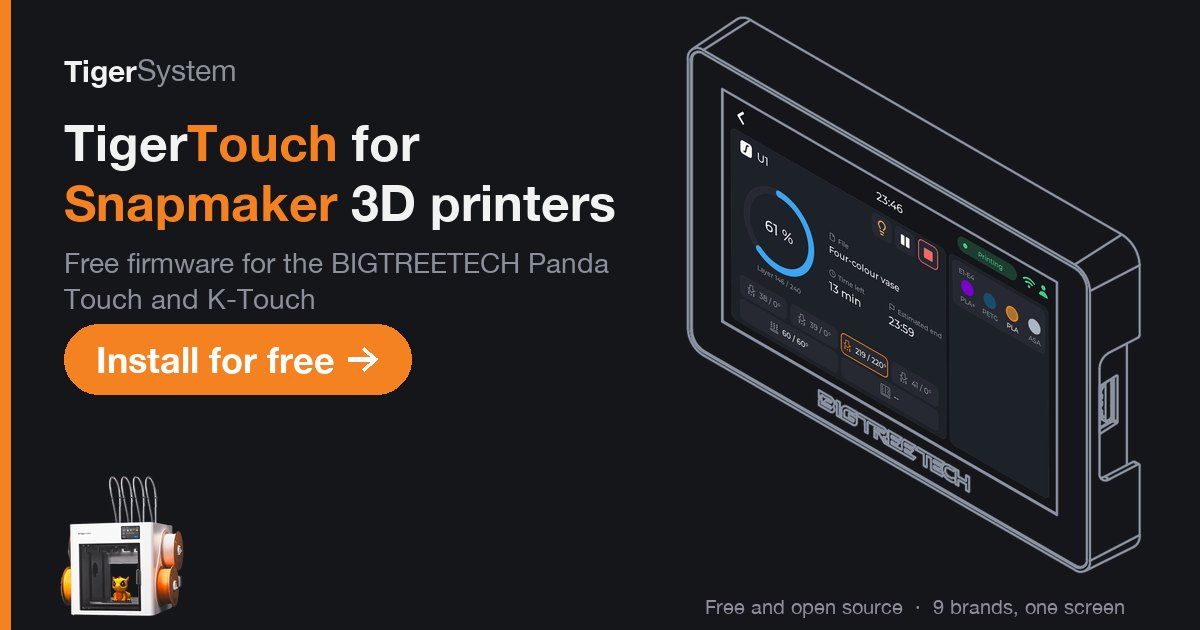
Logo and ecosystem






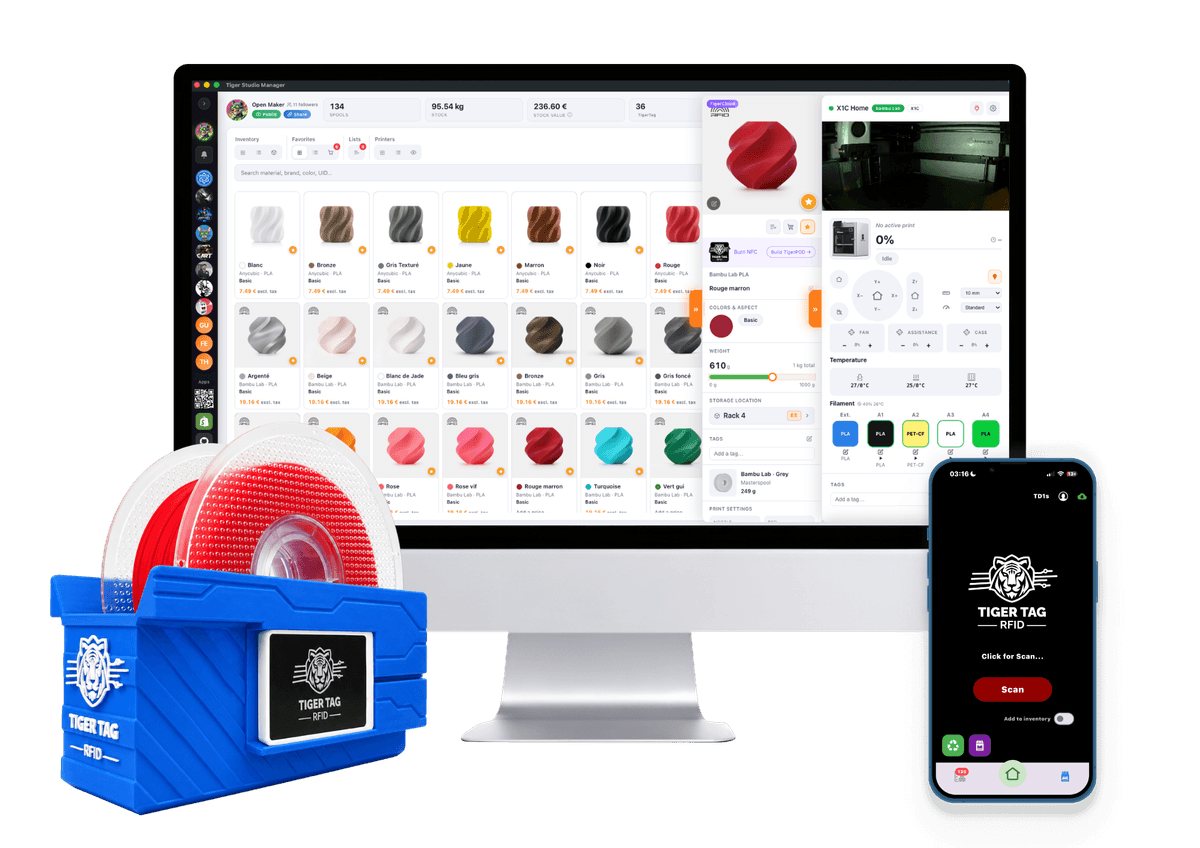
Using these files
Use them freely to write about Tiger Touch or to show it. The screen pictured is the BIGTREETECH Panda Touch; BIGTREETECH's name and the printer makers' names and logos belong to their owners. TRADEMARK.md
Contact
For an interview or a question, open an issue on GitHub or reach the team through tigersystem.io.
The rest of the TigerSystem family
Tiger Touch is one of TigerSystem's free tools. The others share the same account, the same spools and the same printers:
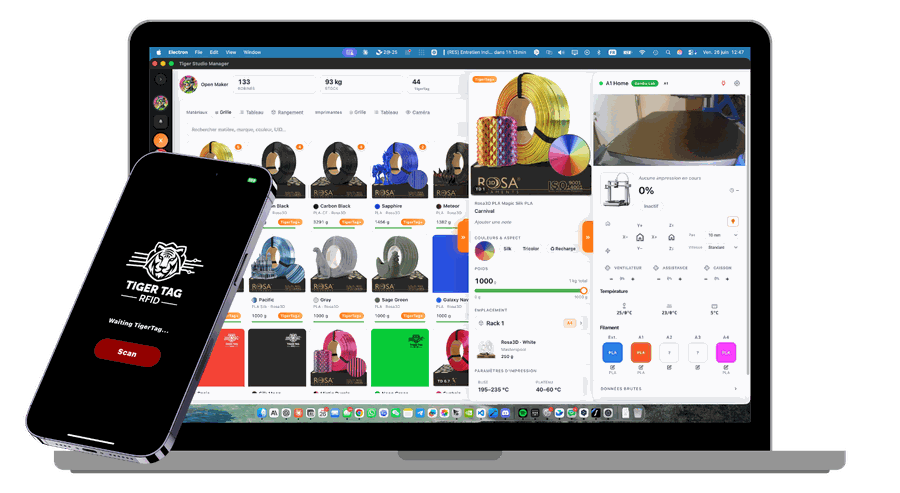
Tiger Studio Manager
Mission control for your filament and your printers, on Windows, macOS and Linux. Start here: your account and your printers are set up there.
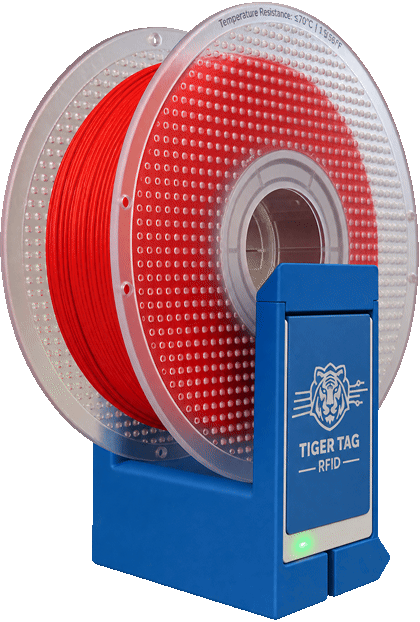
TigerPOD Mini
A spool scanner for your desk that you print yourself: put a spool down and it opens in Tiger Studio.
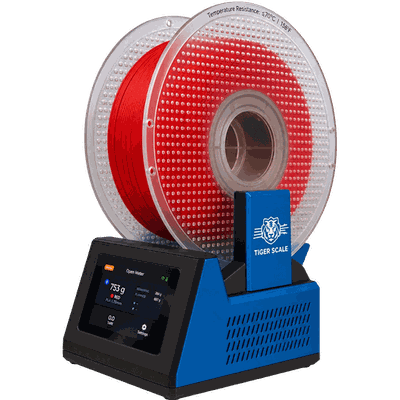
TigerScale V3
An open-source scale: the chip says what the spool is, the load cell how many grams are left.
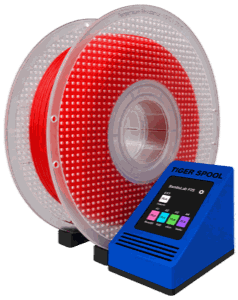
TigerSpool
A small box beside the printer: hold a spool against it and the filament is written into the printer's slot.