

Drop it in, no aiming
With one chip on each side of the spool and one reader facing each chip, a chip is always in front of a reader, whichever way the spool goes in.
A CD player, for spools.
Drop a 3D-printing filament spool in and your computer reads its TigerTag chips: material, brand, colour, temperatures, what is left. Writing a tag works the same way. Two commodity USB NFC readers and a 3D-printed shell, nothing else.
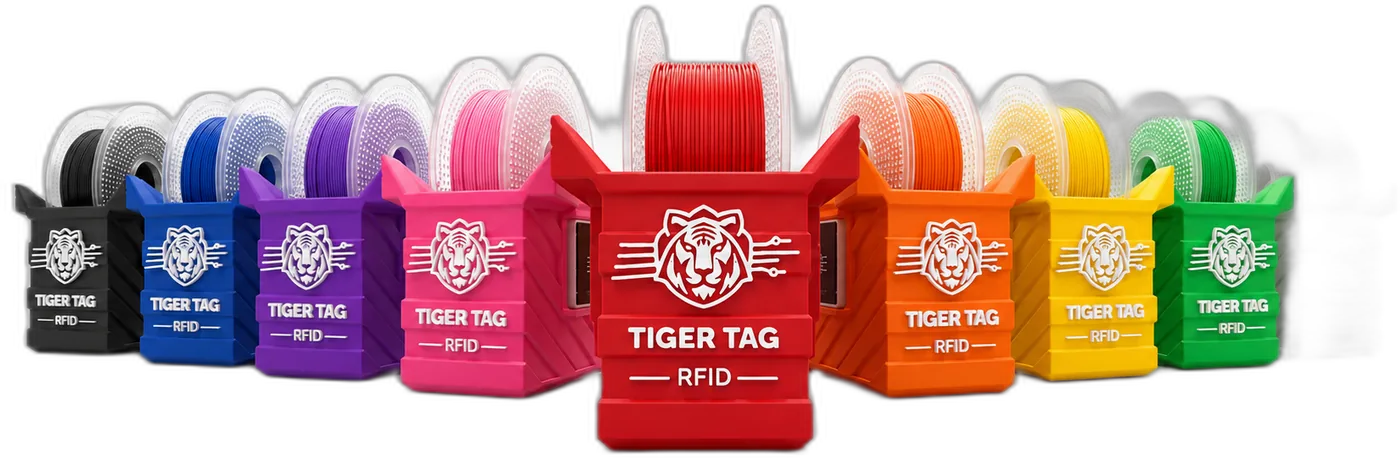
The TigerPOD reads and writes the NFC chips of a filament spool on your desk: two standard PC/SC readers held face to face by a 3D-printed support, driven by Tiger Studio Manager.
With one chip on each side of the spool and one reader facing each chip, a chip is always in front of a reader, whichever way the spool goes in.
The Pod reads and writes the two chips of a spool together, so the Twin Tag pair stays byte-identical and your inventory counts one spool, not two tags.
Read what is on a tag, write a new one, change it and erase it back to blank. A TigerTag is never write-locked: rewrite it as many times as you want.
Anything an ACR122U handles, the Pod handles: ISO 14443 A and B, MIFARE Classic, Ultralight and DESFire, FeliCa, Topaz/Jewel, NFC Forum types 1 to 4. ISO 15693 tags are outside its range.
Commodity readers over PC/SC, the smart-card standard built into Windows, macOS and Linux. No custom board, no proprietary reader, no driver from a vendor.
The Pod reads and writes locally; nothing phones home. A used spool chip can be rewritten as a plain NDEF tag (a URL, home automation, a business card) and back into a TigerTag.
The TigerPOD is one idea: two ACR122U readers facing each other, held at the right distance by a 3D-printed support. Both published shells hold the same two readers; pick the one that suits your desk.
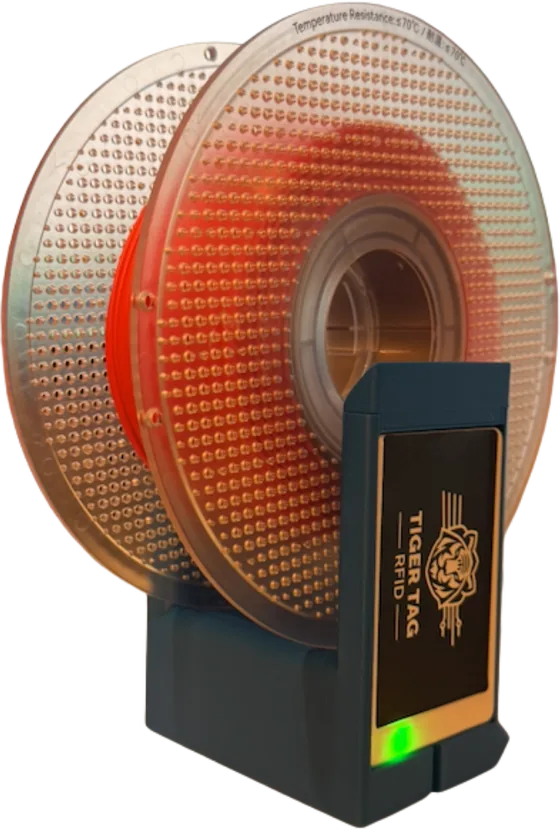
A redesigned, more compact shell: it prints faster, uses less filament, takes less desk space and routes the cables inside. It reads and writes both TigerTag and OpenSpool (NDEF) tags.
Print files on MakerWorldThe first shell, sized for a standard 1 kg spool. Same two readers, same features.
Print files on MakerWorldOnly the two facing readers matter; the holder around them is a detail. Redesign it for another spool format or another use, and it is still a Pod. Share your remix on MakerWorld and open an issue that links to it.
How to contributeBuilding a TigerPOD takes a 3D print and two USB readers: no electronics knowledge, no soldering, no wiring.
The TigerPOD Mini (recommended) or the original, both on MakerWorld, in any filament you like.
Two ACR122U-compatible USB NFC readers from any shop, and NTAG 213, 215 or 216 tags to write on.
One reader into each slot of the shell. No screws, no glue, no wiring.
Connect both readers to your computer. A 2-to-1 USB splitter makes it one cable; two ports work too.
The free desktop app picks the readers up automatically. Drop a spool in.
RepositorySome hardware links are Amazon affiliate links: as an Amazon Associate, TigerTag earns from qualifying purchases, at no extra cost to you.
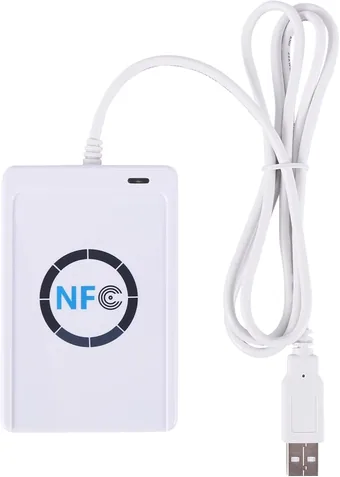
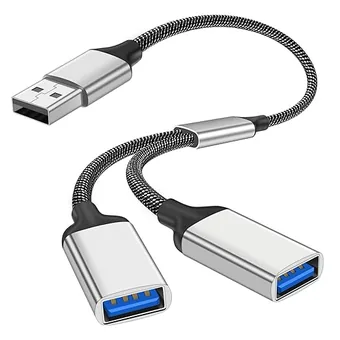
Windows: recognised out of the box, the PC/SC service ships with Windows. If a card-emulation helper driver takes over the reader, remove it.
macOS: works with the built-in PC/SC stack, no extra driver.
Linux: install PC/SC and the ACS/CCID driver, then make sure the pcscd service is running.
sudo apt install pcscd libacsccid1The TigerTag shop sells the electronics ready to slide in: readers carrying the project's official logo, and the splitter. Buying the kit funds the open standard.
The kit is the electronics only: you still print the shell yourself. A Pod built from generic parts is the same Pod.
You print it yourself, so the Pod takes the colour and finish of your filament: silk, galaxy, marble, glow-in-the-dark.
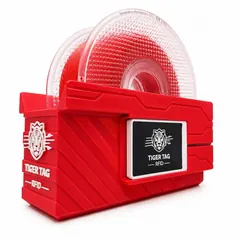
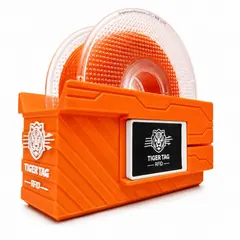
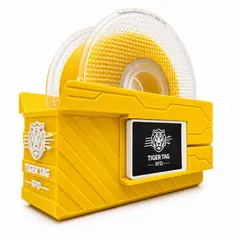
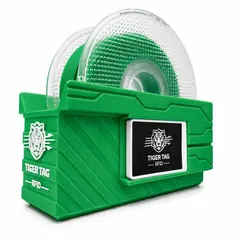
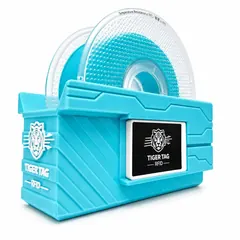
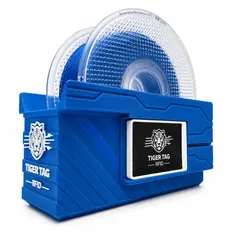
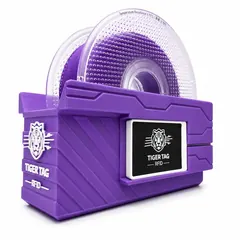
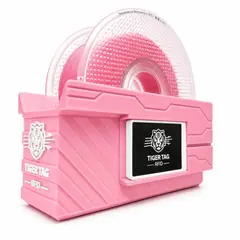
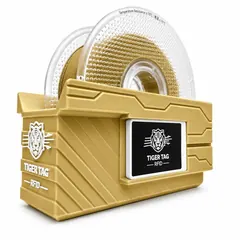
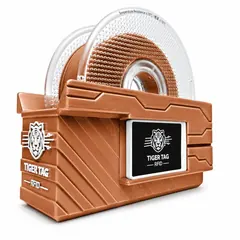
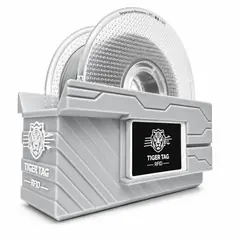
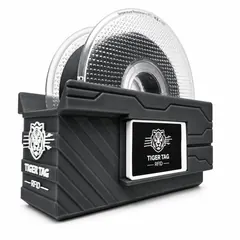
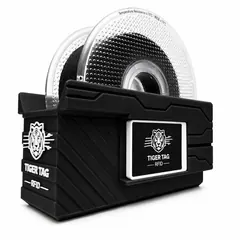
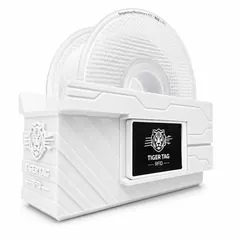
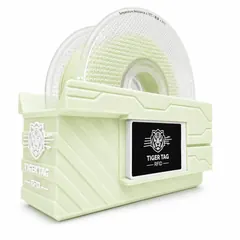
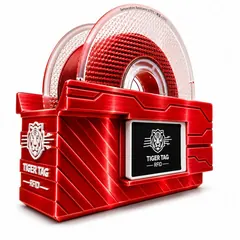
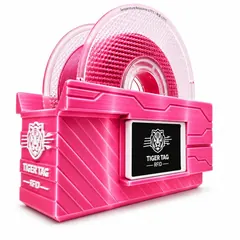
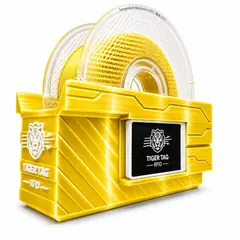
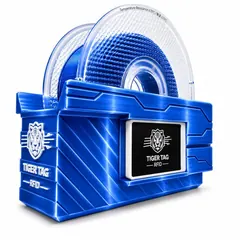
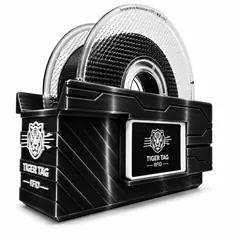
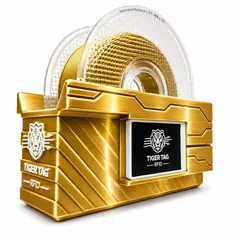
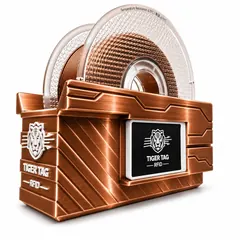
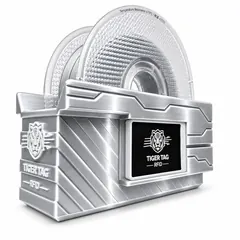
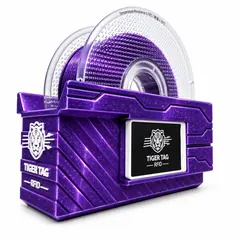
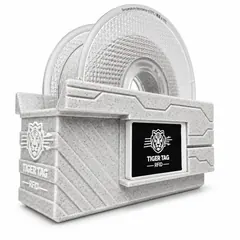
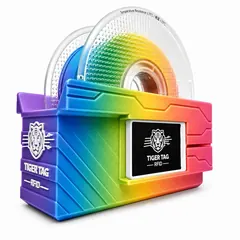
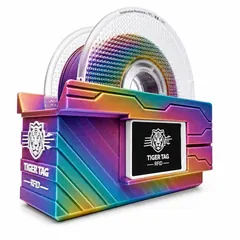
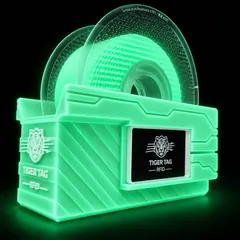
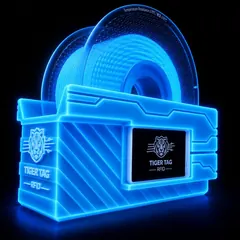
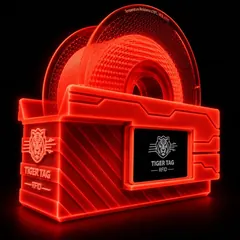
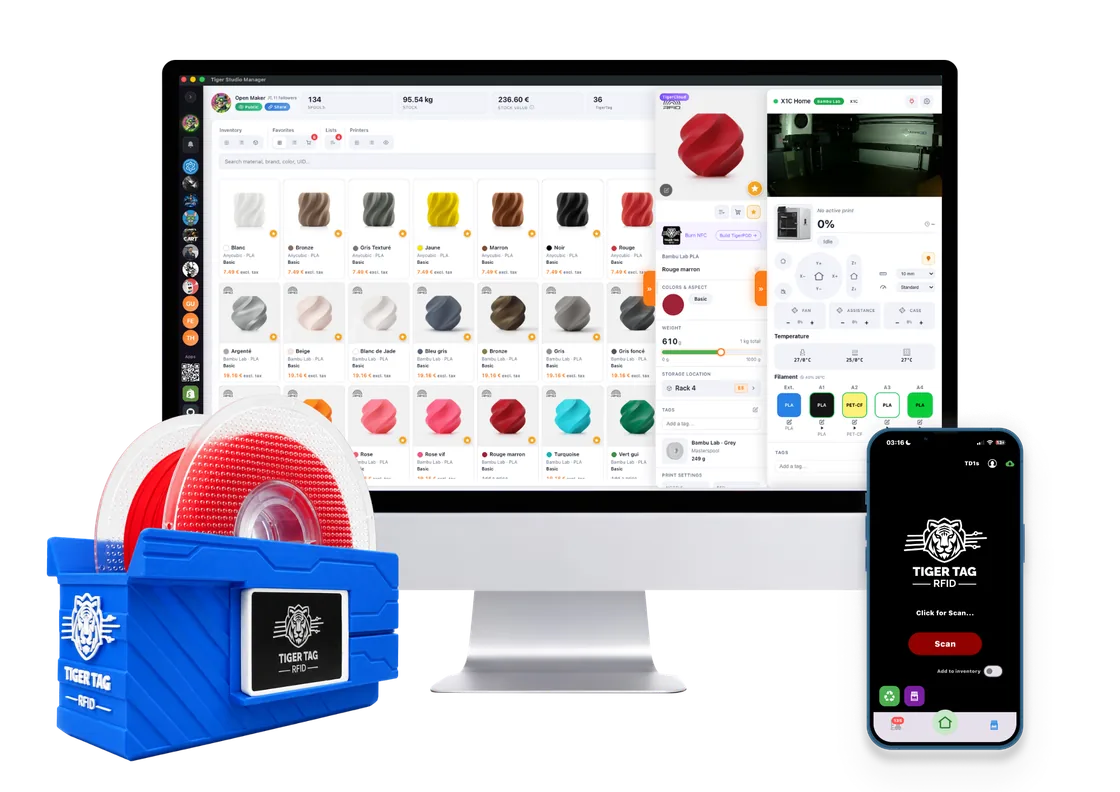
The TigerPOD is the desktop's NFC in the TigerTag system: the same spool is read by the Pod, by Tiger Studio Manager on the computer and by a phone.
The open specification and public registry the Pod reads and writes (CC-BY-4.0, irrevocable implementation grant).
The free desktop app (MIT): inventory, printers, and the Pod's home. It drives the readers over PC/SC.
RepositoryA TigerTag chip is a standard NFC tag: any phone with NFC reads it, and the mobile app writes it with the phone's own NFC.
Questions, build photos and remixes on the TigerTag Discord.
DiscordA TigerTag stores everything on the chip, so reading is the same two steps in any language, with no lookup and no network.
With any NFC library, read the 7-byte UID and the user memory, pages 0x04 to 0x27: 36 pages of 4 bytes, 144 bytes. On the desktop, nfc-pcsc (Node, used by Tiger Studio Manager) or pyscard (Python) drive the ACR122U over PC/SC.
Hand those bytes to the TigerTag SDK. It returns material, brand, colour, temperatures and weight, and can verify the signature. The SDK never touches the reader.
fromPages(uid, payload)   // JS
from_pages(uid, payload) # PythonBoth SDKs ship a playground, a small local server and a web page. The JavaScript one connects to the ACR122U over PC/SC and shows live card events: drop a spool in the Pod and watch it decode in the browser.
npm install ws nfc-pcsc
npm run playgroundYes. A single chip and a single reader work, but you have to present the tagged side of the spool, and the two chips of a spool are no longer kept in sync automatically.
About 99% of 1 kg spools, whatever the type: plastic masterspools, cardboard spools, non-reusable plastic spools and refills.
They differ only in memory: about 144 bytes for the 213, 504 for the 215 and 888 for the 216. Any of them holds a TigerTag record; pick 215 or 216 for more headroom. All three work in the Pod.
Make sure it is an ACR122U-compatible PC/SC reader. On Linux, install the CCID driver and start the pcscd service. Unplug and replug the reader once, then relaunch Tiger Studio Manager.
Yes. TigerTags are never locked: erase and rewrite them as new TigerTags as often as you want, or turn them into plain NDEF tags for another NFC use and back again.
Yes. It is two standard ACR122U readers, so it reads, writes, rewrites and erases anything an ACR122U supports: ISO 14443 A and B, MIFARE Classic, Ultralight and DESFire, FeliCa, Topaz/Jewel and NFC Forum types 1 to 4.
No. The Pod reads and writes locally, and nothing phones home.
No. A TigerTag chip is a standard NFC tag, so any phone with NFC can read it, and the mobile app can write it. The Pod is the desktop's NFC: drop-in reading and writing of both chips of a spool.
Print the Mini, slide in two readers, install Tiger Studio Manager. Questions and build photos are welcome on Discord.