

Spool inventory
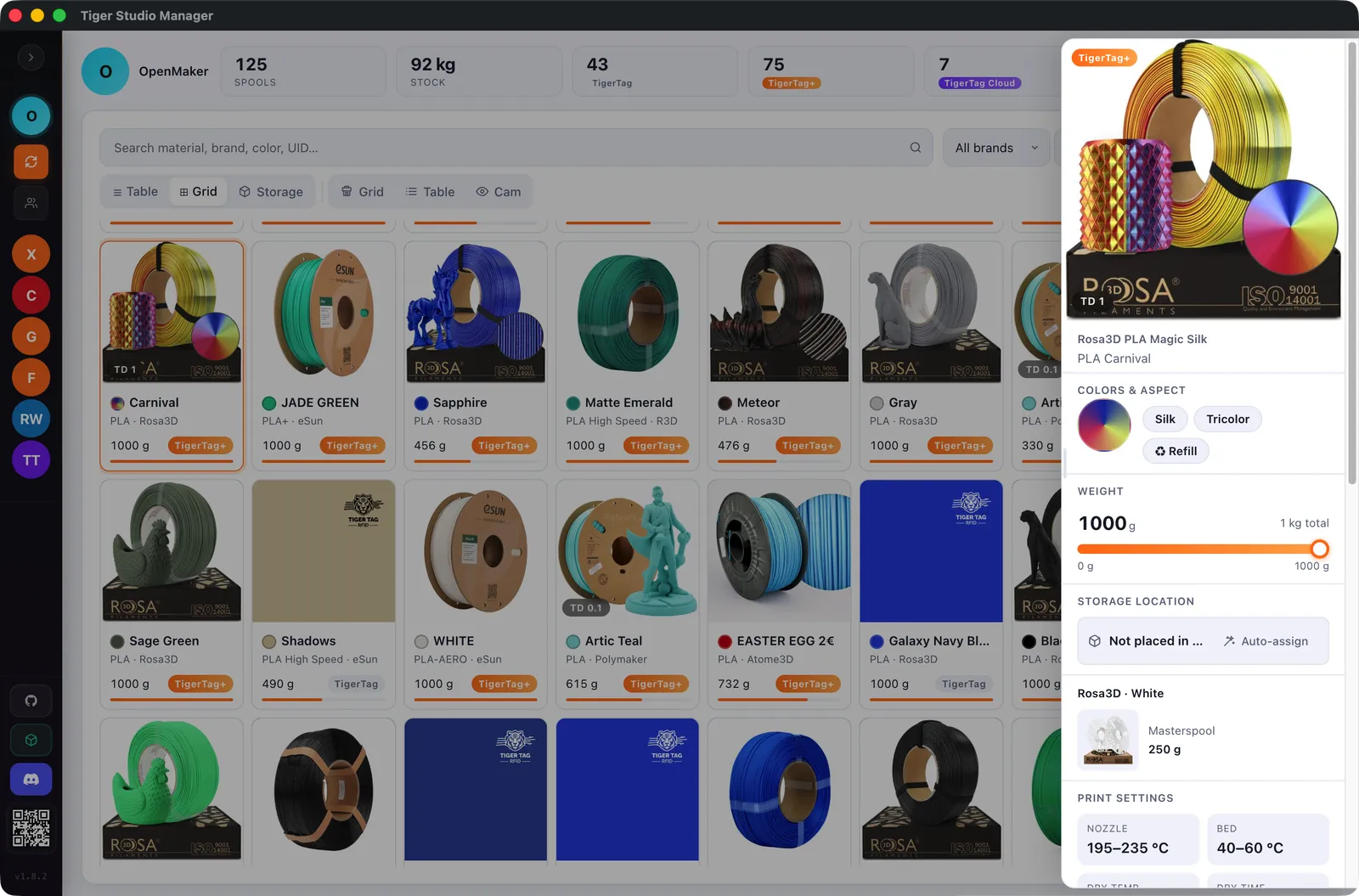
Every spool synced in real time with your account, in a table or a grid, with full-text search, a weight slider that saves itself and a colour bar to find the right shade.
Your filament spools and your 3D printers, in one window.
Tiger Studio Manager keeps your spool inventory in sync, reads and writes TigerTag NFC chips, and shows your printers live: Bambu Lab, Creality, Elegoo, FlashForge, Snapmaker, Anycubic and Prusa, plus any Klipper or OctoPrint printer.
Windows · macOS · Linux · MIT licence · Version 2.53.0
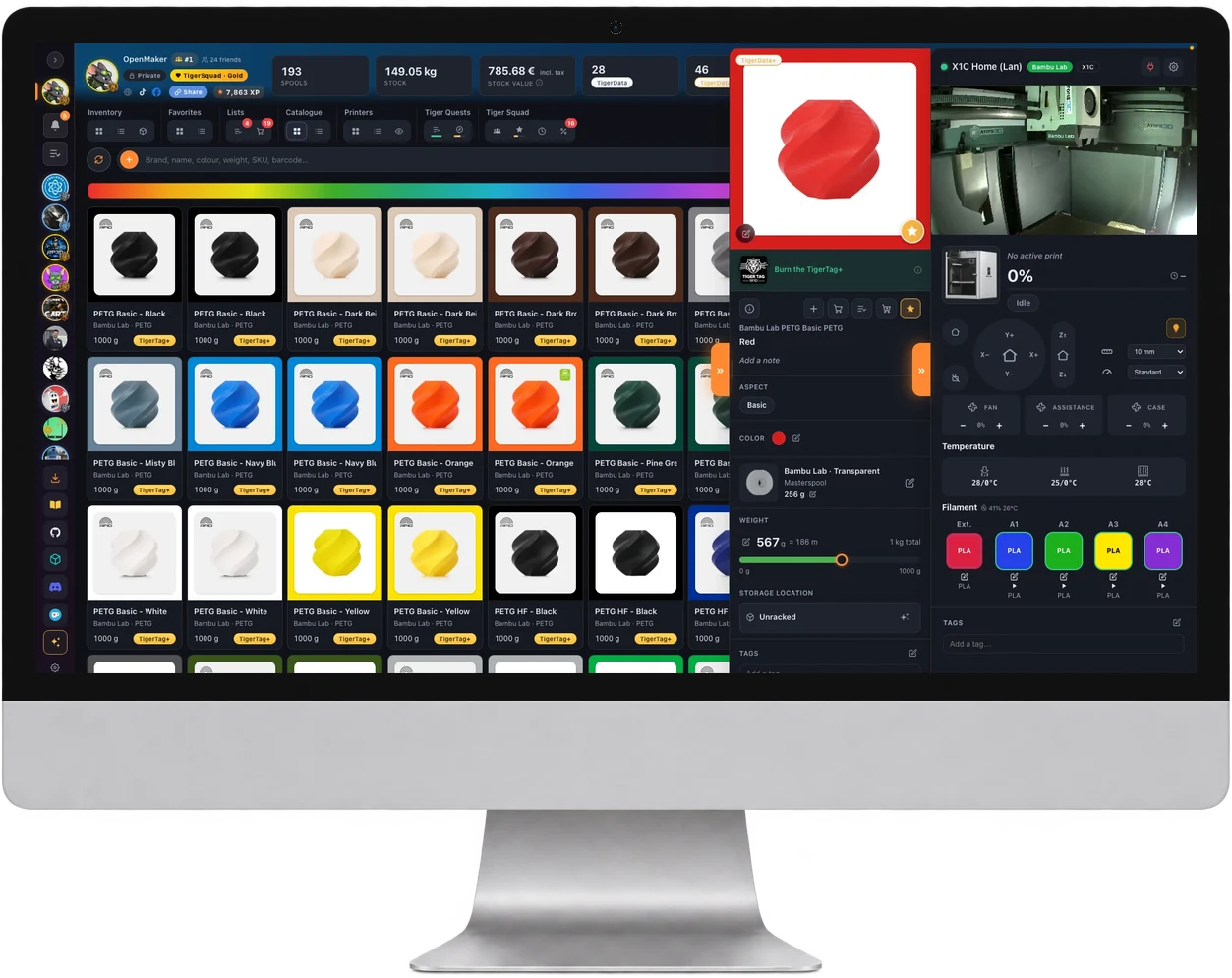
Figures from the project README, version 2.53.0.
Tiger Studio Manager is the desktop companion of the TigerTag RFID filament-tracking system: it works on its own, and does more with an NFC reader, a scale or a printer next to it.
Every spool synced in real time with your account, in a table or a grid, with full-text search, a weight slider that saves itself and a colour bar to find the right shade.
Search the official catalogue by brand, series, material or barcode (EAN), and add any product as a TigerData+: a digital spool with the product's real identity, no chip needed.
Temperatures, filament per slot, the current job and the camera, for each printer; pause and stop from its card, and a printer board laid out like your workshop.
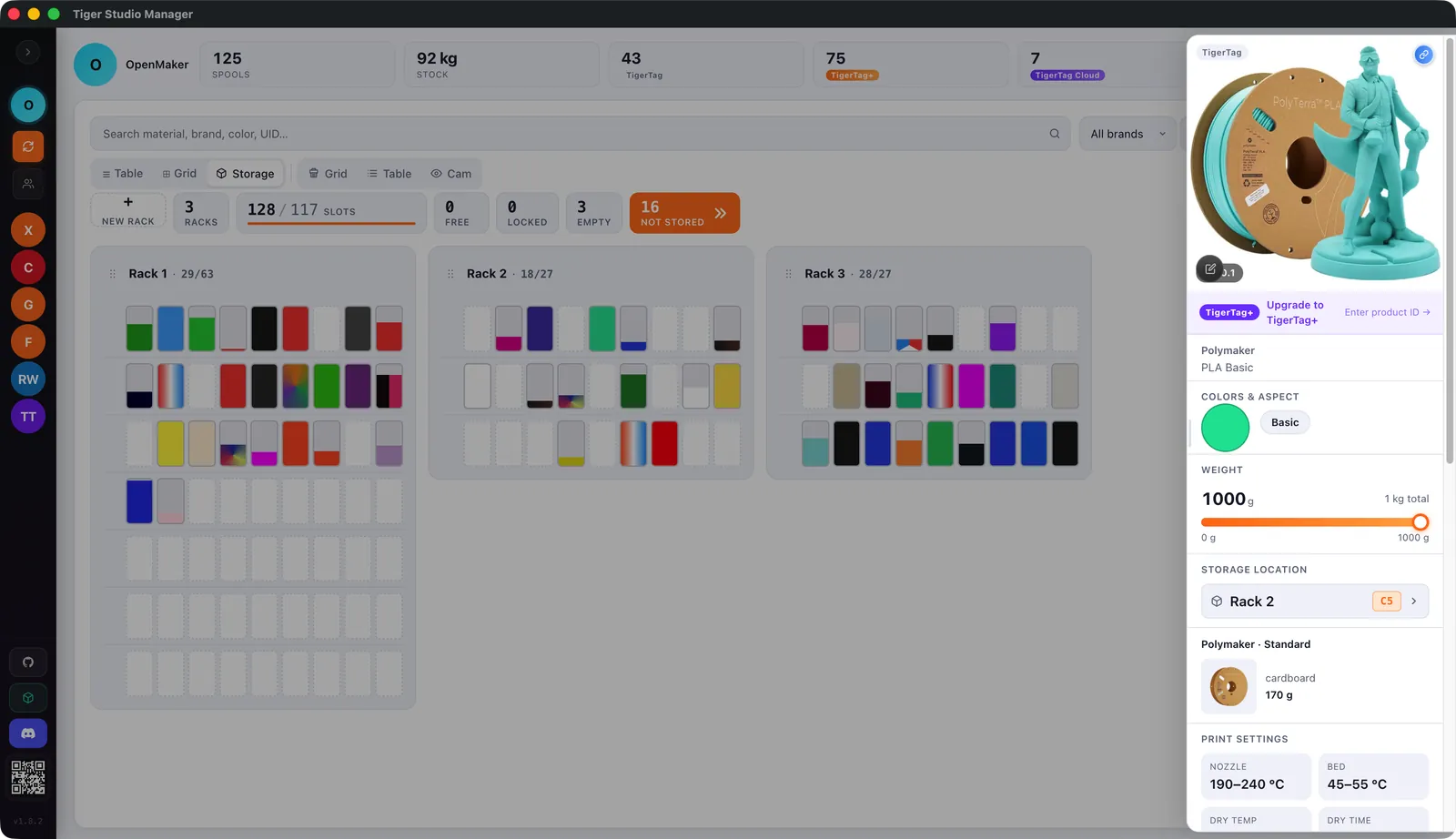
Draw your racks, up to three rows deep, drag spools onto their slots and always know where each spool sits; spools without a place stay in view.
With an ACR122U reader or a TigerPOD, scanning a chip opens its spool; write TigerTag chips, and link the MIFARE Classic chips already on other spools by their ID.
A TigerScale or a Dymo USB scale fills in weights by itself; the TD1S sensor reads a filament's colour and its transmission density (TD).
Share a friend code, view a friend's inventory read-only, and join the TigerSquad for free: quests, leagues and envelopes to open.
Export a spool or a whole selection to a portable .ttag file, then import it anywhere through a validate, preview and accept step.
Several TigerTag accounts, Google sign-in, eleven languages, and a dark or light theme that follows your account onto every computer.
Four views of the app as it ships: inventory, printers, storage and the camera wall.
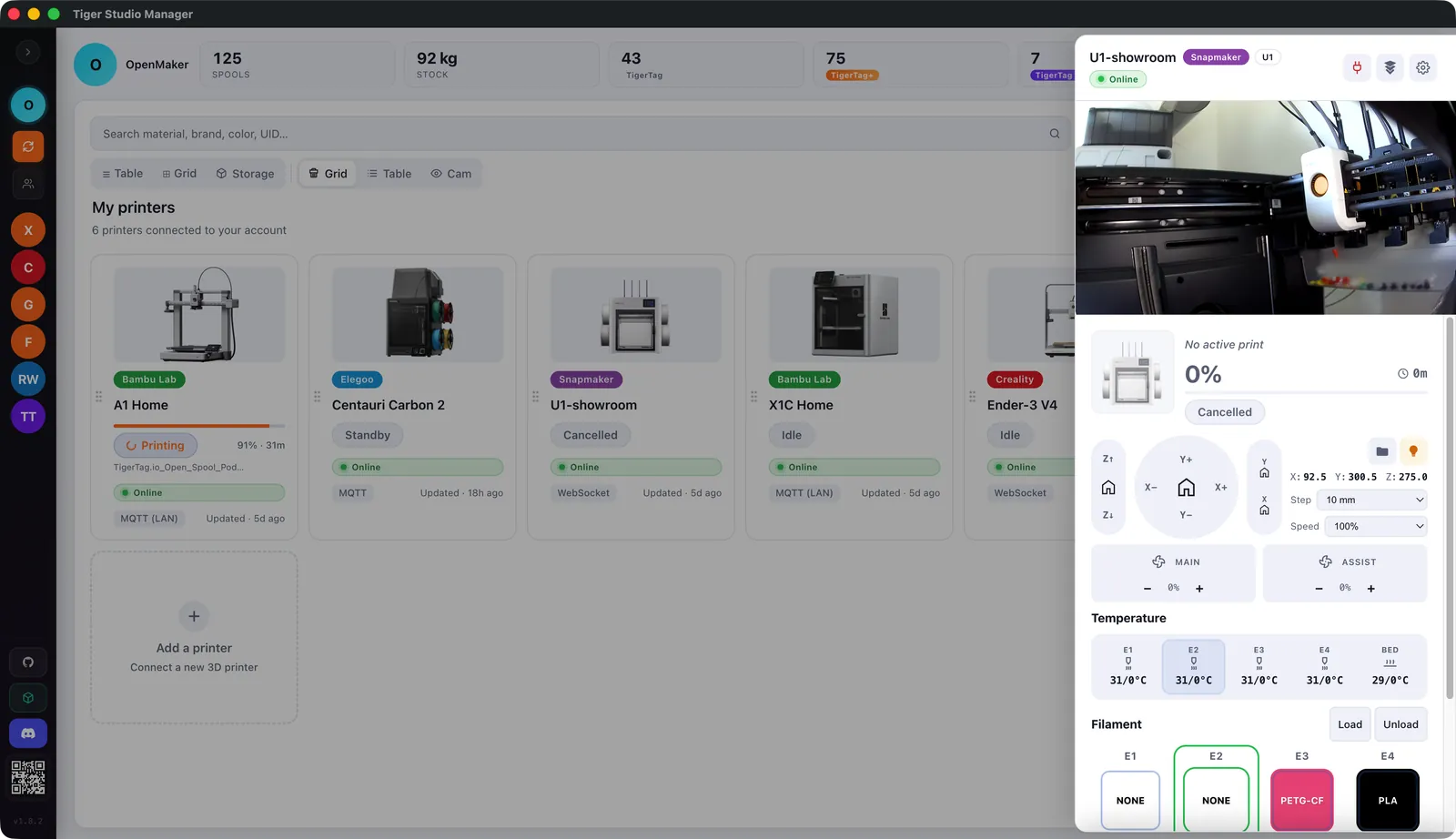
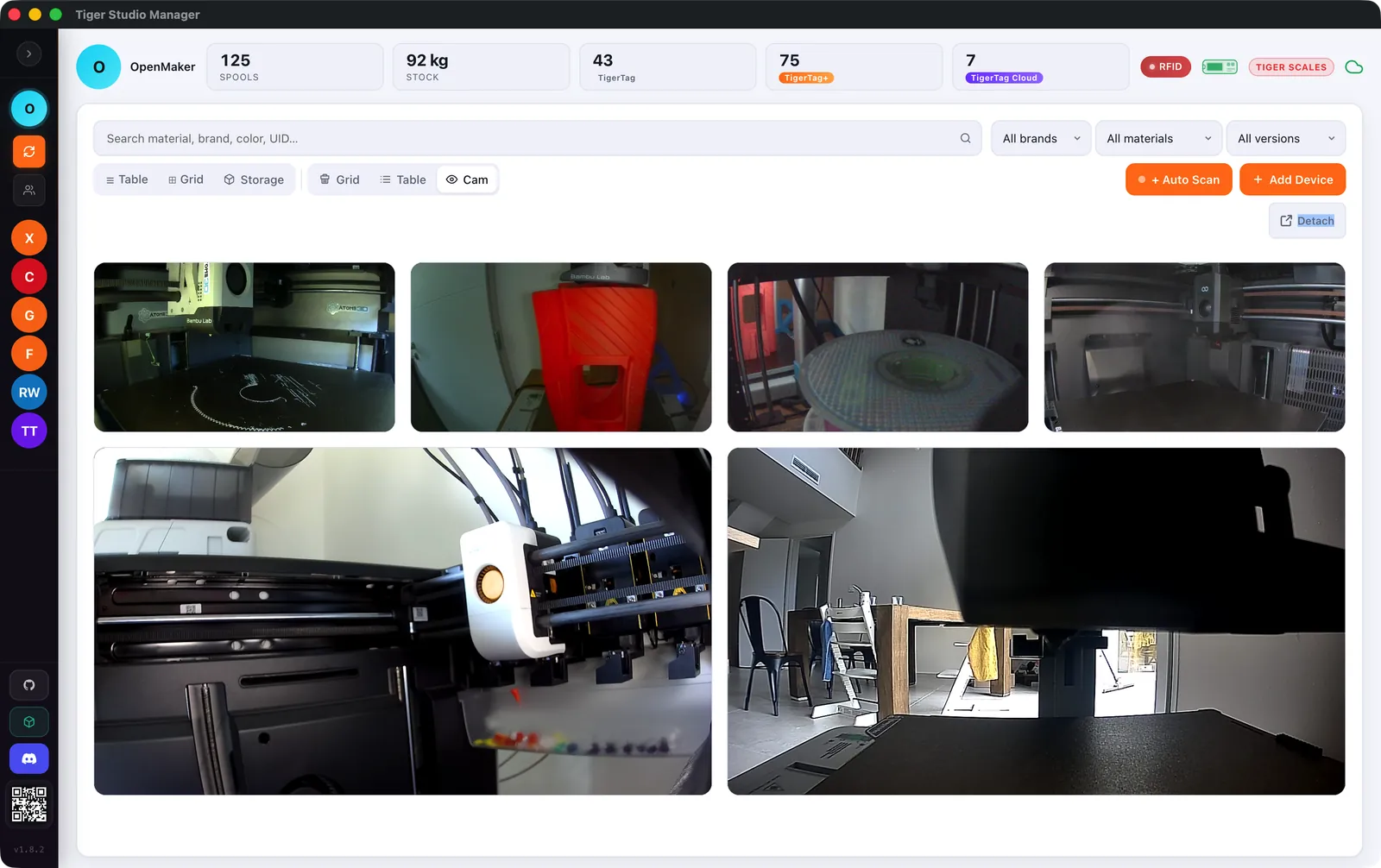
Tiger Studio Manager talks to each printer over its own protocol, on your network or through the maker's cloud where the brand offers it.
| Brand | Connection | Status |
|---|---|---|
| Anycubic | MQTTS 9883 (TLS) · cloud · ACE | Live |
| Bambu Lab | MQTTS 8883 (TLS) · AMS | Live |
| Creality | WebSocket 9999 · CFS | Live |
| Elegoo | MQTT 1883 · SDCP 3030 (Centauri Carbon 1) | Live CC1 Beta |
| FlashForge | HTTP 8898 · matlStation | Live |
| Prusa | PrusaLink HTTP 80 · MMU | Beta |
| Snapmaker | Moonraker WebSocket 7125 | Live |
| Klipper | Moonraker HTTP 7125 · Happy Hare / AFC | Beta |
| OctoPrint | OctoPrint REST (Marlin) | Beta |
Status as listed in the project README. Beta: working, still being refined.
The Add-a-printer card searches every brand at once; printers are found on the network (mDNS and port scan) or added by IP, and Bambu Lab printers can be added by signing in to the Bambu account.
Place each machine on a plan with its filament units and a temperature widget; arrange the cameras the same way, take a photo or record a video from any of them.
Pick a model from the catalogue and Tiger Studio simulates it on its brand's real connection: it prints on its own, with temperatures, filament slots, camera, pause and stop.
Tiger Studio Manager works with the open-source devices and the mobile app of TigerSystem, all built around the open TigerTag NFC protocol.
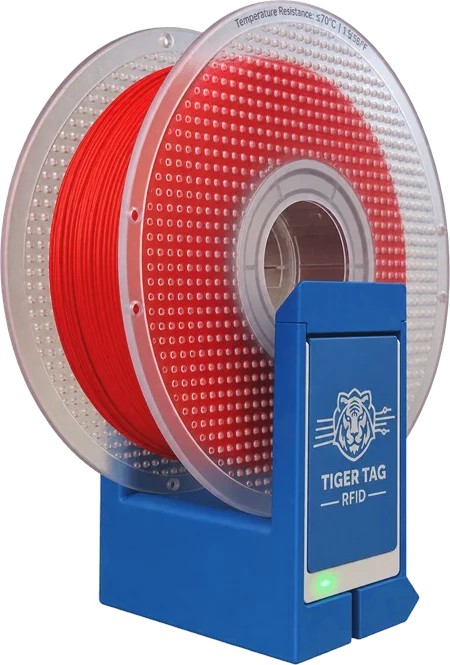
A free 3D-printable stand for one or two ACR122U readers: encode two chips in a single click.
Repository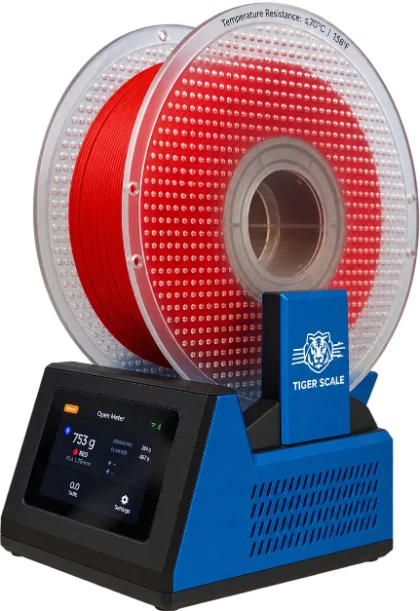
Open-source ESP32-S3 filament scale with a 3.5" touchscreen and two NFC readers; Studio shows its live weight.
Repository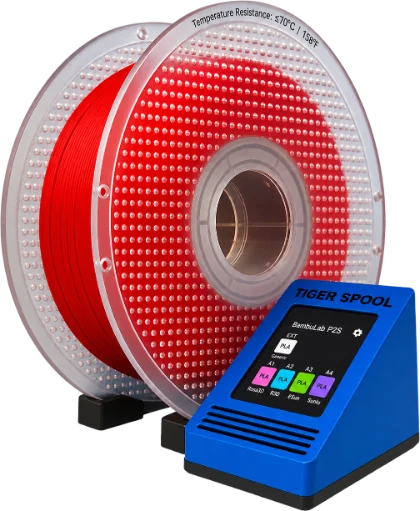
Open-source RFID reader that fills a printer's slot from a TigerTag spool; Studio shows each box live.
Repository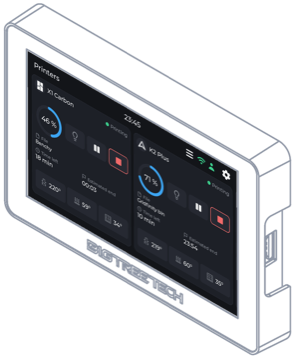
Open firmware for the BIGTREETECH Panda Touch and K-Touch 7" screens: the printers declared in Studio, live, without a computer.
Install from the browser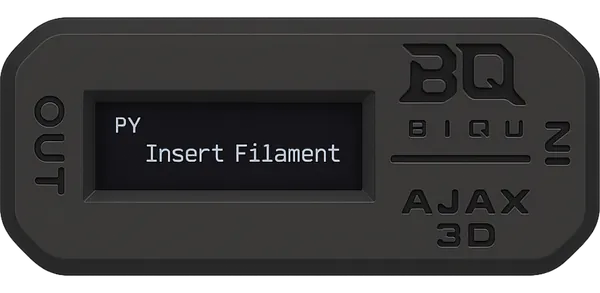
USB sensor that reads a filament's colour as a HEX value and its transmission density, written straight to the spool.
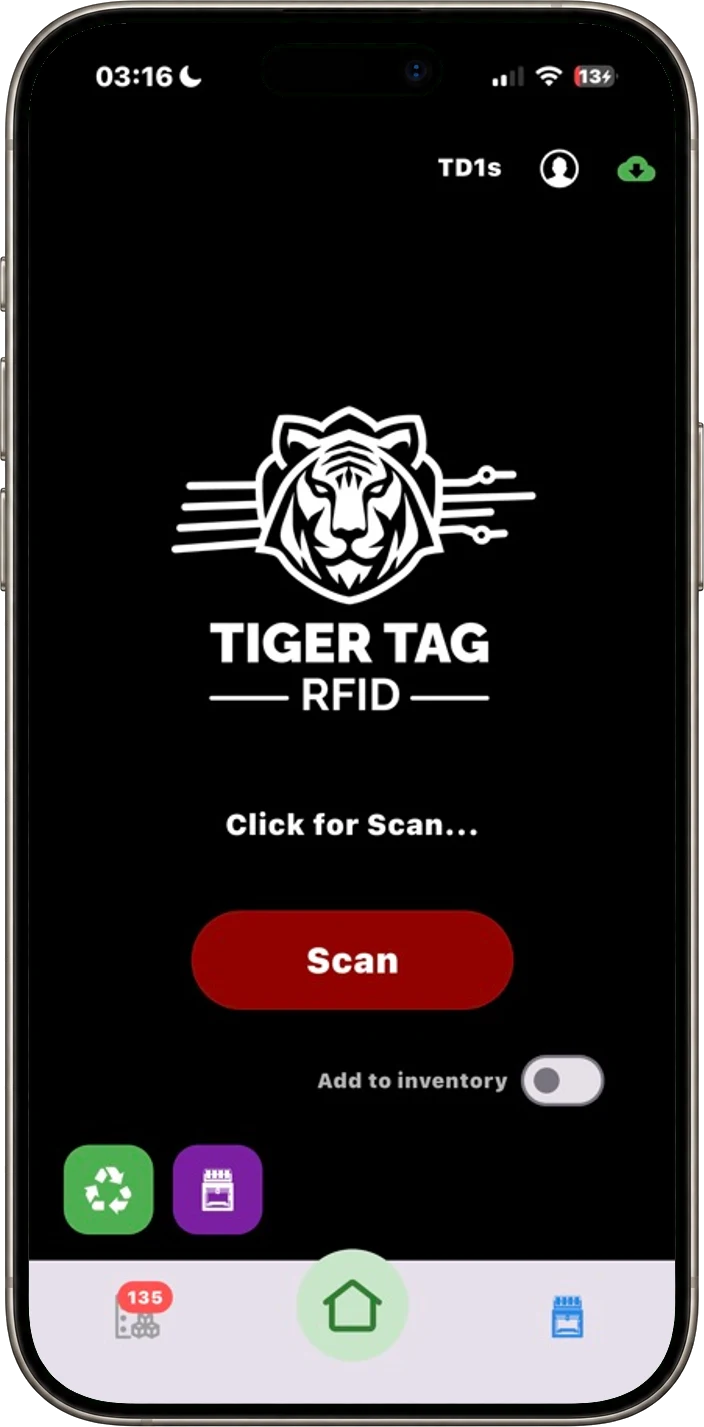
The iOS and Android app shares the same account and data: a change on one device appears on the other.
Get the apps on tigersystem.ioTiger Studio Manager is one piece of TigerSystem and a laboratory rather than the destination. It takes no side between filament brands, printer makers or distributors, and its code is readable, forkable and free to copy under the MIT licence.
The installers are attached to the latest release on GitHub, built by GitHub Actions for each platform. Once installed, the app updates itself from GitHub Releases.
Installer (.exe) and a portable version (.exe).
Latest releaseDisk image (.dmg) for Intel and Apple Silicon, signed and notarized.
Latest releaseAppImage, a single file to run.
Latest releaseThe same Studio in a browser, on a computer or a tablet, with the same account and always the same version as the desktop app. NFC readers, sensors and printers stay desktop-only for now.
studio.tigersystem.ioRequires Node.js 24 or later and npm 10 or later; on Linux, the PC/SC and libusb development packages.
git clone --recurse-submodules https://github.com/TigerTag-Project/TigerTag-Studio-Manager.git
cd TigerTag-Studio-Manager
npm install
npm startTiger Studio Manager is a desktop app for Windows, macOS and Linux that manages 3D-printing filament spools tagged with TigerTag NFC chips: inventory synced with your account, live 3D printers, storage racks, NFC chip reading and writing, scales and colour sensors.
Yes. It is open source under the MIT licence; the installers are published on the project's GitHub Releases page and the source code is on GitHub.
Windows (installer and portable .exe), macOS (.dmg for Intel and Apple Silicon, signed and notarized) and Linux (AppImage). Tiger Studio Web runs the same app in a browser at studio.tigersystem.io.
About 380 printer models are in its catalogue. Seven brands are connected natively (Bambu Lab, Creality, Elegoo, FlashForge, Snapmaker, Anycubic and Prusa), plus any Klipper printer through Moonraker and any Marlin printer behind OctoPrint; Prusa, Klipper and OctoPrint are in beta.
No. The app works without a reader: a TigerData is a spool with no chip, and a TigerData+ is a digital spool tied to a real catalogue product. An ACR122U reader or a TigerPOD adds automatic spool identification and chip writing.
Yes, a TigerTag account, created on tigersystem.io; Google sign-in is supported. The same account works in the TigerTag RFID Connect mobile app and in Tiger Studio Web, with the same data.
The app installs new versions by itself from the published GitHub Release, and Tiger Studio Web always runs the same version as the desktop app. Every change is listed in the CHANGELOG.
Free and open source, for Windows, macOS and Linux.